Map animation & travel vlog graphics
Make a travel map animation, flight path or travel vlog intro in your browser: type your stops, cities or dates, pick colours and export. 33 generators cover route maps with a plane, car, train or boat, globe flight arcs, boarding passes, passport stamps, departure boards, world clocks and trip-wrapped stats. Free downloads (10 a day) carry a small dropmotion.io mark and clean HD comes with a $3 day pass; both drop into CapCut, Premiere Pro or DaVinci Resolve, and every page also runs live in OBS.
33 generators · free to preview and download, 10 a day with a small mark · clean files from a $3 day pass · MP4, transparent WebM, green screen or PNG · 16:9, 9:16, 1:1 and strip.
Open the Studio →Which travel map animation should I use?
Maps, routes and locations
- Travel route map — a plane, car, train or boat travels between your stops with photo pins and a distance counter; the classic travel route map.
- Globe flight arc — a glowing arc joins two cities on a spinning wireframe globe while a plane crosses it; long-haul flights.
- Location pin — a location pin drops and bounces onto a map with the place name; “we’re in Lisbon” moments.
- In-flight map — the seat-back flight map with time to destination, altitude and ground speed ticking; flying-day vlogs.
Flights and arrivals
- Boarding pass — a boarding pass slides out with your airport codes, date, seat and name; trip announcements and flight-day openers.
- Passport stamp — an entry stamp slams onto a passport page with the country, date and ADMITTED; arrival moments.
- Airplane window — clouds drift past a plane window with a flight-info overlay; travel-day transitions.
Travel vlog intros and chapters
- Day chapter card — a big day number with the place and the plan; the chapter card between vlog segments.
- Destination weather — the city, temperature and conditions with a local-time clock; the first card of a trip vlog.
- Trip countdown card — a postcard card with a days-to-go number that flips down; pre-trip hype.
Trip stats and recaps
- Trip wrapped stats — countries, cities, kilometres and photos count up on a gradient card; year-in-travel recaps.
- Globe with pins — pins pop onto your visited cities on a turning globe; “everywhere we went” videos.
- Trip budget breakdown — a stacked bar splits your trip cost into flights, hotel, food and more while the total counts up; “what I spent” videos.
- Distance odometer — rolling digits count up to your total distance with a label; “12,480 km this year”.
How to make a travel map animation online for free
- Pick an effect from the list below, such as the travel route map, globe flight arc, boarding pass or Earth zoom-in. It opens in the Studio right in your browser, with nothing to install.
- Type your stops, cities, dates or airport codes and add photos where the effect takes them. Choose a colour scheme and a size: Landscape 16:9 for YouTube, Vertical 9:16 for Shorts, Reels and TikTok, Square 1:1 or a Wide strip 1920×540.
- Press “Download video”. Free downloads, up to 10 a day with no account, are 1080p MP4s with a small dropmotion.io mark under the animation and a “Made with dropmotion.io” banner along the bottom; a $3 day pass or Unlimited gives clean HD files. Drop it into your vlog in CapCut, Premiere Pro or DaVinci Resolve; a green background keys out with chroma key.
All 33 travel generators
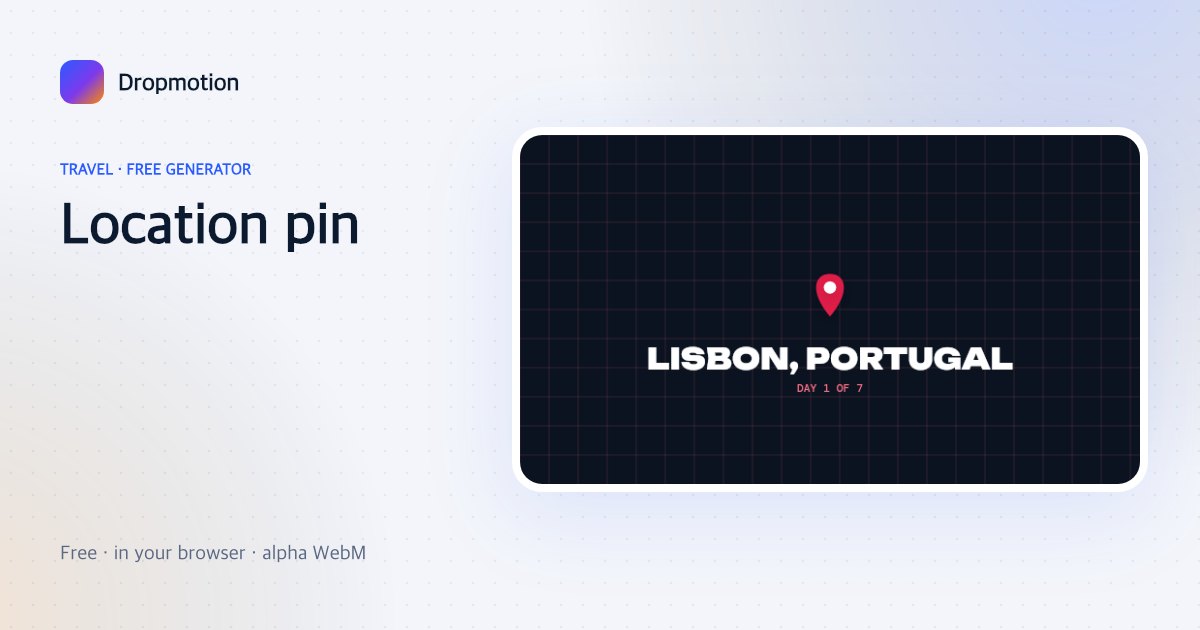
Location pin
A map pin drops and bounces onto a stylised map with the place name — “we’re in Lisbon”.
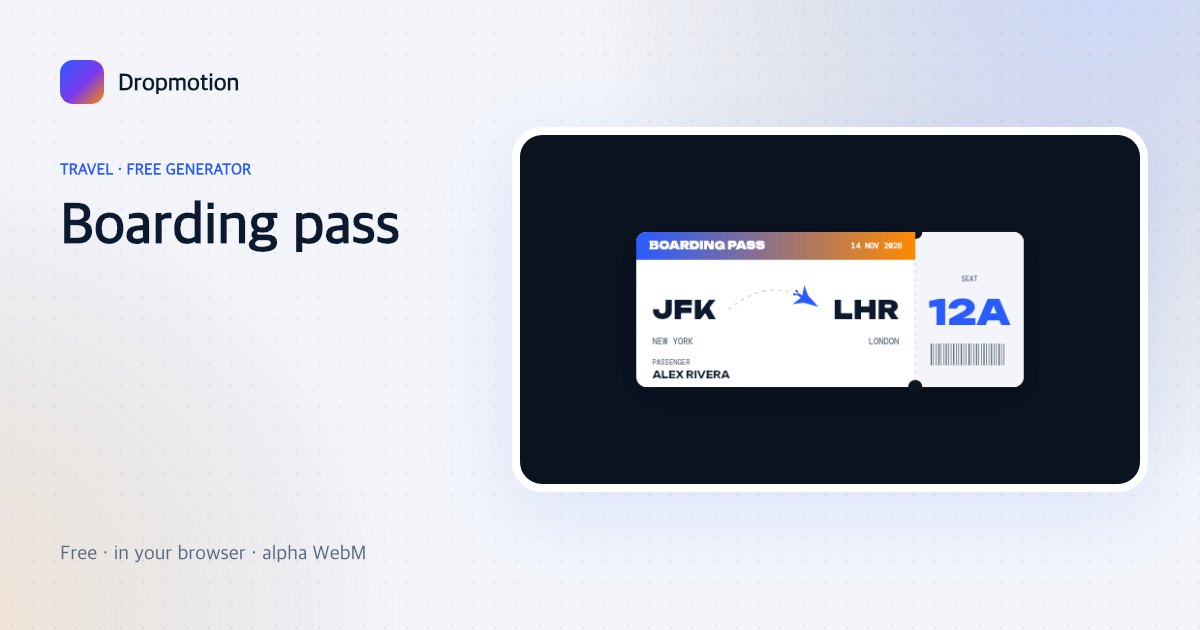
Boarding pass
A boarding pass slides out of an envelope: from → to, date, seat, with a plane that flies the dotted line.
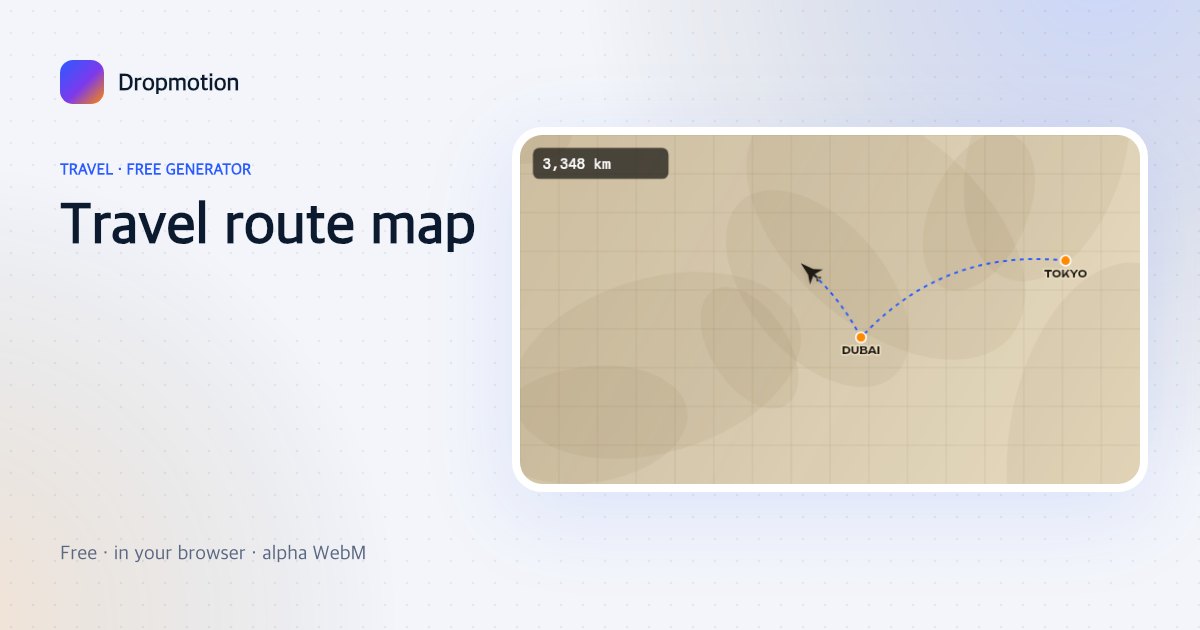
Travel route map
Stops become a route; a plane, car, train or boat travels it with photo pins and a live distance counter. The page we are building the whole product around.
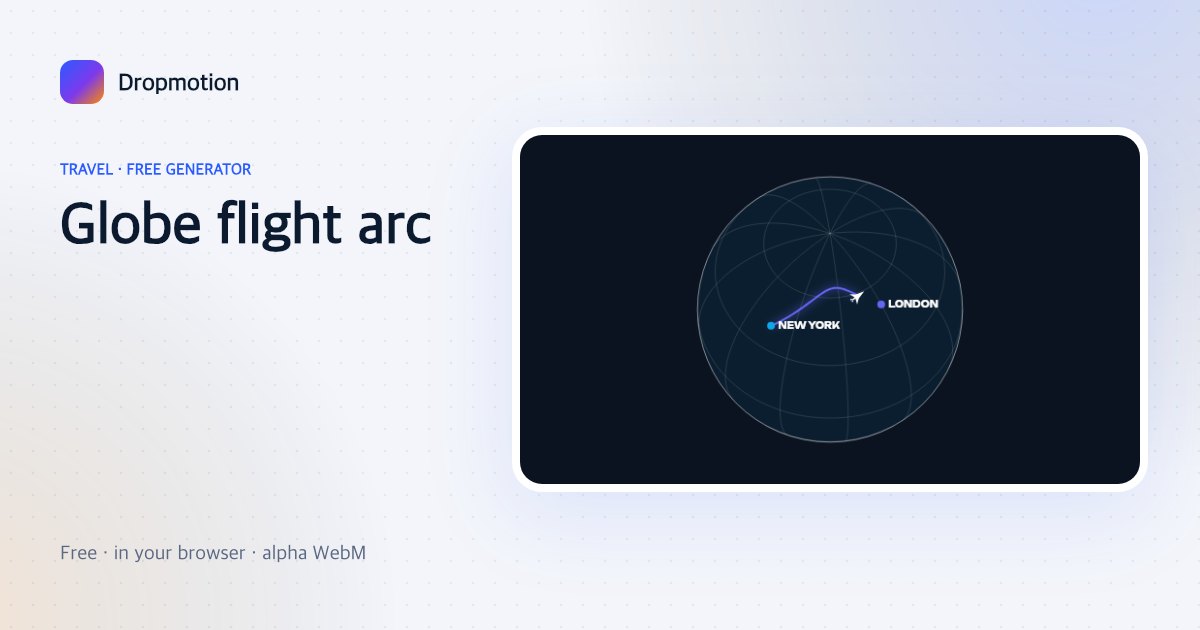
Globe flight arc
A wireframe globe spins while a glowing arc connects two cities and a plane crosses it — the intercontinental shot.
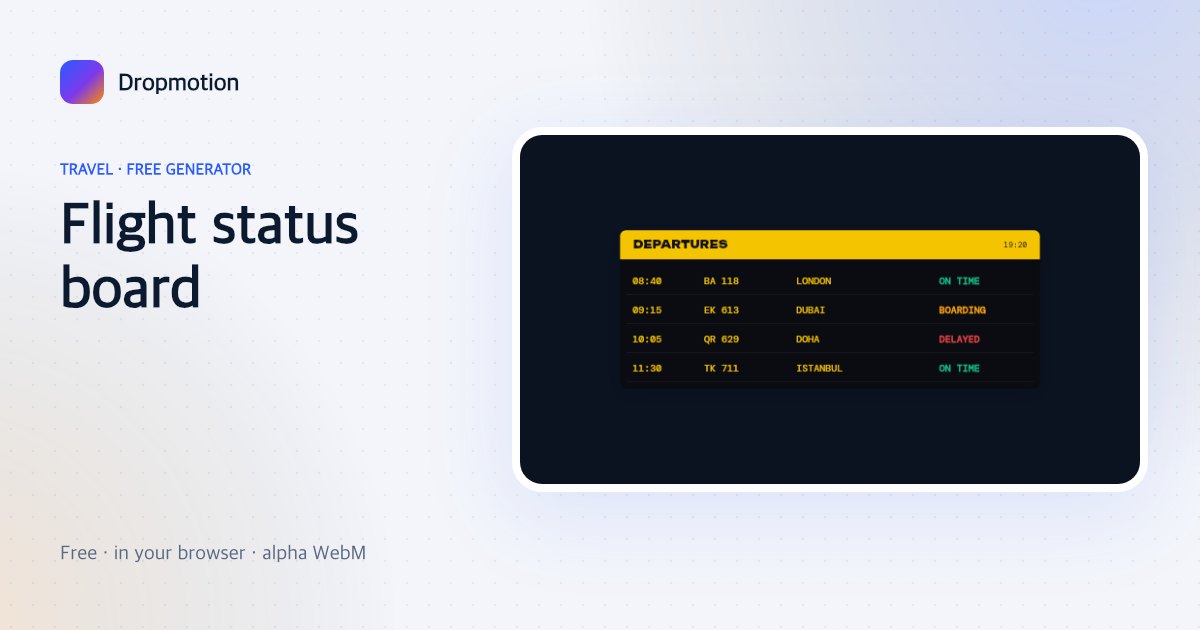
Flight status board
Airport-style departures rows fill in with status colours — flight-day openers and travel recaps.
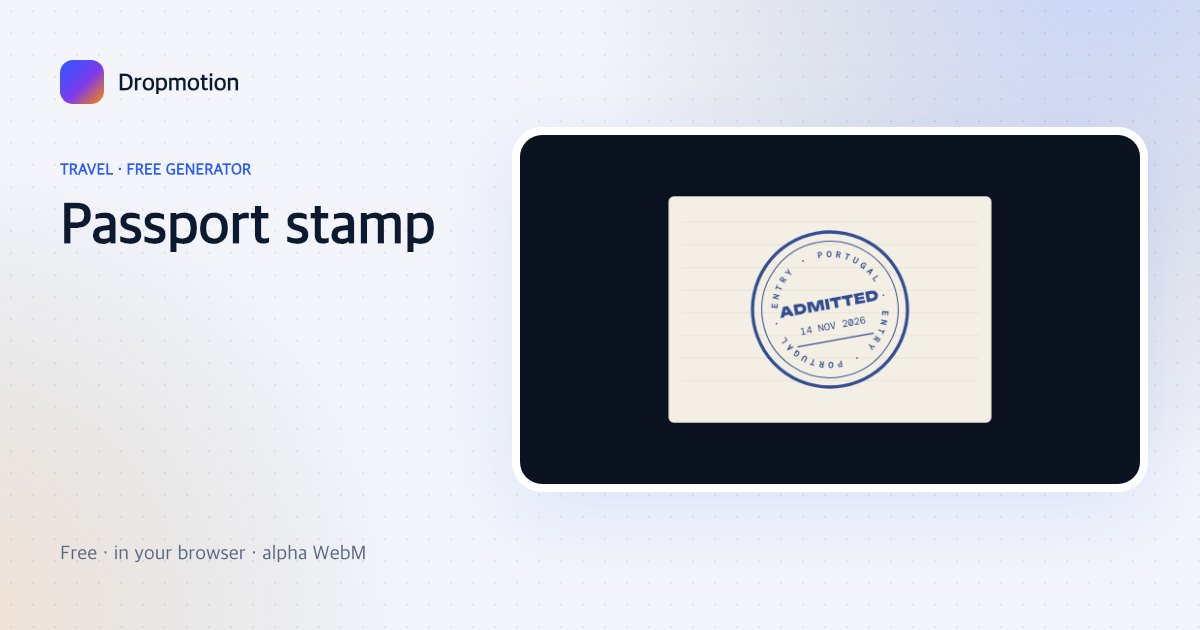
Passport stamp
An entry stamp slams onto a passport page with country, date and “ADMITTED” — arrival moments.
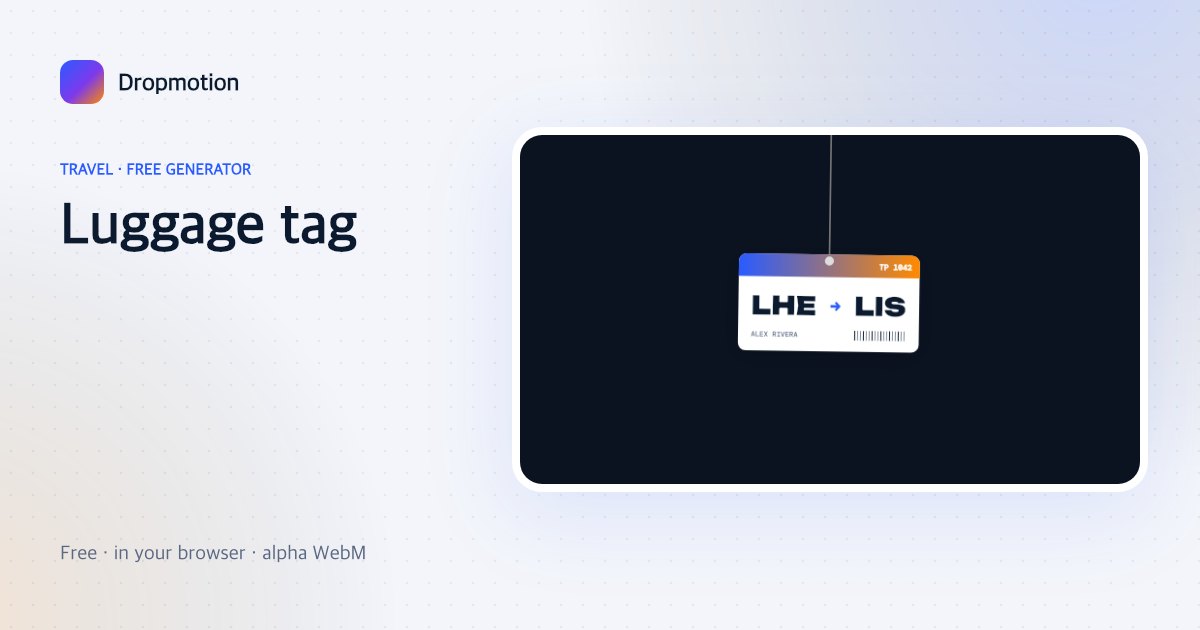
Luggage tag
A swinging bag tag with airport codes, flight and name — flight-day intros.
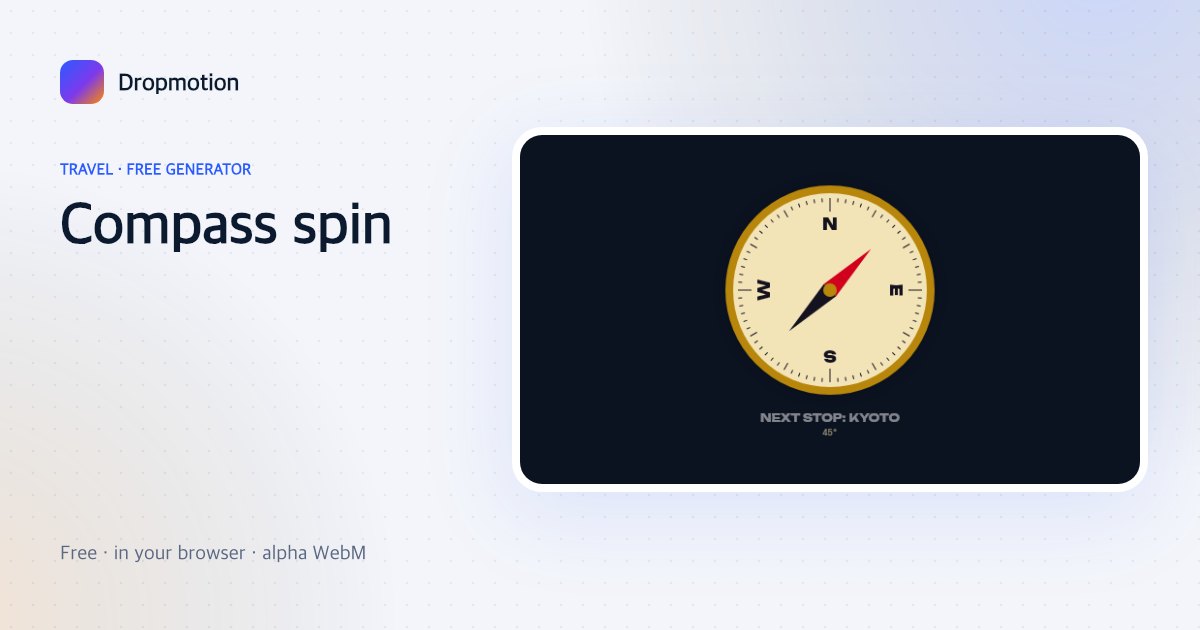
Compass spin
A compass needle spins, wobbles and settles on a heading with a place name — “heading north”.
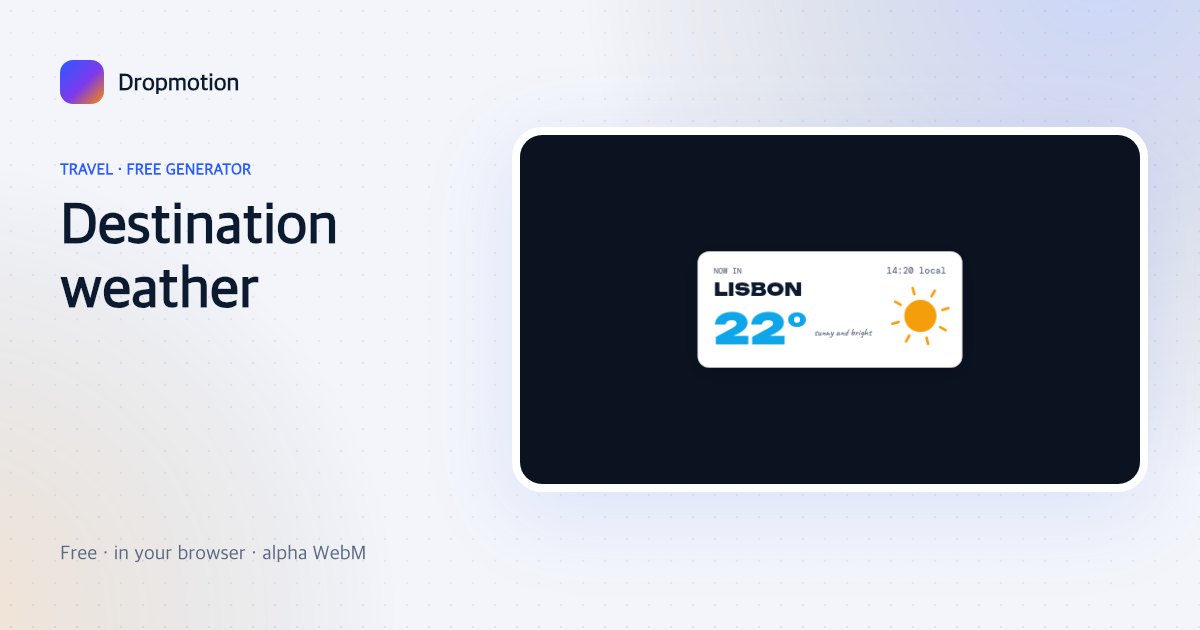
Destination weather
“Now in Lisbon: 22° and sunny” with a local-time clock — the first card of any trip vlog.
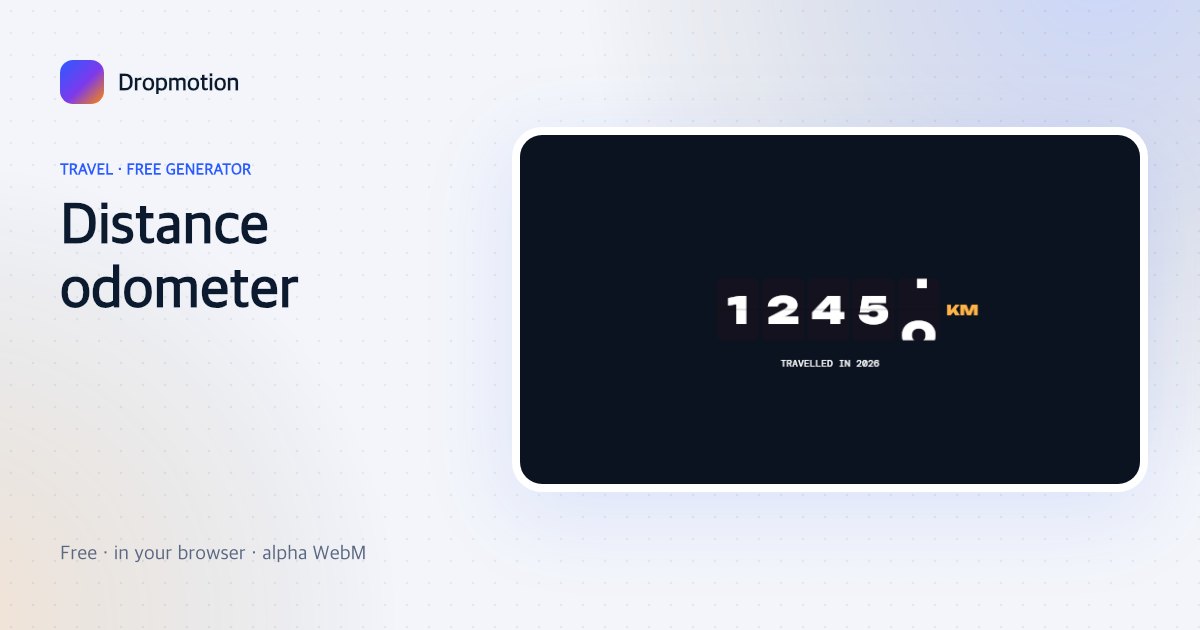
Distance odometer
Rolling odometer digits count to your total with a unit and a label — “12,480 km this year”.
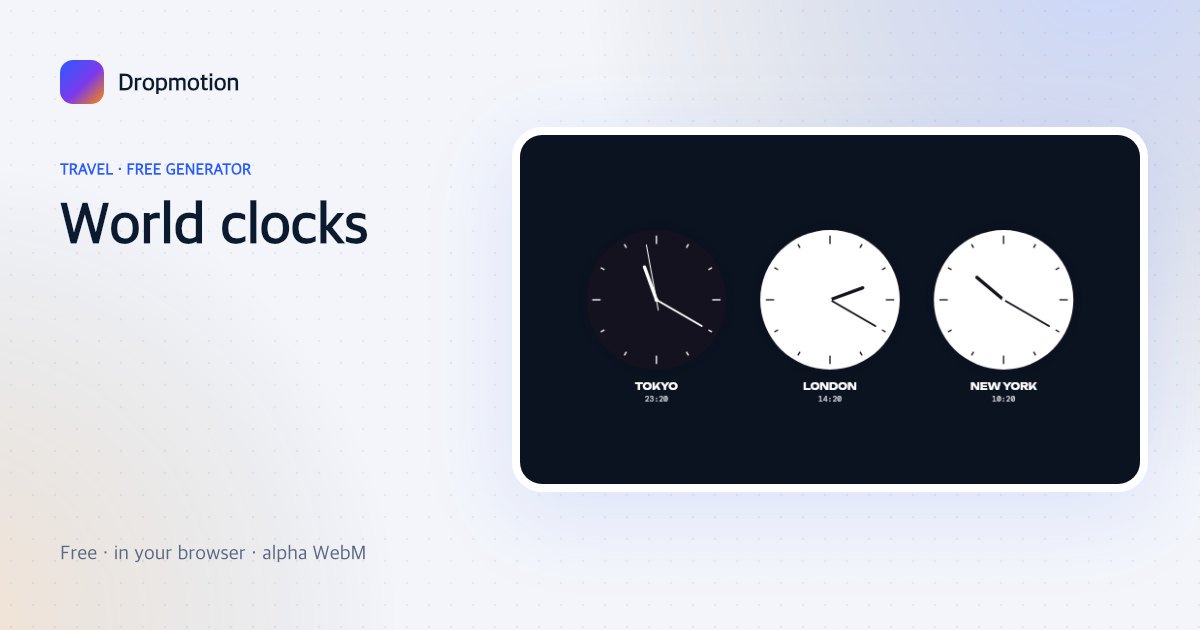
World clocks
Three analog clocks tick live for three cities — “where my team is”, remote-work and travel content.
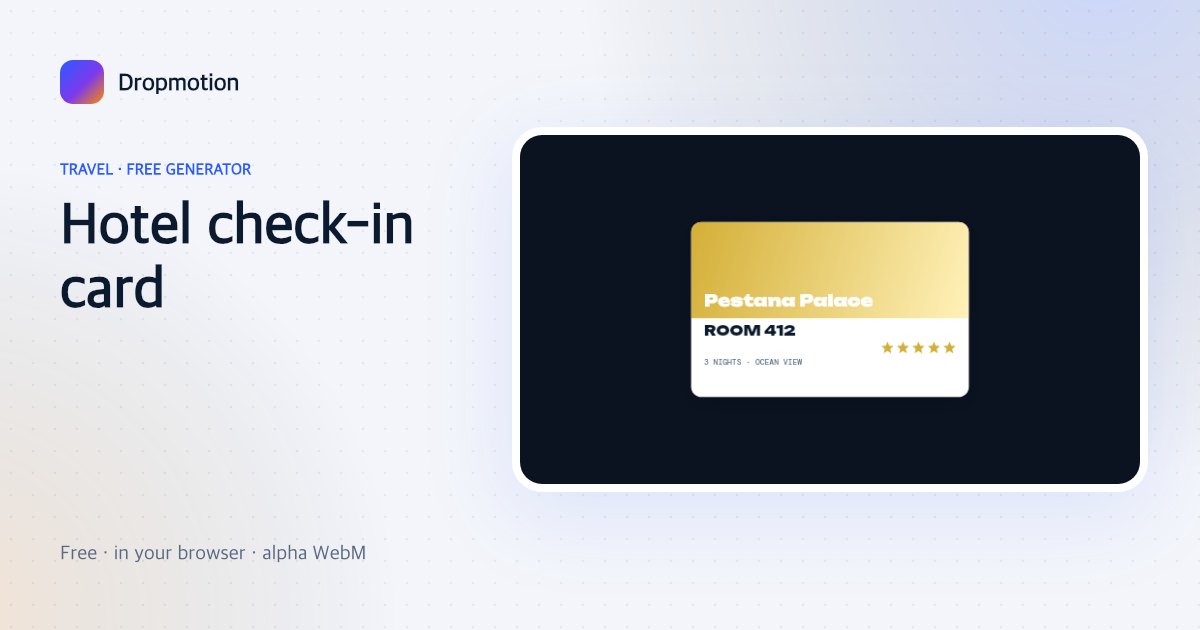
Hotel check-in card
A key-card style card flips in with hotel name, room, nights and a star rating — accommodation reveals.
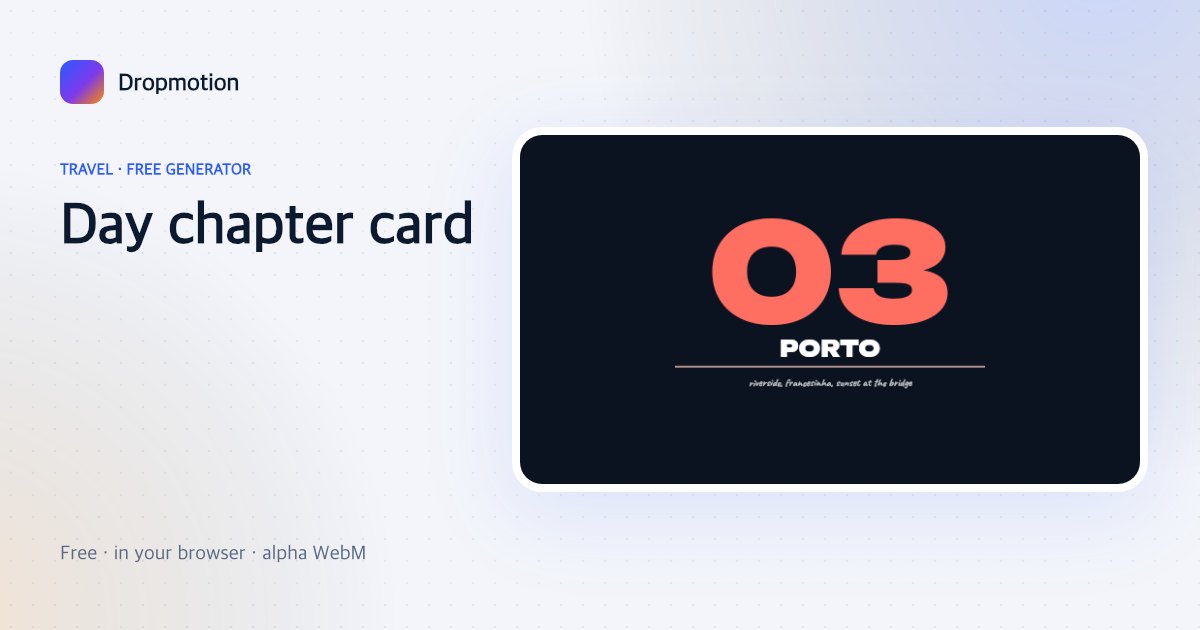
Day chapter card
A big day number with the place and a one-line plan — the chapter card between vlog segments.
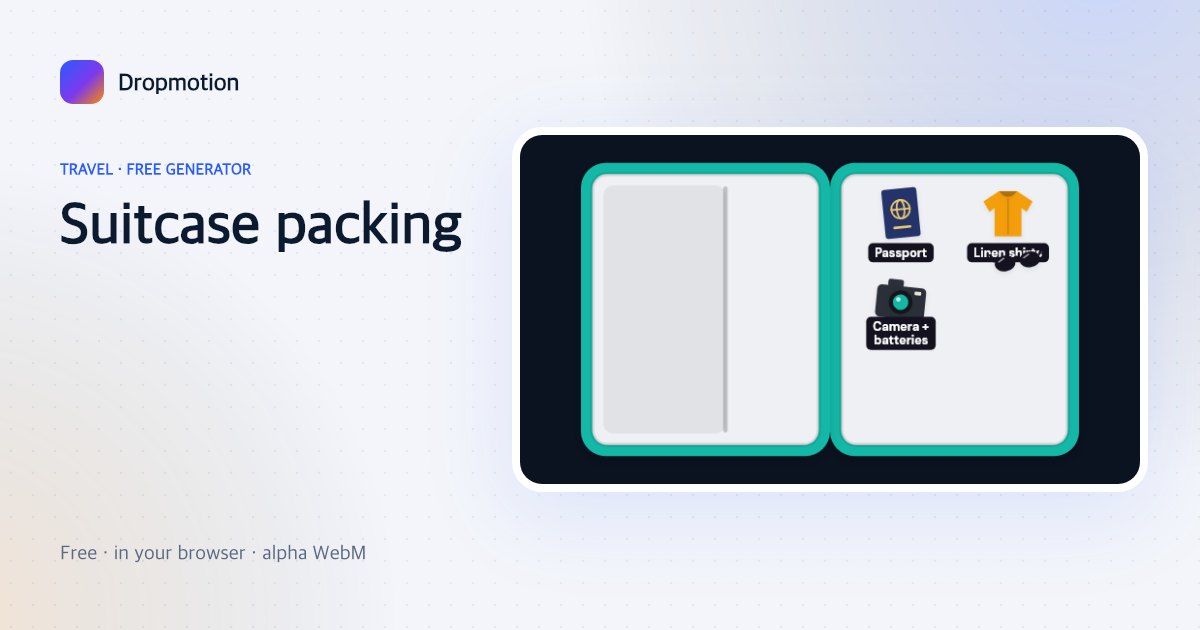
Suitcase packing
Your packing list flies into an open suitcase item by item, then the lid shuts, zips and a trip tag swings on — pre-trip videos.
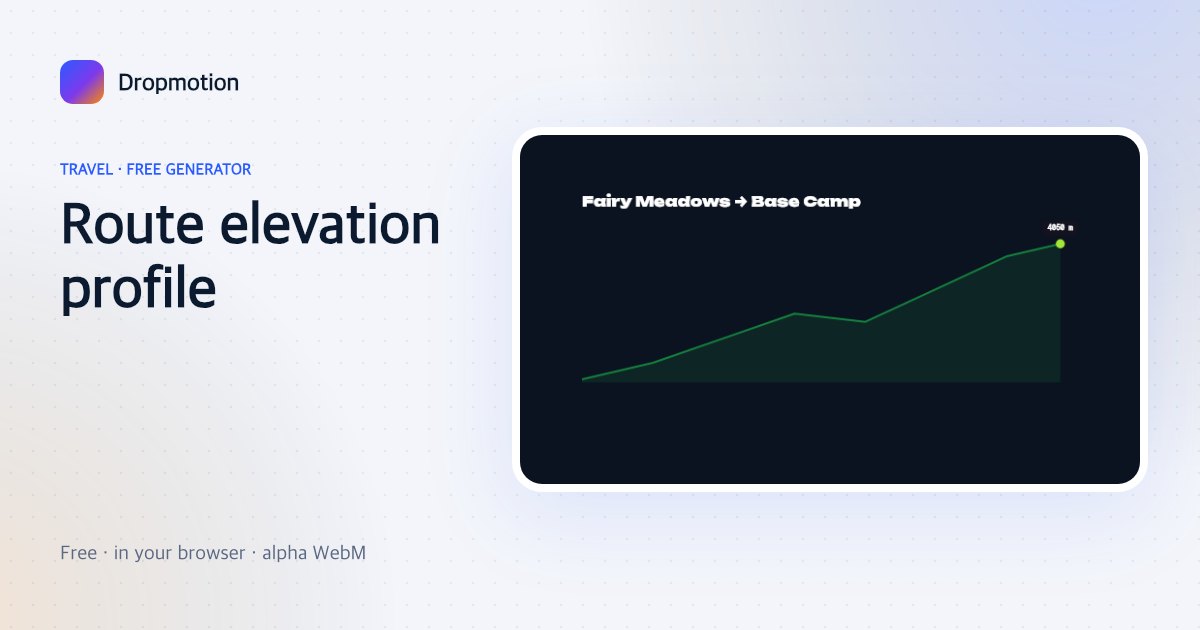
Route elevation profile
A hike or ride elevation profile draws itself with distance and gain stats — trail and cycling recaps.
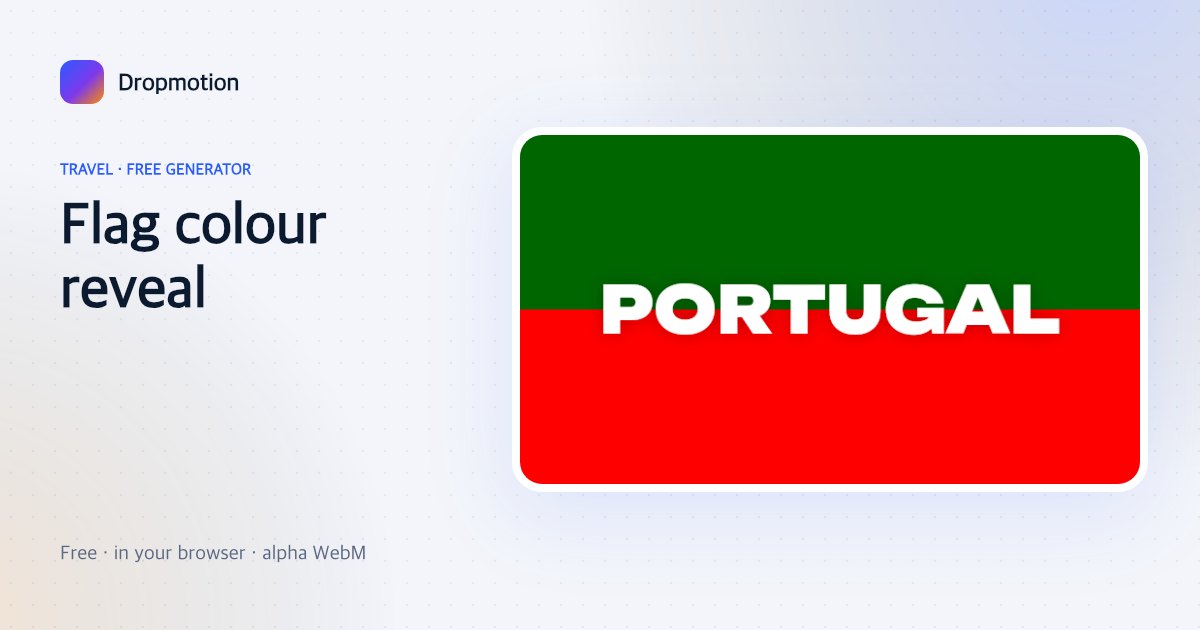
Flag colour reveal
Horizontal bands in a country’s colours wipe across under its name — “next country” transitions.
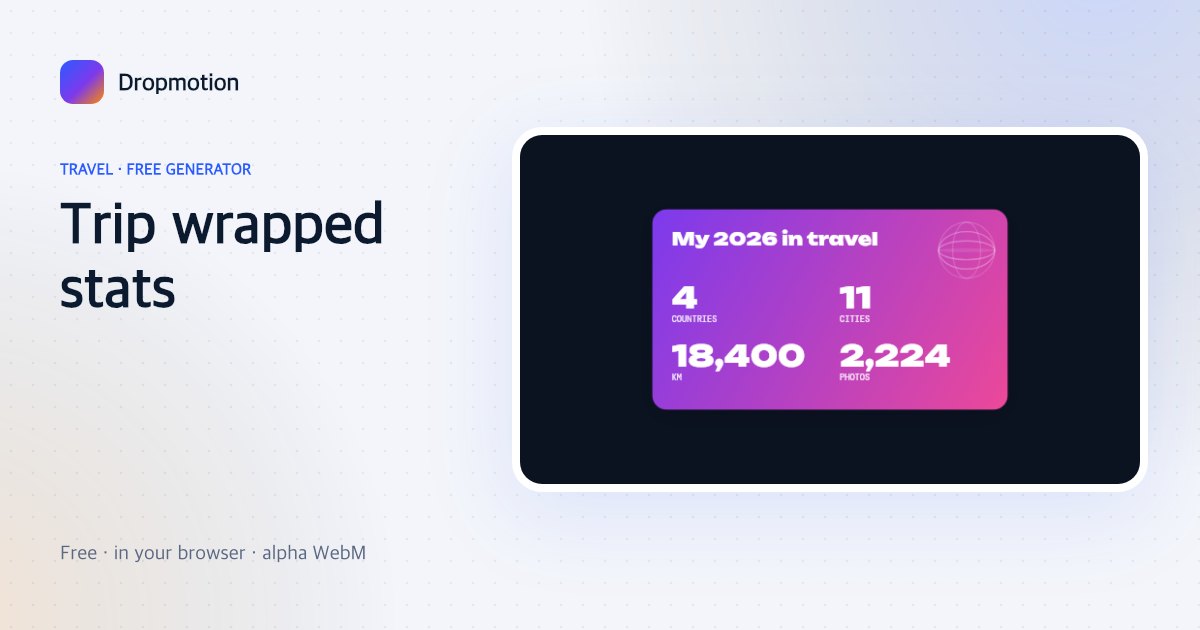
Trip wrapped stats
Countries, cities, kilometres, photos — four counters on a gradient card with a globe doodle.
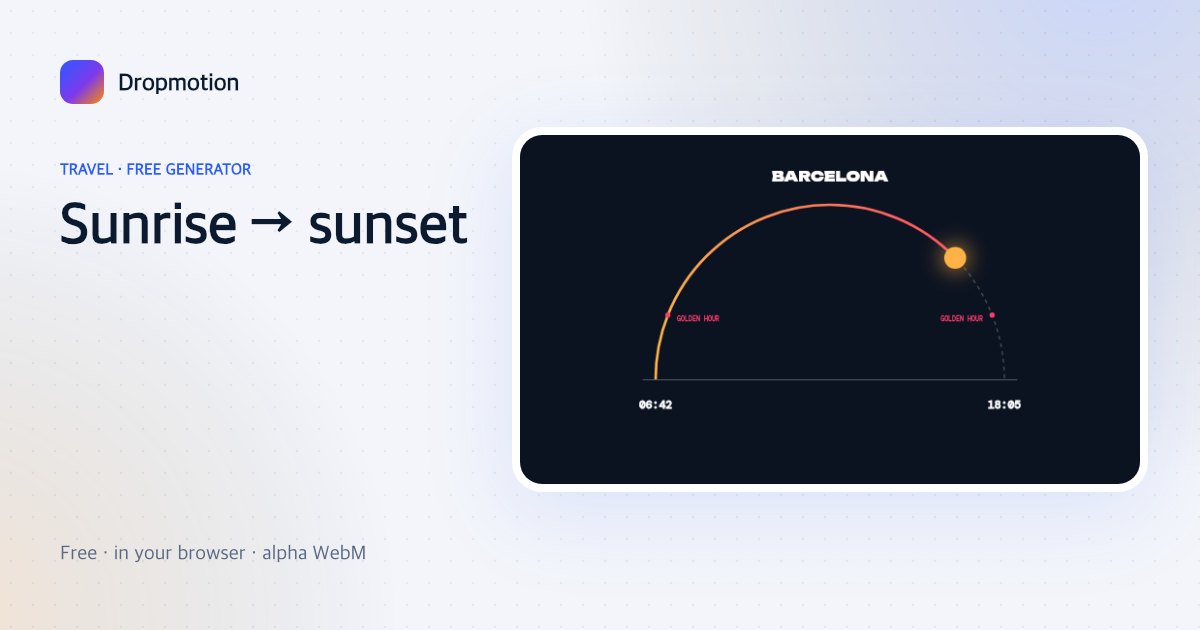
Sunrise → sunset
A sun travels its arc from sunrise to sunset with times and a “golden hour” marker — daily vlog headers.
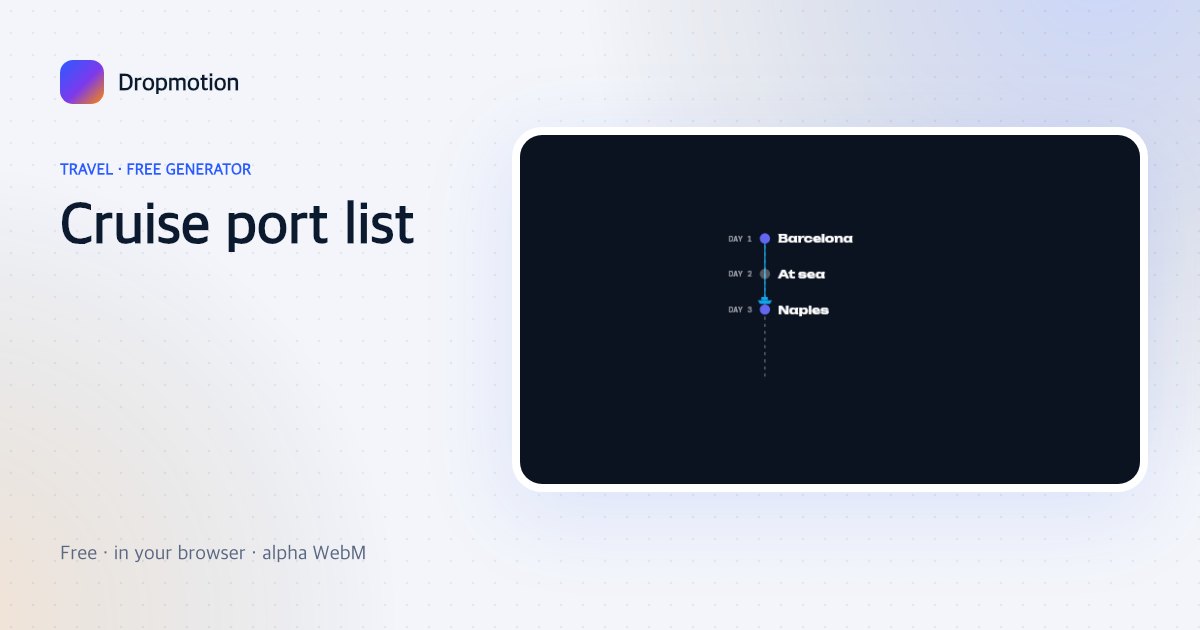
Cruise port list
Ports of call appear down a dotted line with day numbers and a little ship that sails between them.
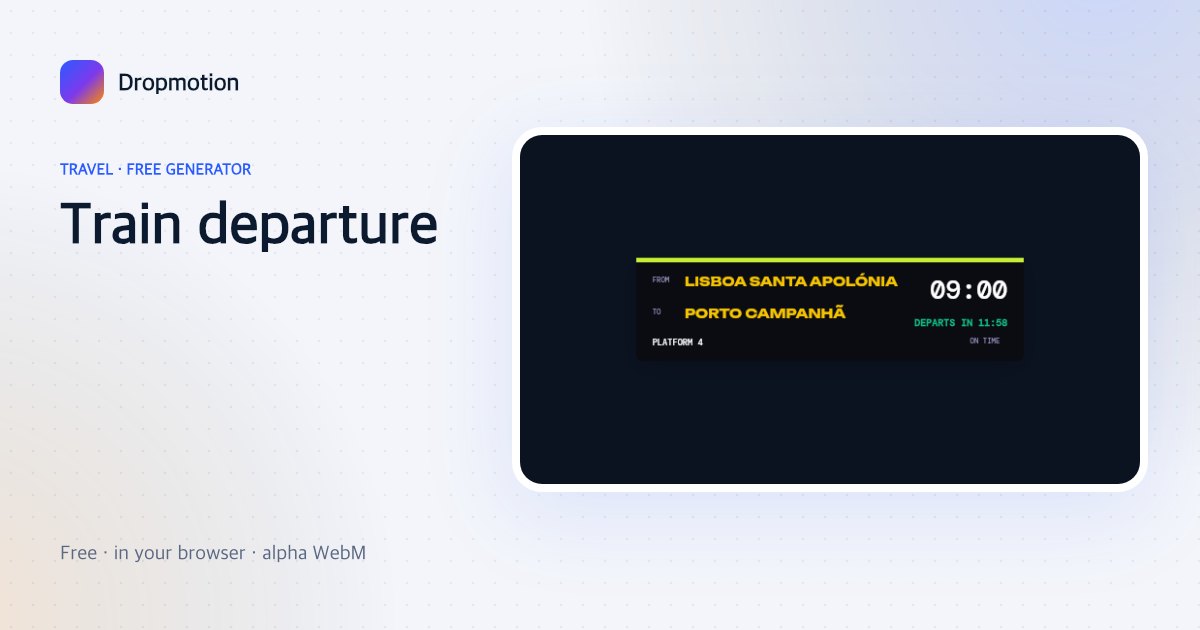
Train departure
A platform-style sign: route, departure time counting down, platform number — rail-trip openers.
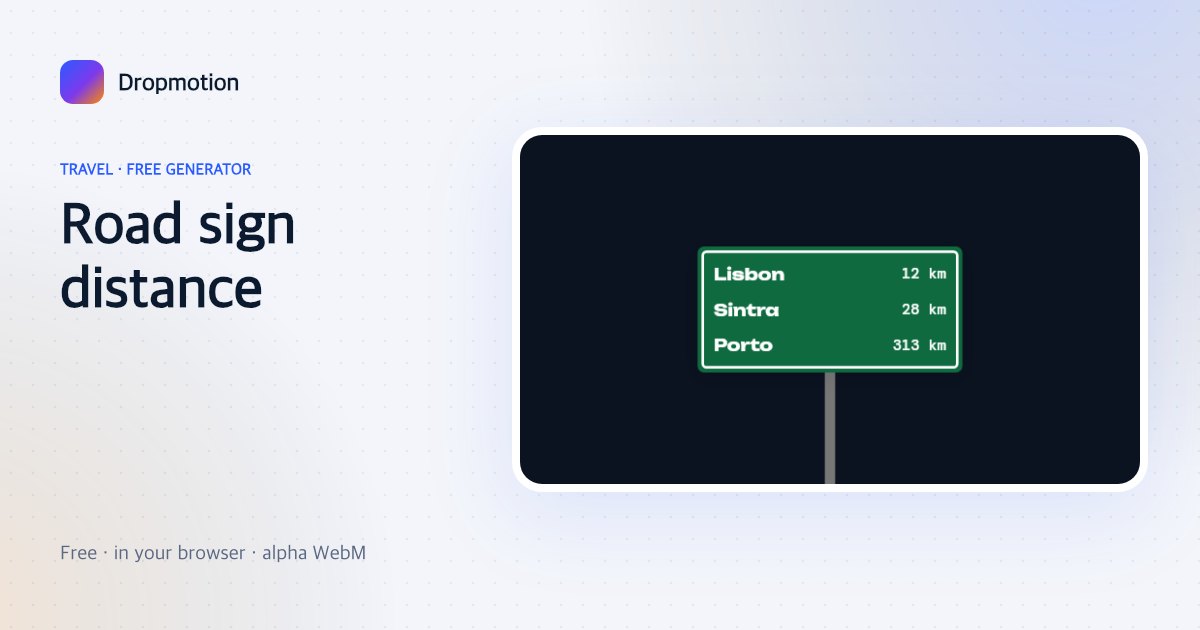
Road sign distance
A green highway sign slides in with up to three destinations and distances — road-trip markers.
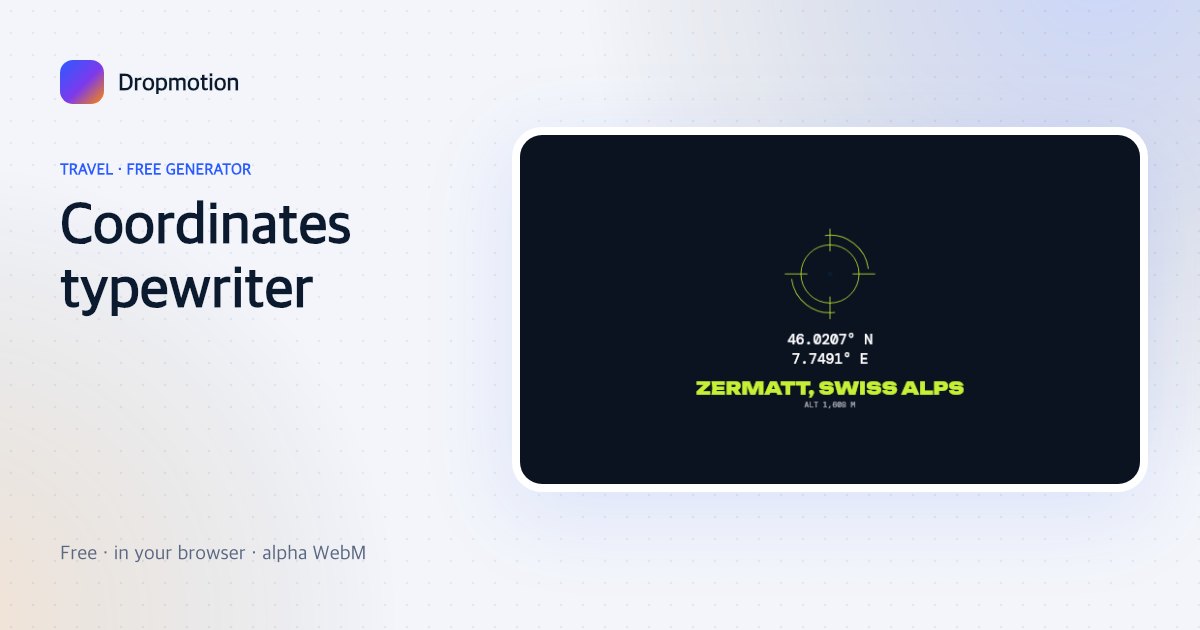
Coordinates typewriter
Latitude and longitude type out in mono with a crosshair and place name — mysterious location reveals.
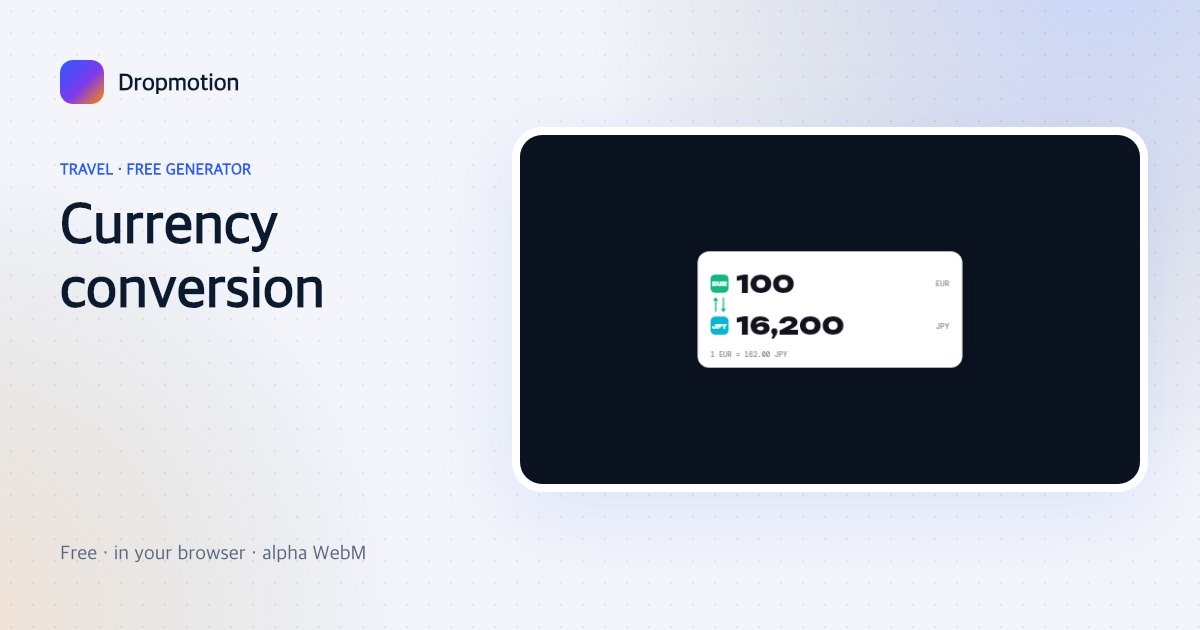
Currency conversion
“100 EUR = 16,200 JPY” with flags as colour chips and a rate line — travel budgeting content.
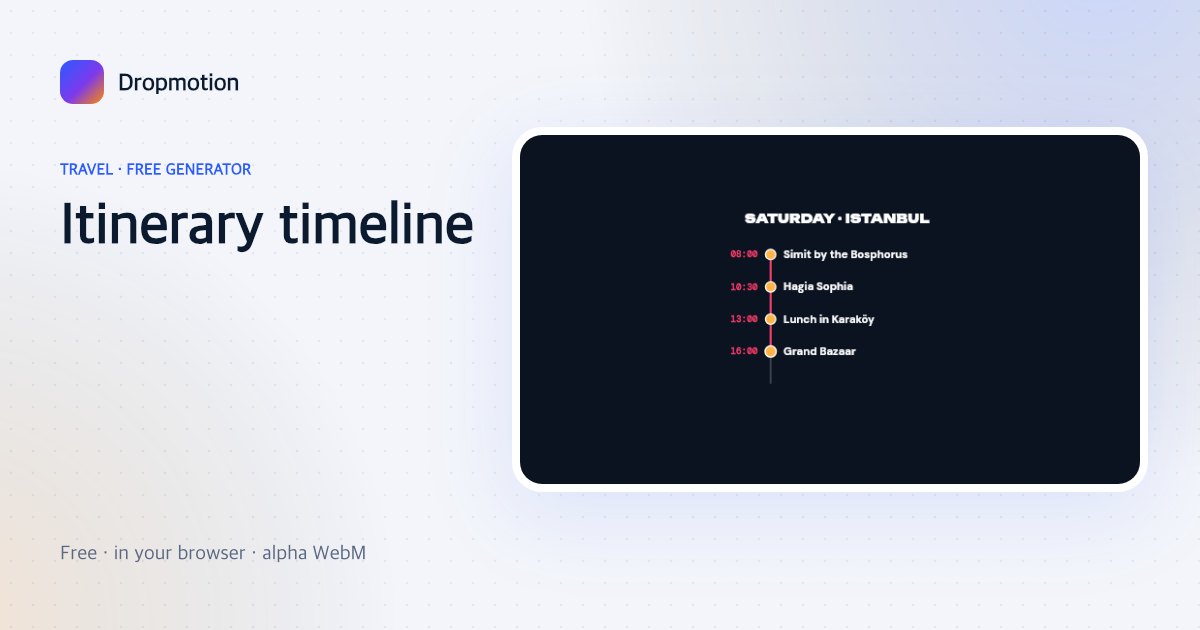
Itinerary timeline
Times and stops appear down a vertical timeline with icons — “a day in Istanbul” planners.
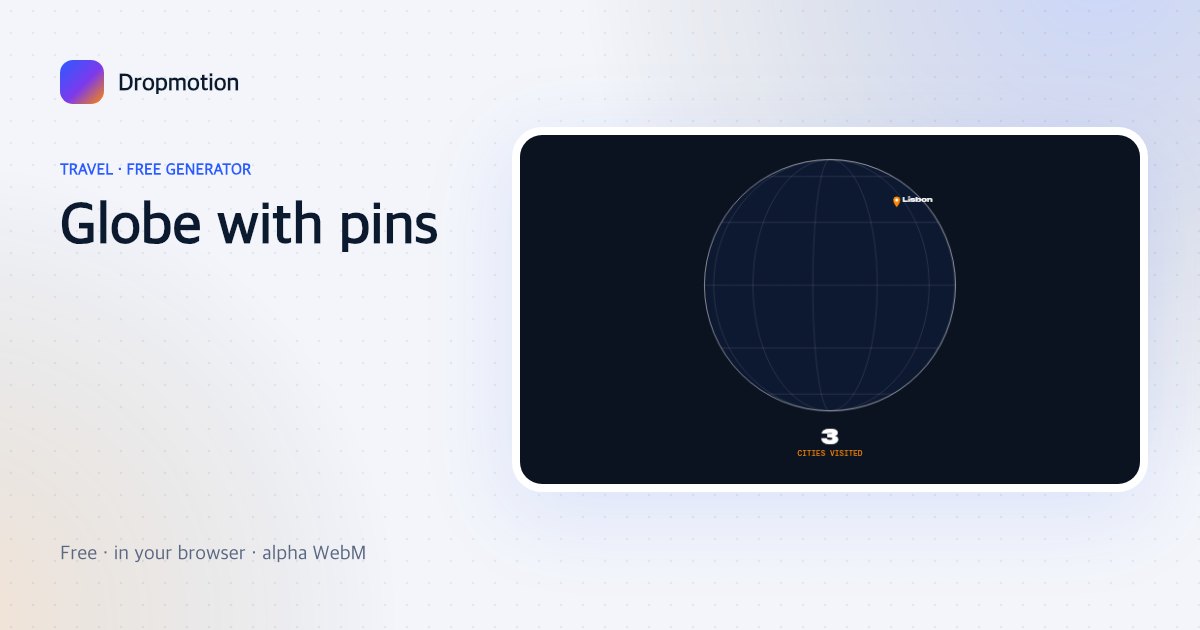
Globe with pins
A wireframe globe rotates while pins pop onto your visited cities one by one — “everywhere we went”.
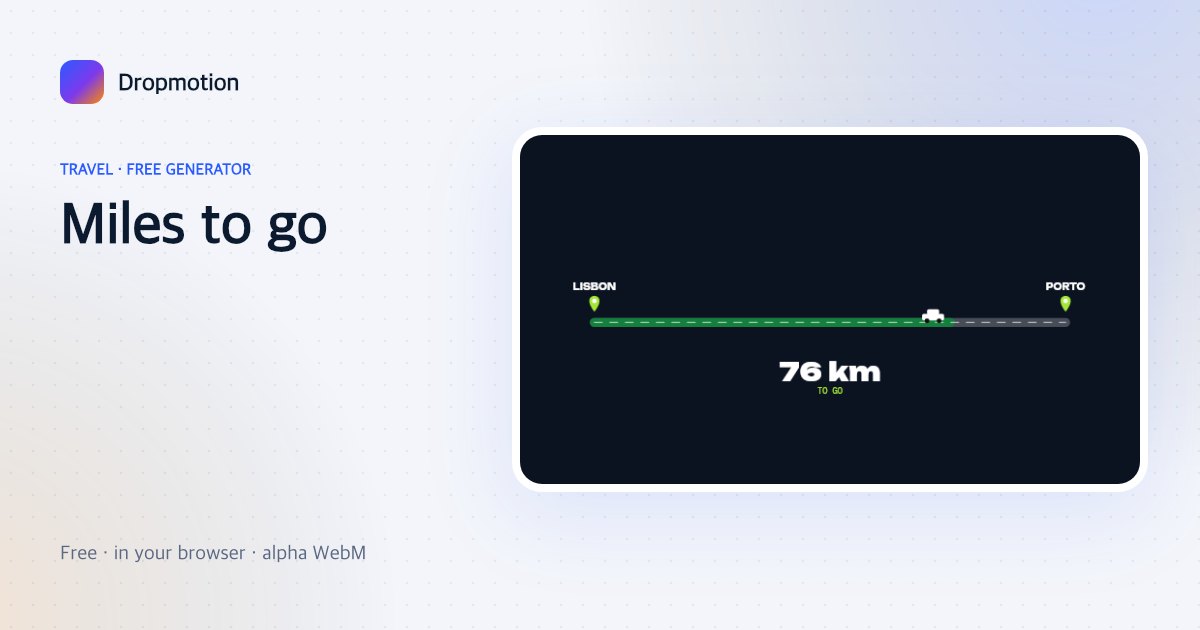
Miles to go
A little car moves along a road from A to B with a “miles to go” counter — road-trip progress cards.
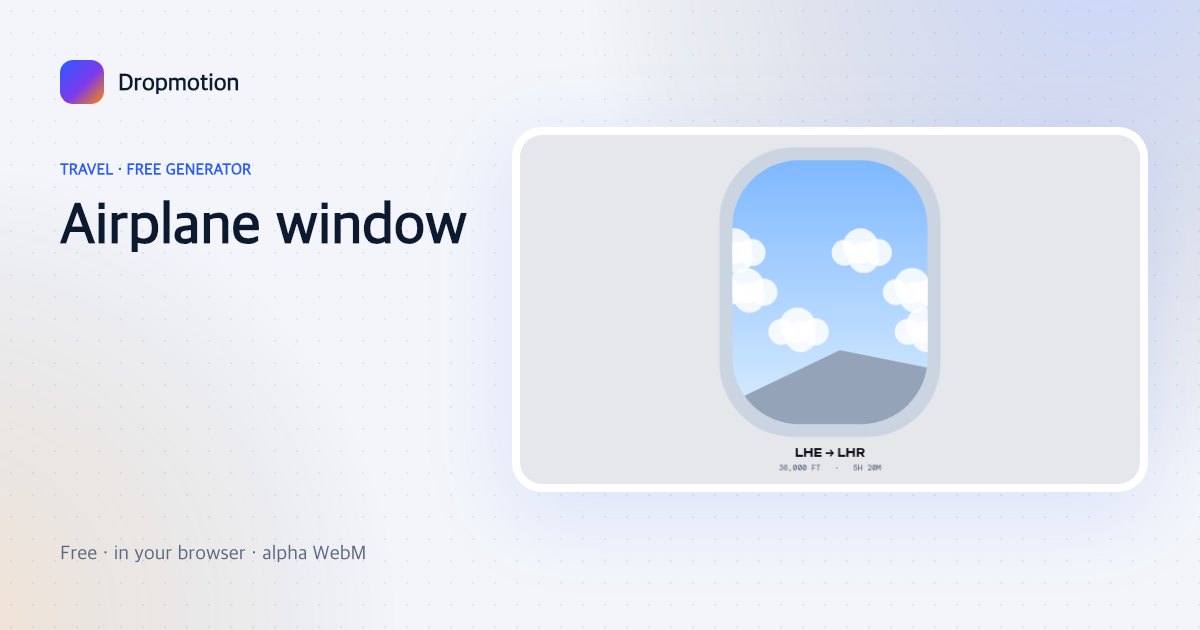
Airplane window
Clouds drift past a plane window with a wing and a flight-info overlay — travel-day transitions.
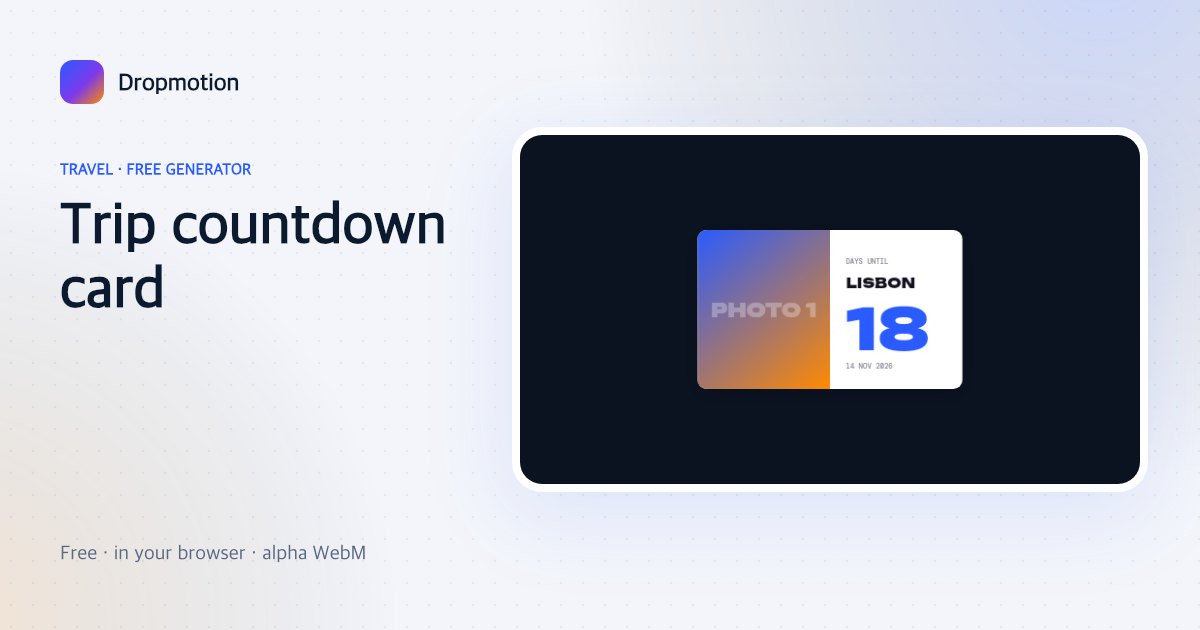
Trip countdown card
A postcard-style card: destination, a big days-to-go number that flips down, and the date.
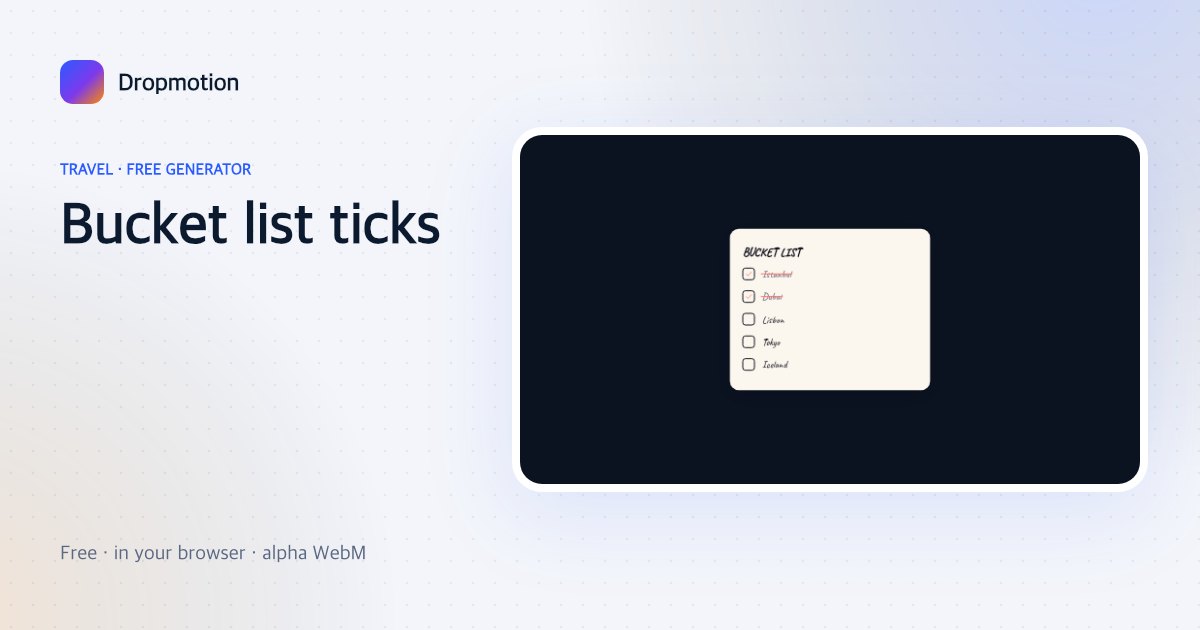
Bucket list ticks
Dream destinations with a few already ticked and one ticking live — “where to next” content.
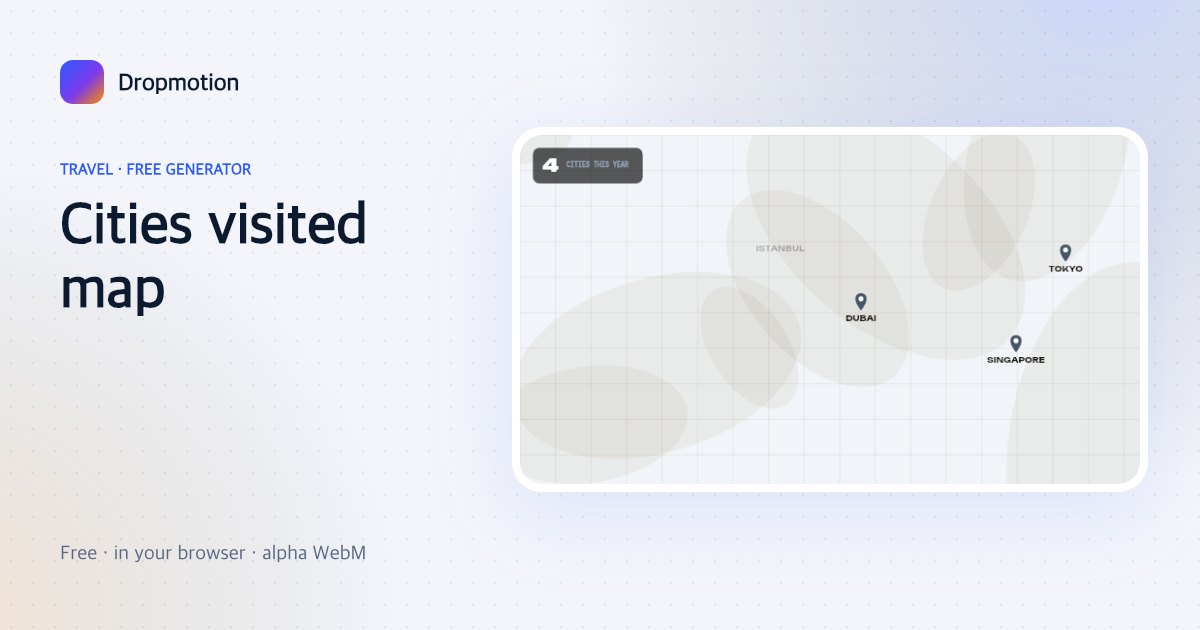
Cities visited map
Pins drop onto a stylised map one by one as a counter climbs — “12 cities this year”.
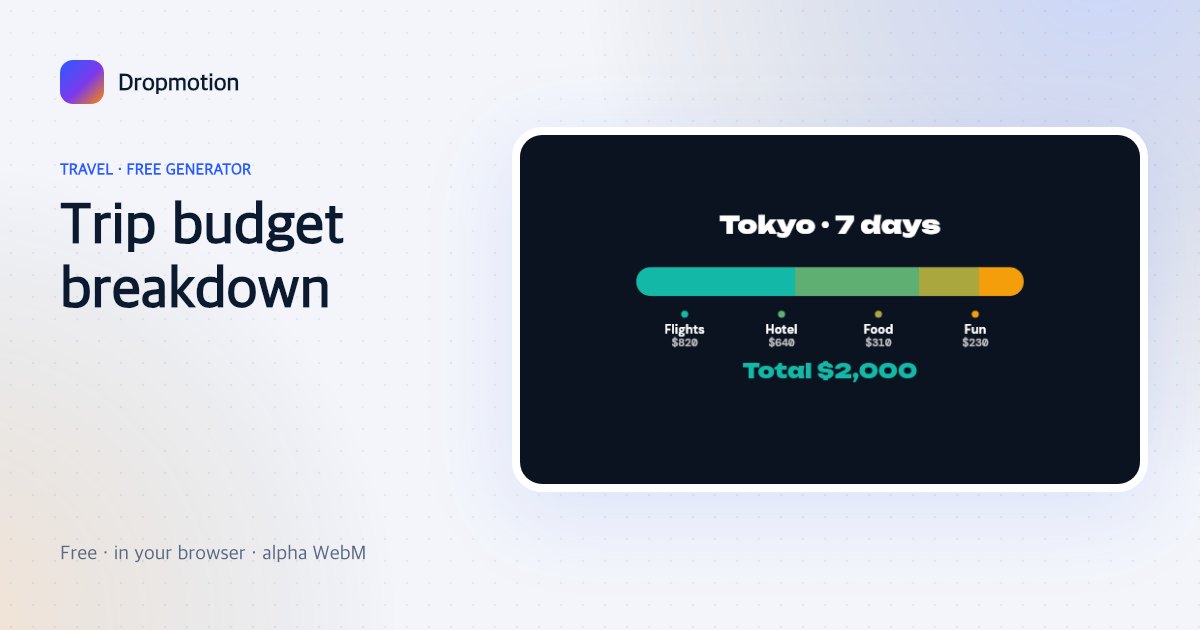
Trip budget breakdown
A stacked bar splits your trip cost into flights, hotel, food and fun while the total counts up — “what I spent in Tokyo” videos.
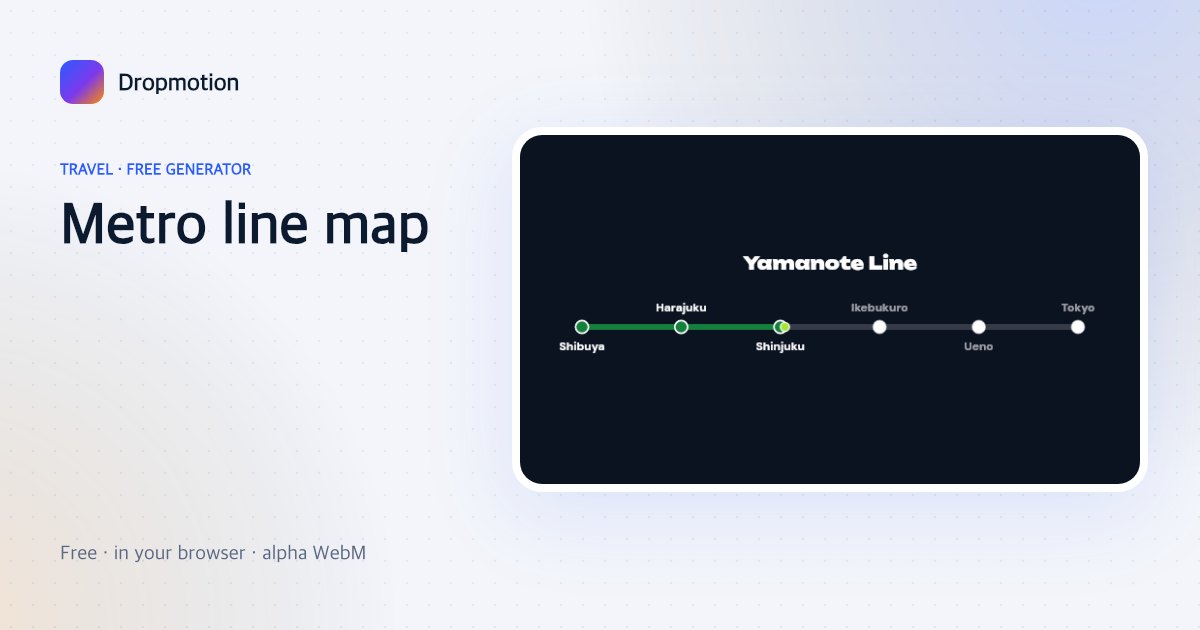
Metro line map
A metro line with your stops: the train dot rides from station to station and each one lights up as it passes — city guides, commute vlogs, itineraries.
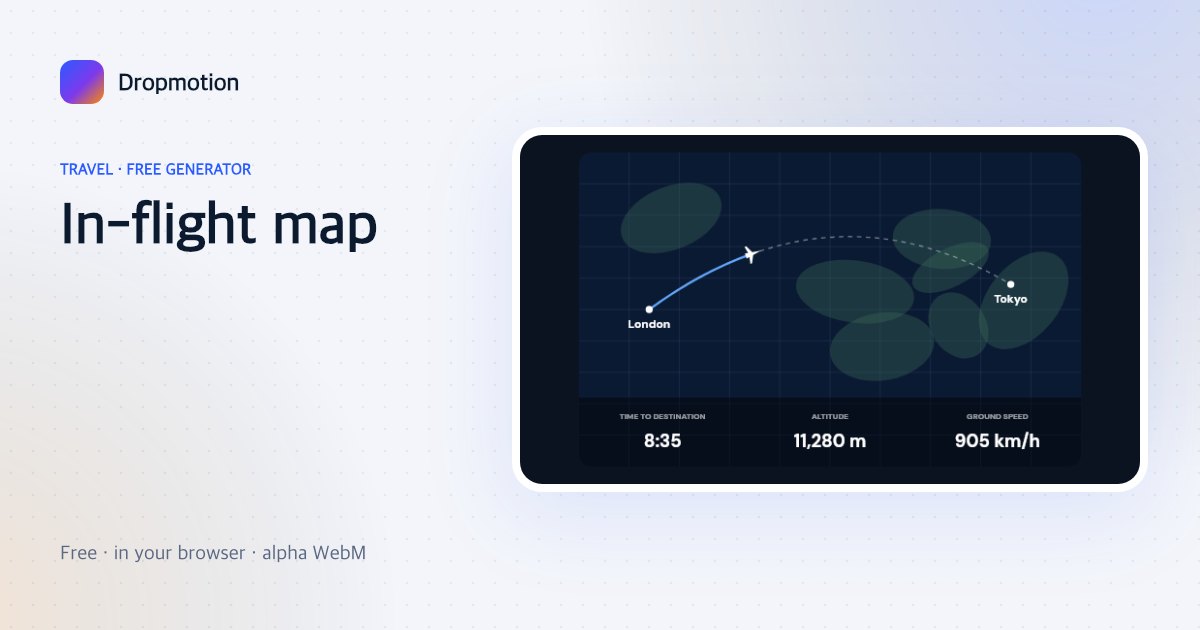
In-flight map
The seat-back flight map: a plane crawls along a curved route between your two cities while time to destination, altitude and ground speed tick — travel vlogs, “flying to” intros.
Travel map animation questions
How do I make a travel map animation for free?
Open Travel route map on Dropmotion, type your stops, pick a plane, car, train or boat and a map style, and press “Download video”. It runs in your browser with nothing to install; downloads are free, up to 10 a day with no account (a 1080p MP4 with a small dropmotion.io mark under the animation and a “Made with dropmotion.io” banner along the bottom, plus a 2-second end card), and a $3 day pass gives clean HD files for 24 hours. Free PNG stills carry the same mark and count toward the 10 a day. The newest releases are for day pass and Unlimited members until the next release.
Can I make a map animation video without After Effects?
Yes. Every travel effect is drawn in your browser from what you type, so you need no After Effects, plugin or template. Download the video and drop it into whichever editor you already use, or post it as it is.
How do I put my own route on the map?
In Travel route map, write one stop per line as name, x%, y%: how far across and down the frame the stop sits. It is a stylised map (vintage, dark or minimal), so place stops where they look right, and the distance counter adds up the average distance per leg you set. Globe flight arc, Globe with pins and Earth zoom-in take longitude and latitude instead.
Can I get a location pin or plane animation on a green screen?
Yes. Location pin and Plane with banner sit on the background you pick, so choose Green screen or Transparent before you download (Location pin keeps its faint map lines). Free downloads keep a transparent background (WebM in Chrome or Edge; other browsers get green to key out), and so do clean HD downloads with a $3 day pass or Unlimited; PNG stills always keep transparency. Travel route map draws its own map, so it always fills the frame.
Which travel animation works best for Shorts, Reels and TikTok?
Day chapter cards, the location pin and the boarding pass read well on a phone. Set the size to Vertical 9:16 before you download so the layout is made for a tall screen rather than shrunk from a wide one.
How do I add a travel map animation in CapCut?
Download the effect on a green screen if you want it over your footage. In CapCut, tap Overlay, add the video, then Remove background and Chroma key, and pick the green. Full-frame effects like the route map can go straight on the main track instead.