Text animation generator
Free online text animation generator with 33 effects: typewriter, kinetic typography, glitch, neon, 3D text, word-by-word captions and more. Type your words, pick a colour scheme and export in your browser, with no After Effects, Premiere or plugin needed. Drop the green screen video into CapCut, Premiere Pro, DaVinci Resolve or Final Cut, grab a transparent WebM, or run any effect live as an OBS browser source.
33 generators · free to preview and download, 10 a day with a small mark · clean files from a $3 day pass · MP4, transparent WebM, green screen or PNG · 16:9, 9:16, 1:1 and strip.
Open the Studio →Which text animation should I use?
Intros and hooks
- Kinetic typography — big words slam in one after another; the fastest hook for Shorts, Reels and TikTok.
- Typewriter — your line types itself with a blinking cursor; storytime openers, quotes and tech intros.
- Glitch text — an RGB-split burst that settles into clean text; gaming, cyberpunk and horror.
- Cinematic title — slow, wide-spaced trailer lettering for vlogs, short films and documentaries.
- 3D text — chunky extruded letters that rotate in; bold channel and episode titles.
Captions and key words
- Word-highlight captions — words light up as they are spoken; the TikTok caption style.
- Marker highlight — a marker stroke under one key phrase in your sentence.
- Rotating word — one word rolls like a slot machine: we make videos / brands / apps.
- Bullet list reveal — up to six points slide in one by one for recaps and listicles.
Names, logos and signs
- Neon sign — tube-light lettering that flickers on and holds a glow; streams and night-time edits.
- Wavy text — letters ride a looping wave with a colour gradient; gaming names and kids content.
- Stroke-draw text — each letter's outline draws on, then the fill floods in; clean logo-style reveals.
- Handwriting — script text writes itself with a pen stroke; weddings, journaling and lifestyle.
Reveals, quotes and endings
- Decrypt / scramble — scrambled characters resolve into your message; hacker intros and big reveals.
- Quote card — a quote fades in line by line with an author line; motivational pages.
- Split-flap board — airport-board letters flip and settle on your text.
How to make a text animation online for free
- Pick an effect from the list below, such as typewriter, kinetic typography, glitch or neon. It opens in the Studio right in your browser, with nothing to install.
- Type your words, choose a colour scheme and a size: Landscape 16:9 for YouTube, Vertical 9:16 for Shorts, Reels and TikTok, or Square 1:1. Pick a transparent, green screen or coloured background.
- Press “Download video”. Free downloads, up to 10 a day with no account, are 1080p MP4s with a small dropmotion.io mark under the animation and a “Made with dropmotion.io” banner along the bottom; a $3 day pass or Unlimited gives clean HD files. Put it on a layer above your clip in CapCut, Premiere Pro or DaVinci Resolve; a green background keys out with chroma key.
All 33 text generators
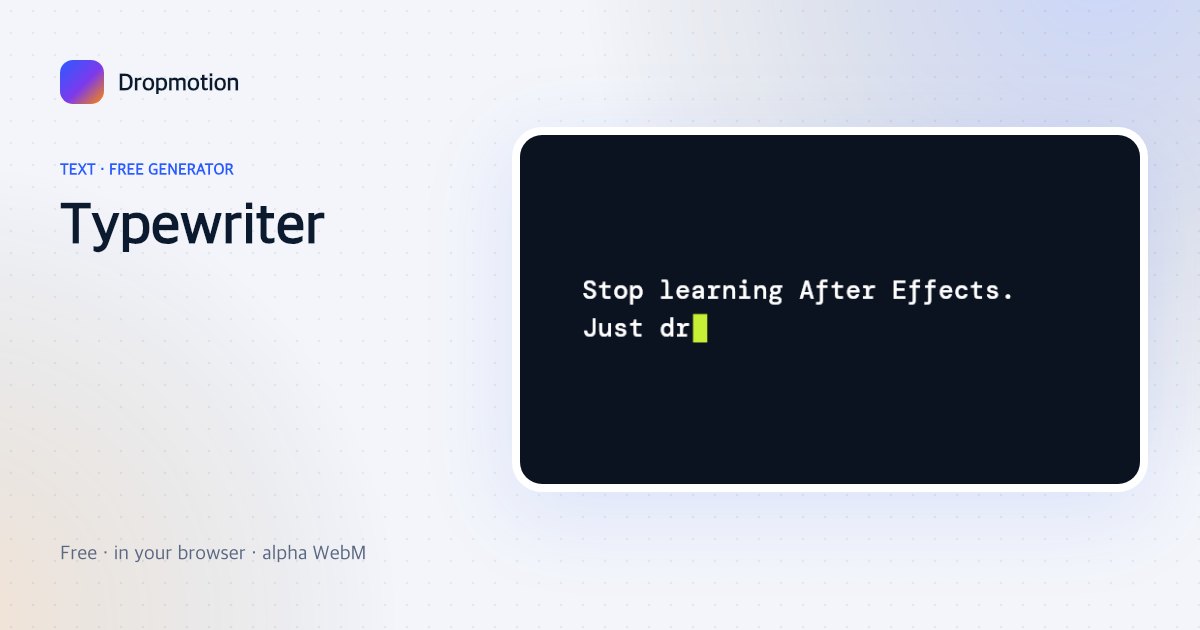
Typewriter
Types your lines with a blinking cursor. Mono, serif or bold sans.
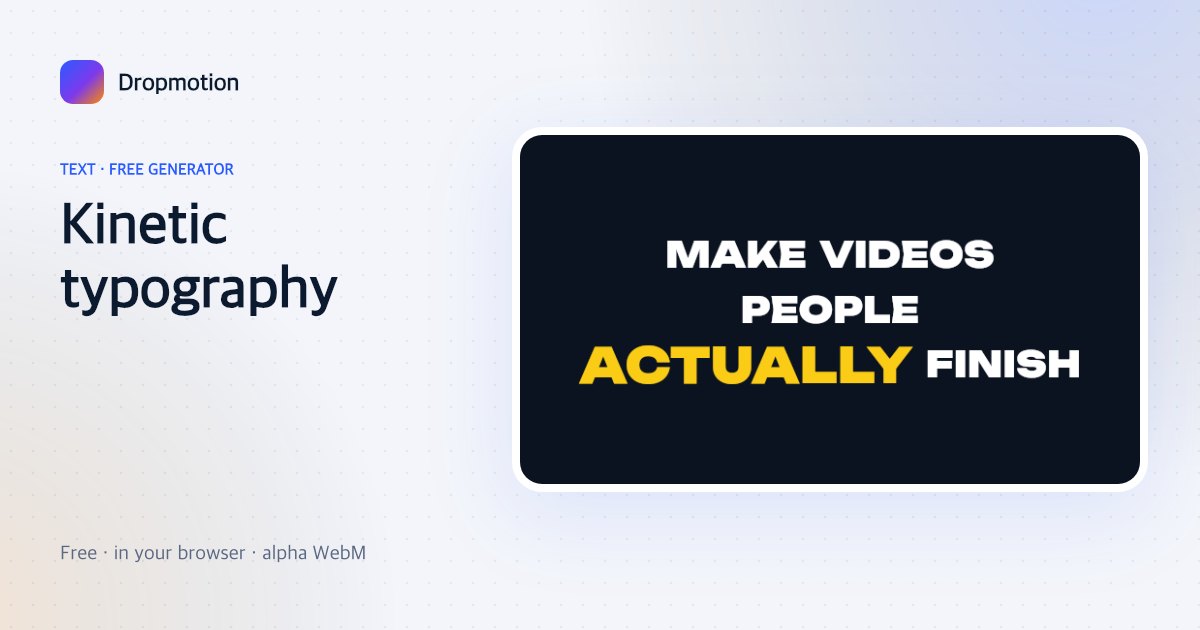
Kinetic typography
Each word slams in big, one after another, with alternating weights and colours.
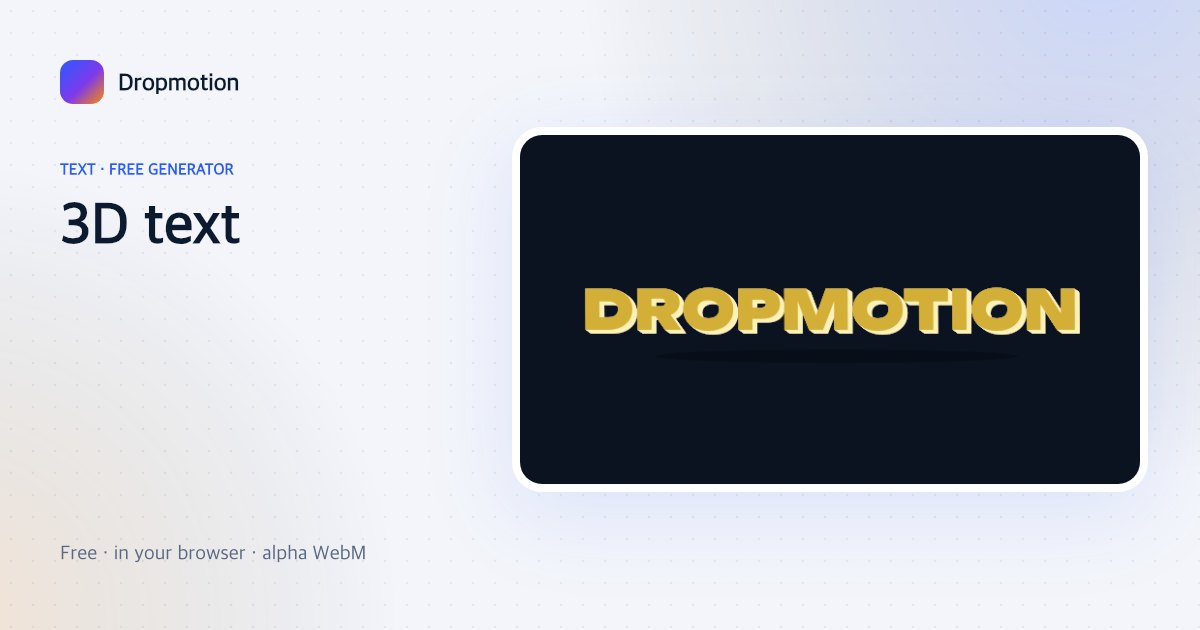
3D text
Chunky extruded letters rotate in and land with a shadow. No plugins, no render farm.
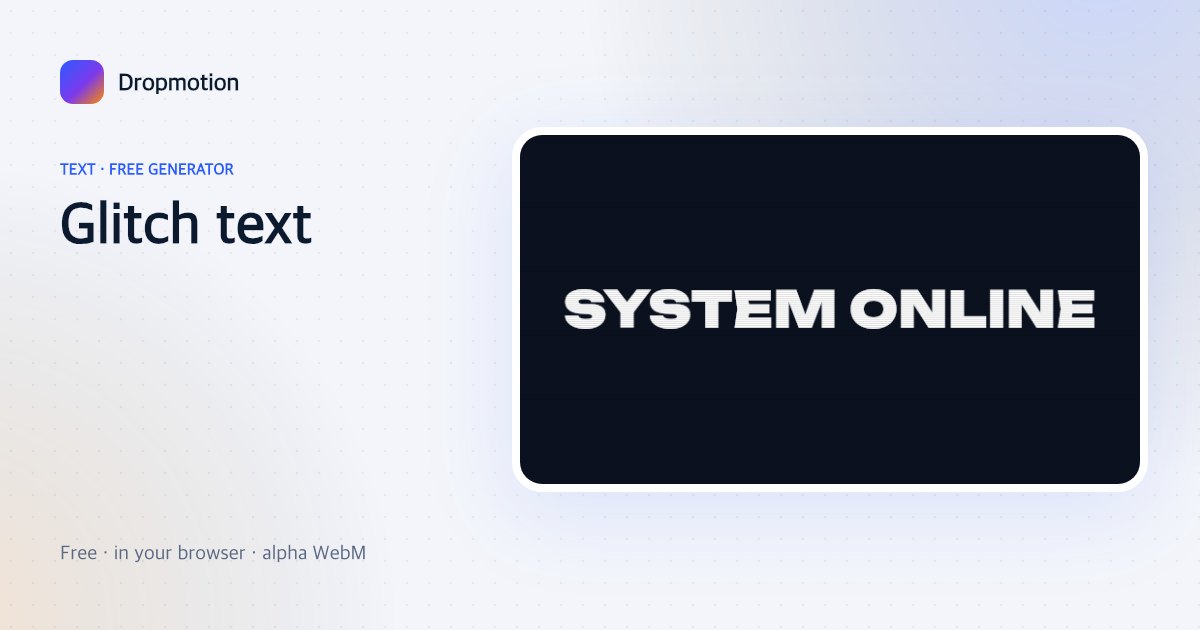
Glitch text
RGB split, slice offsets and scanlines that resolve into clean text. Loops cleanly.
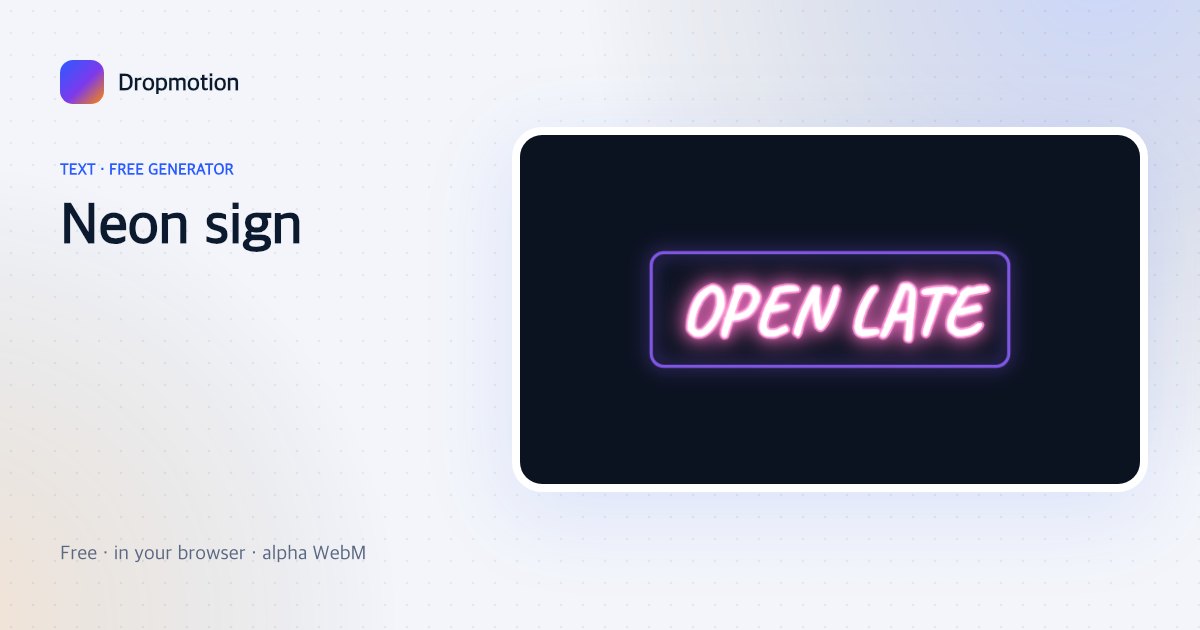
Neon sign
Tube-light text that flickers on, buzzes, and holds a steady glow.
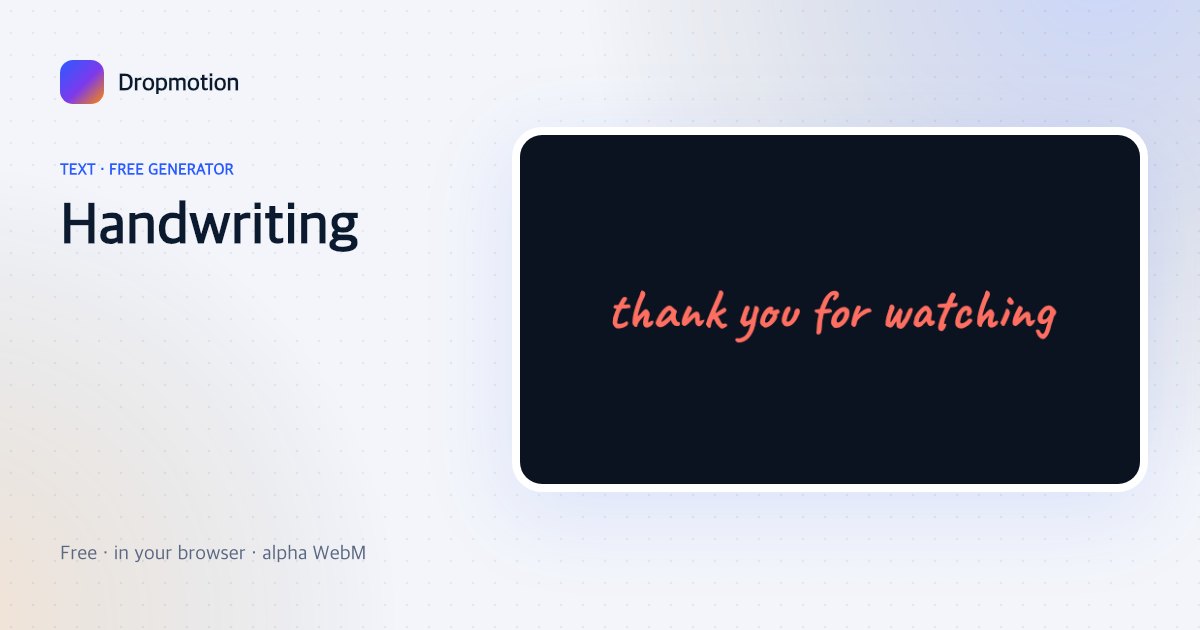
Handwriting
Script text draws itself on with a pen-stroke reveal and a swash underline.
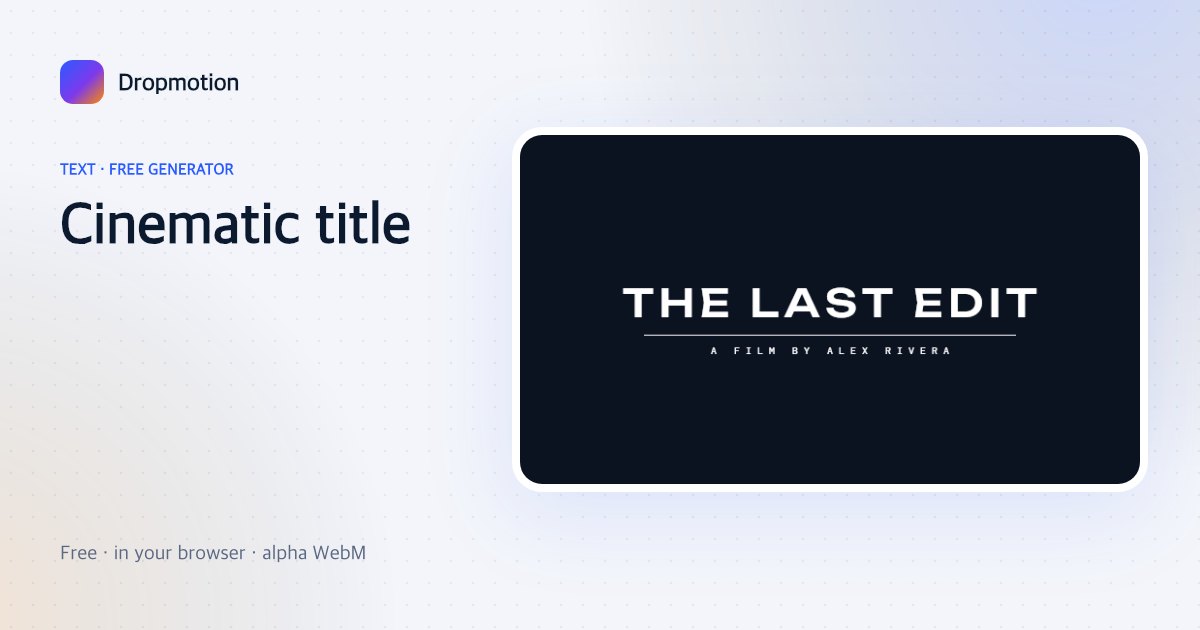
Cinematic title
Letter-spacing tracks in, a thin line expands, subtitle fades. The trailer look.
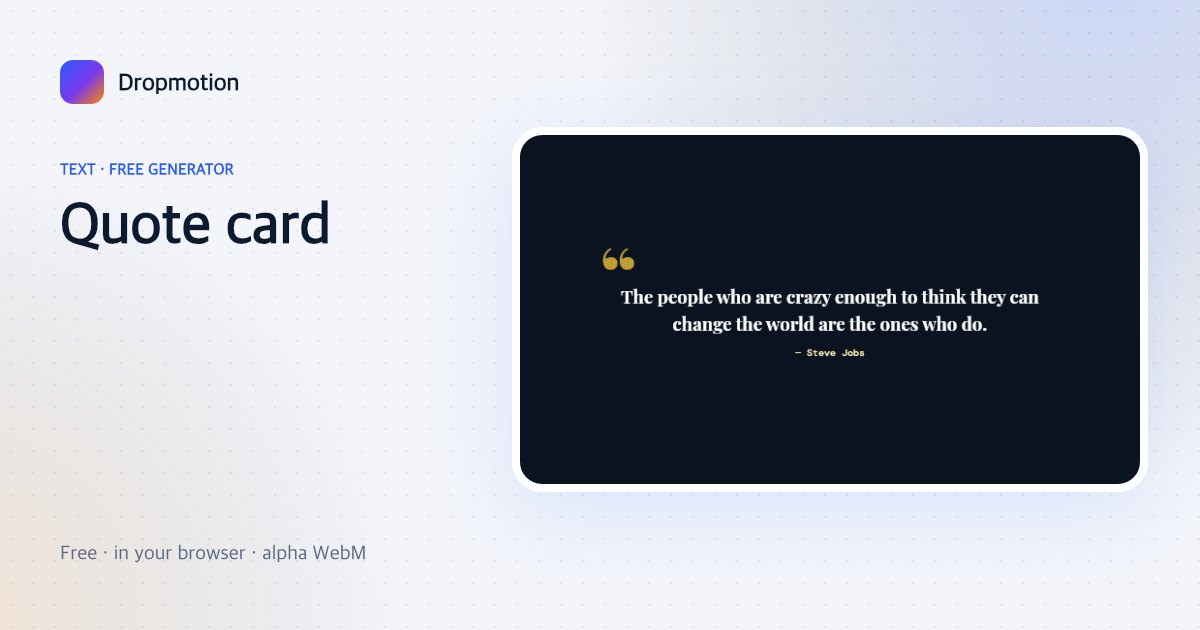
Quote card
A quote fades in line by line with a big quotation mark and an author line. Built for motivational pages.
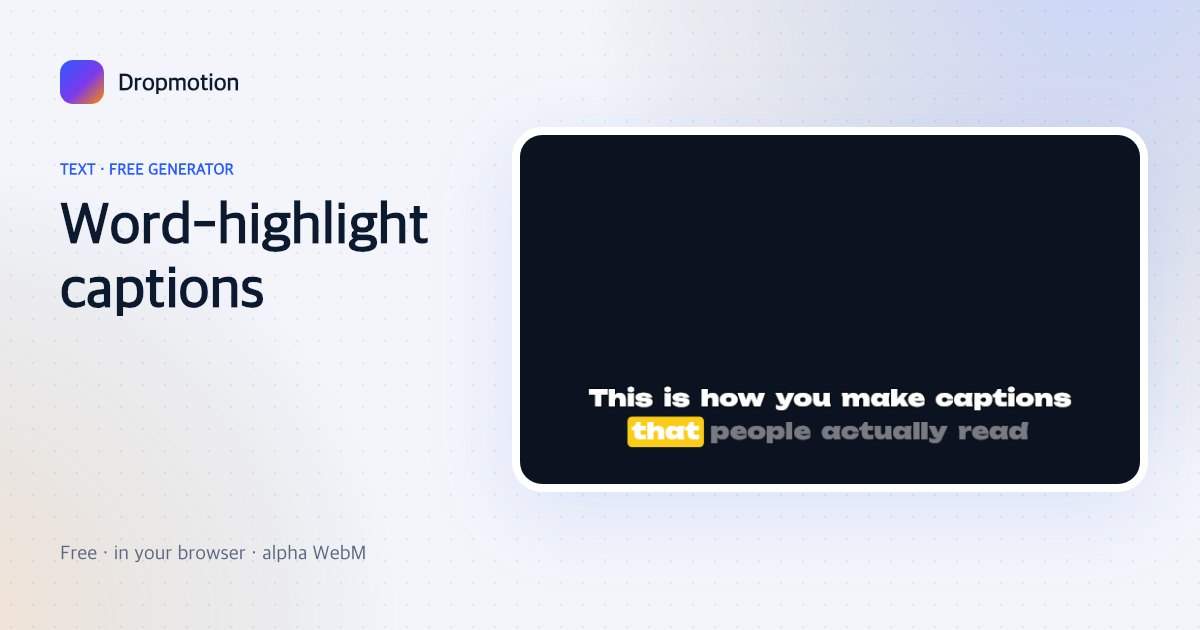
Word-highlight captions
Words light up one at a time as they are “spoken” — the TikTok caption style, with a pop on each word.
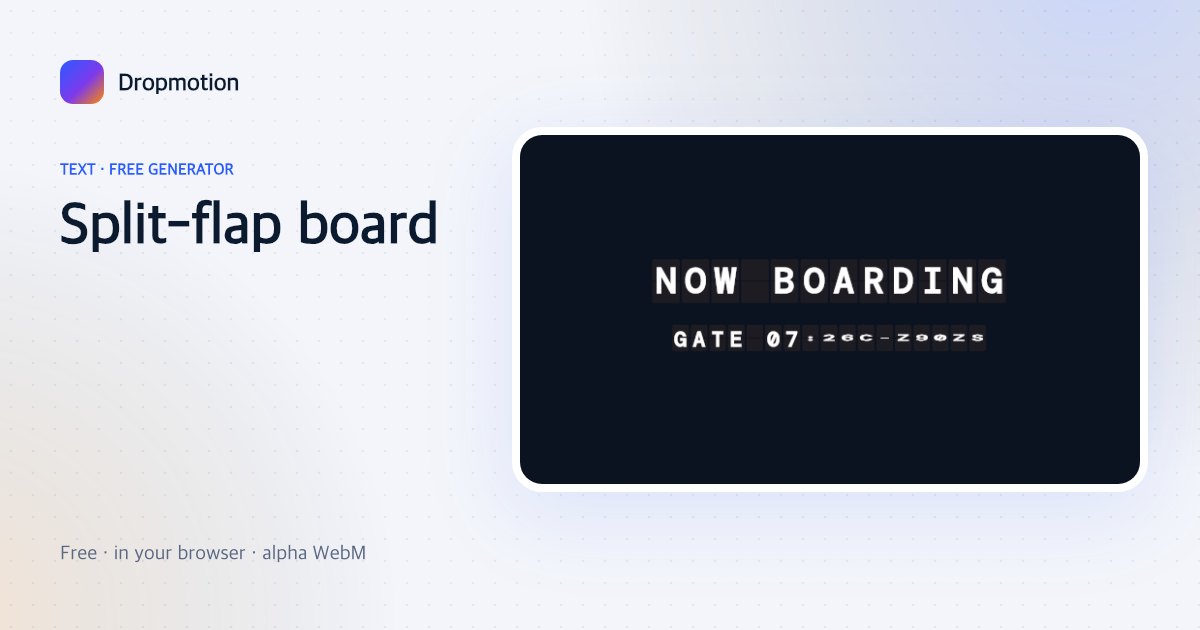
Split-flap board
Letters flip through the alphabet and settle on your text, airport-board style, with a click rhythm.
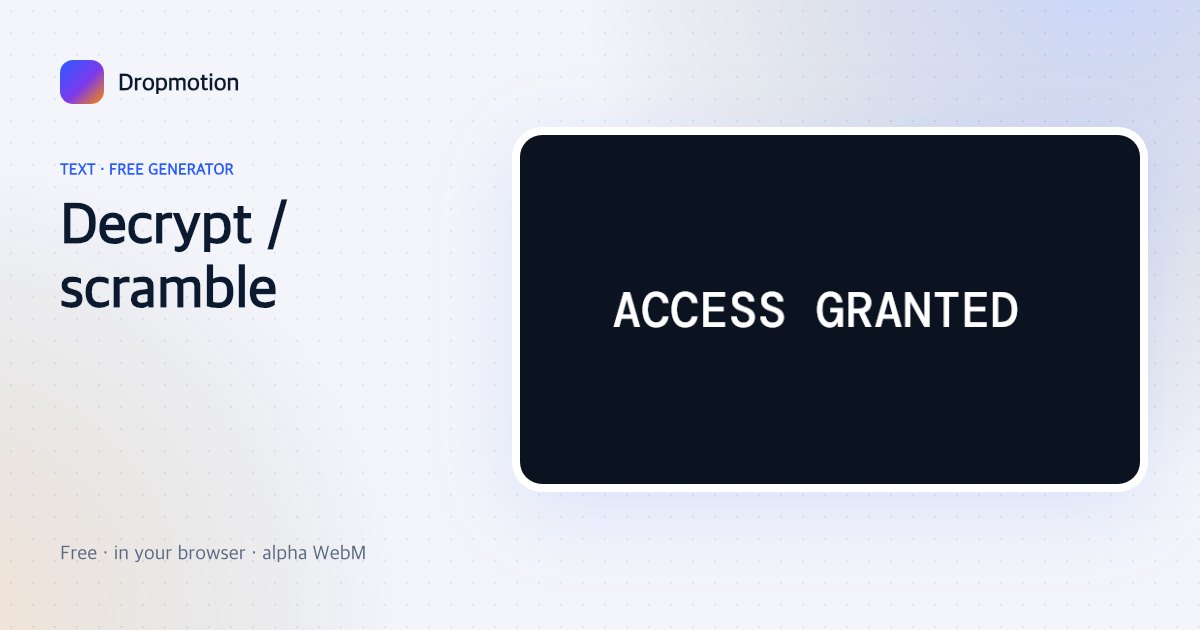
Decrypt / scramble
Random characters resolve into your message one letter at a time — hacker intros and reveals.
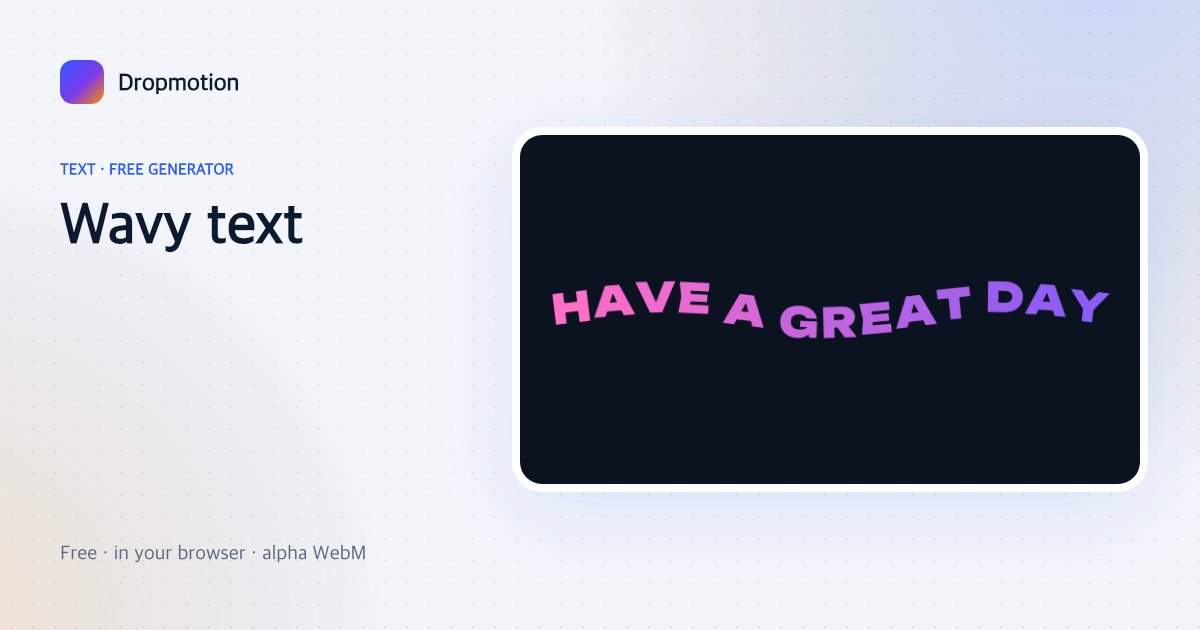
Wavy text
Letters ride a sine wave with a colour gradient — playful, loopable, great for kids and music content.
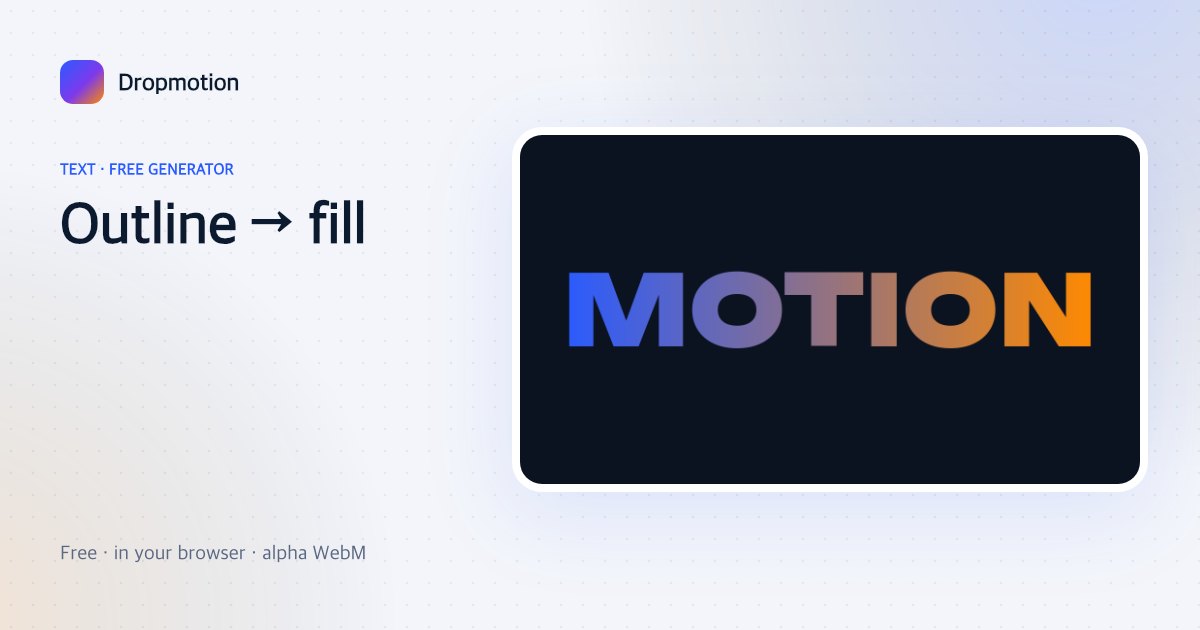
Outline → fill
Outlined letters fill from the bottom like liquid, then a shine passes. Clean and modern.
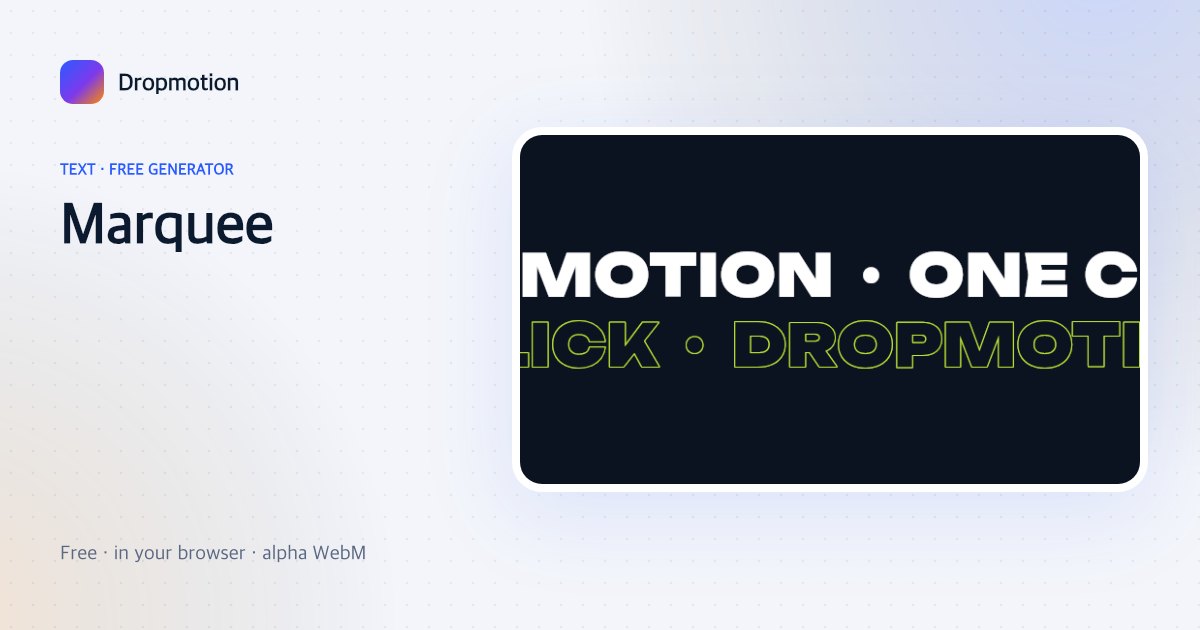
Marquee
Huge text scrolls across endlessly with an optional outlined second row going the other way.
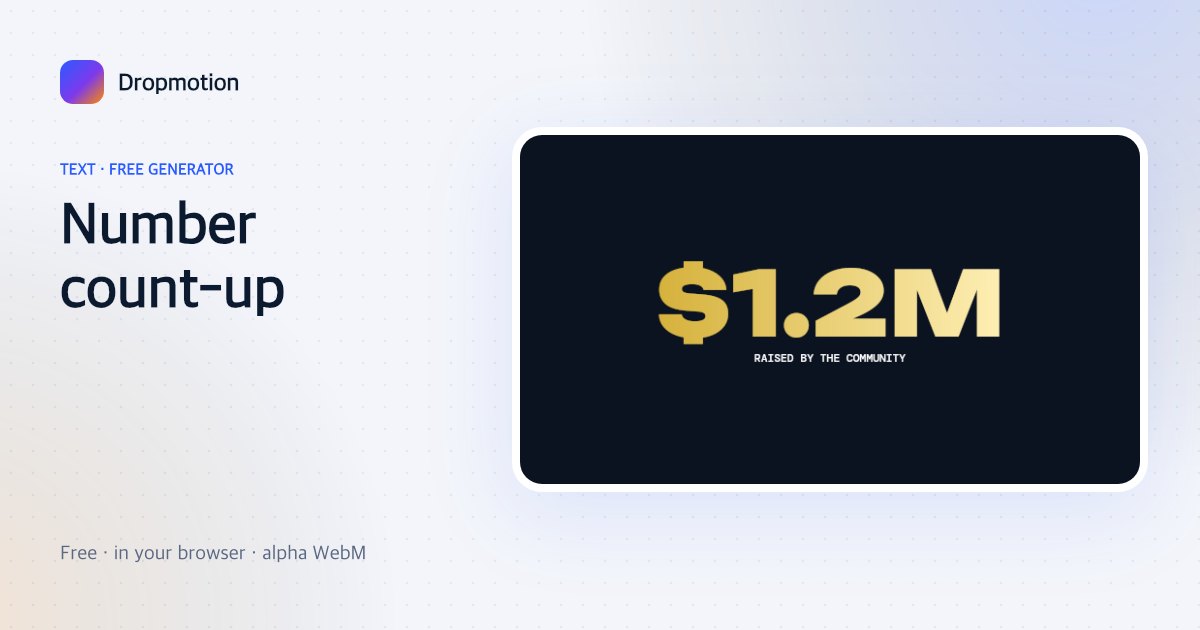
Number count-up
One huge number counts up with a label and suffix — “$1.2M raised”, “10,000 orders”, “Day 100”.
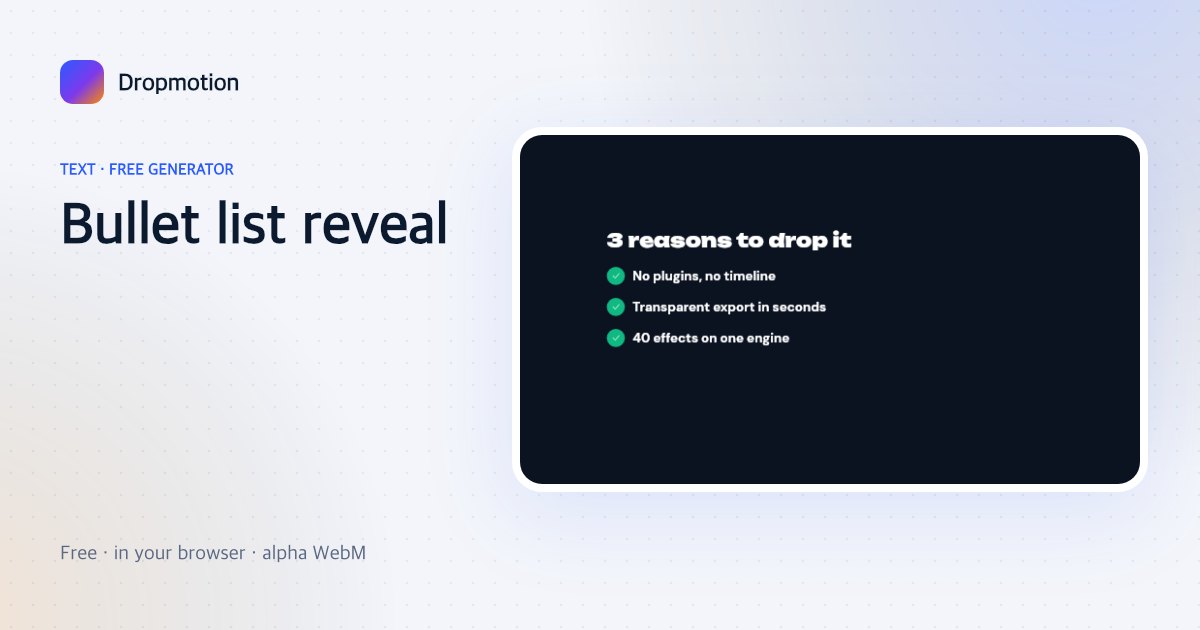
Bullet list reveal
Up to six points slide in one by one with a check or number — explainers, recaps, listicles.
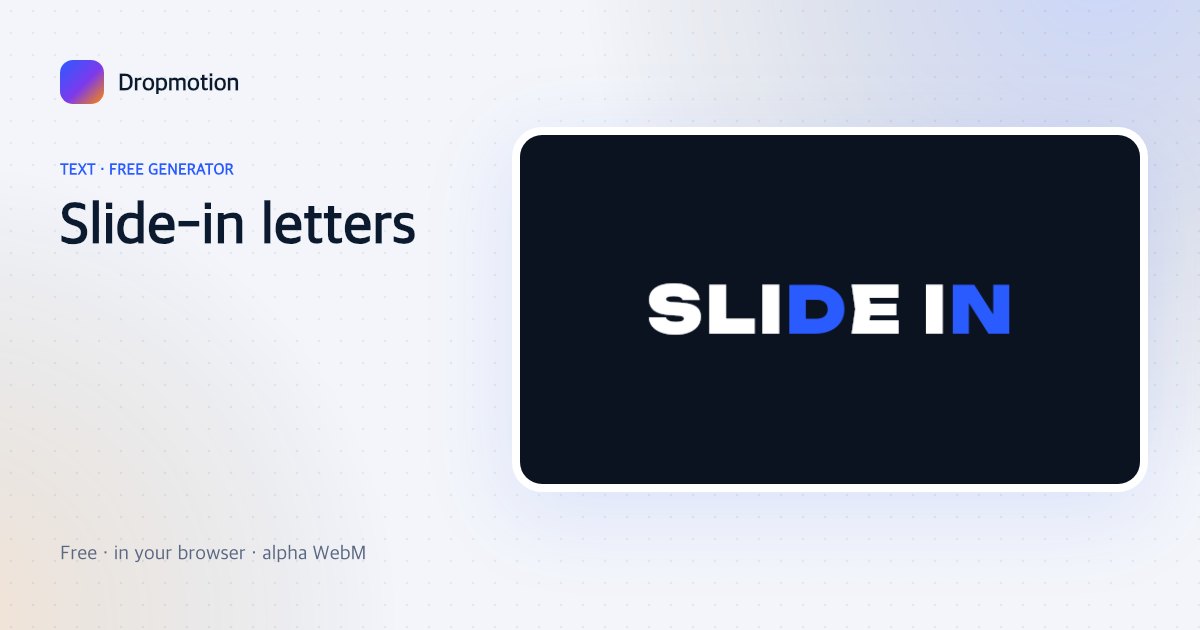
Slide-in letters
Letters slide in from the left one after another.
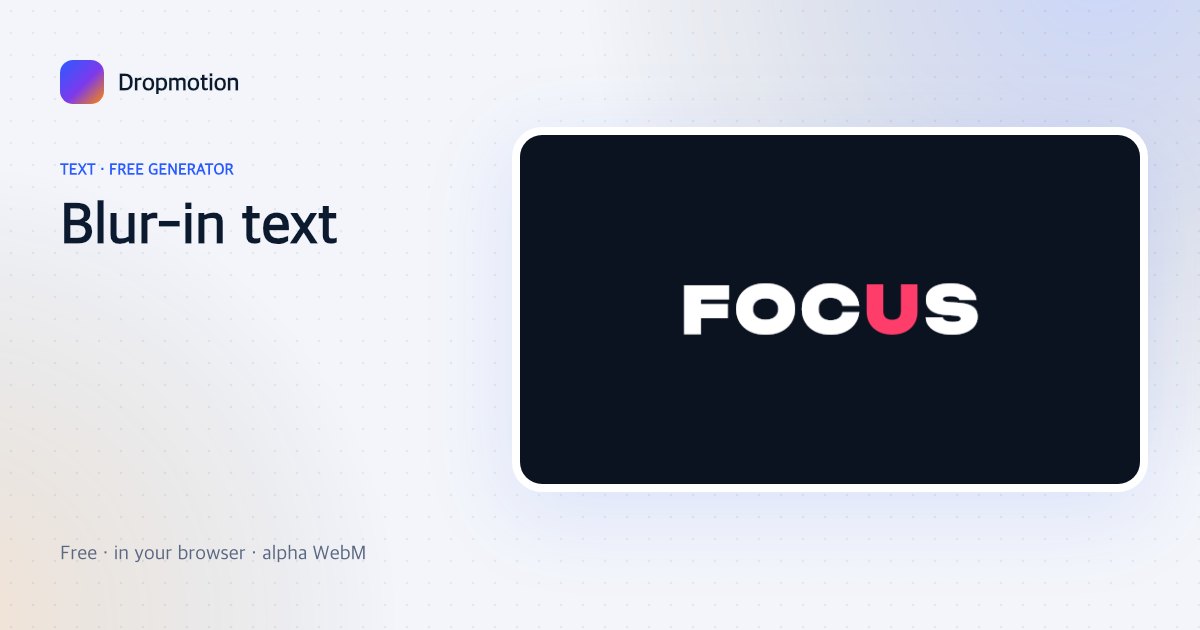
Blur-in text
Letters sharpen from a blur into crisp text.
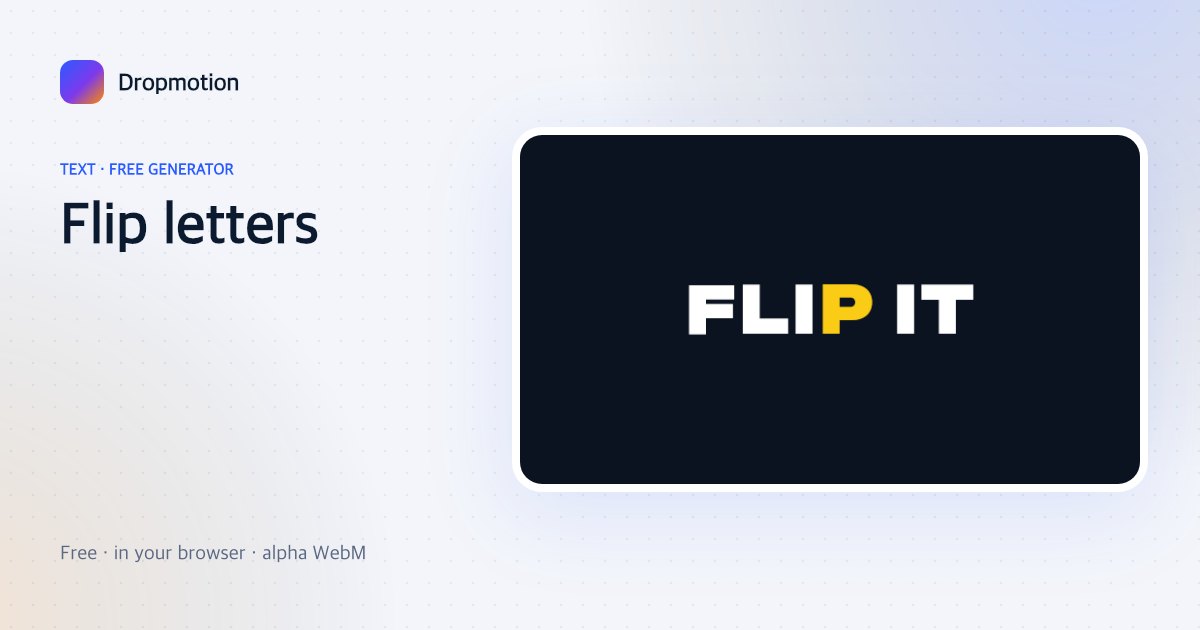
Flip letters
Each letter flips open like a card.
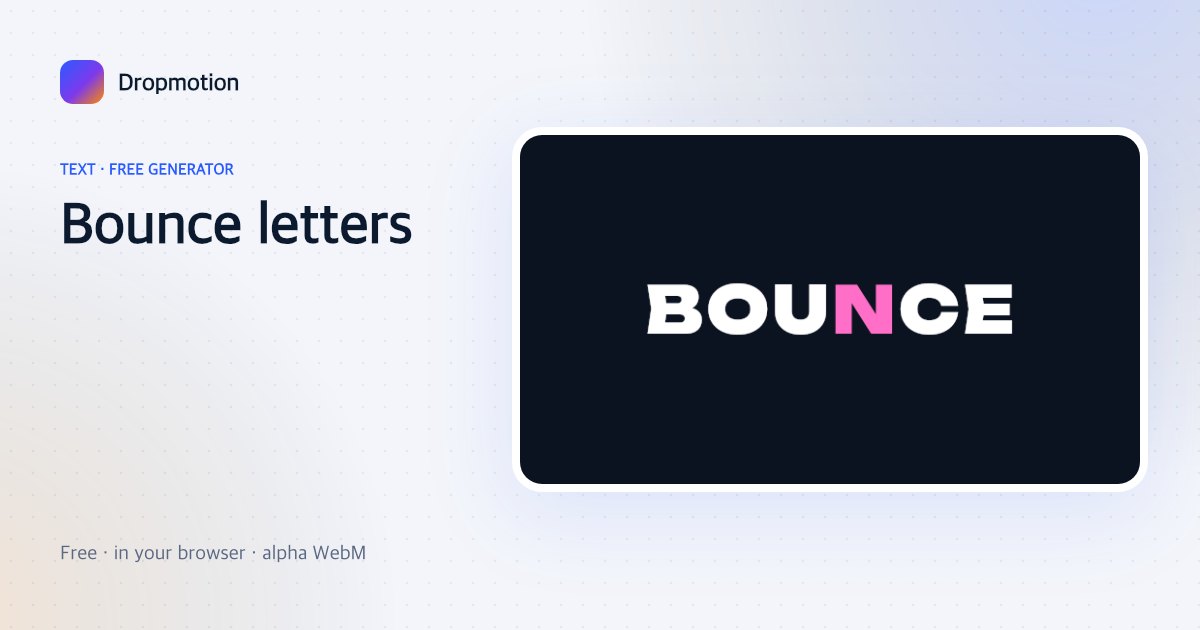
Bounce letters
Letters drop and bounce into place.
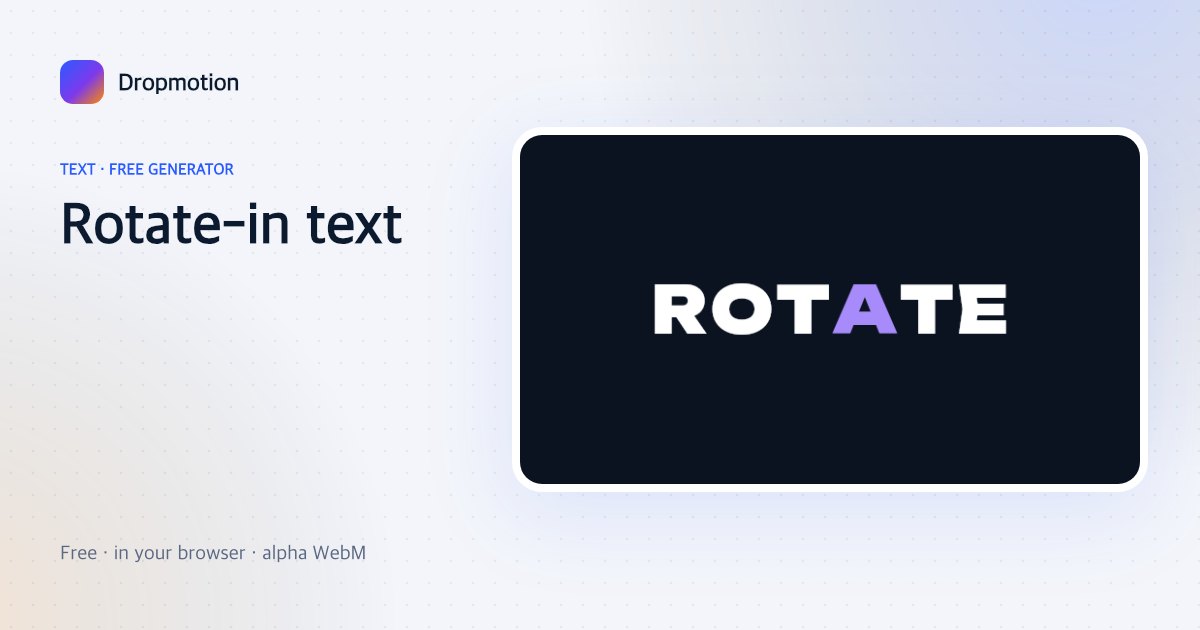
Rotate-in text
Letters spin and scale in with a snap.
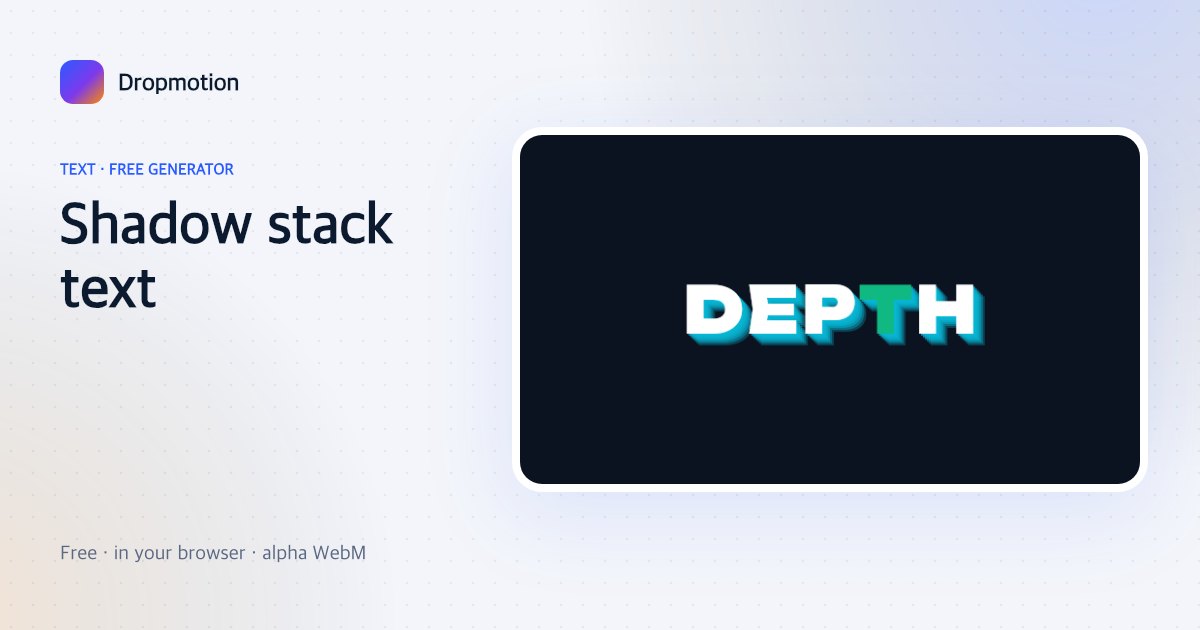
Shadow stack text
A stacked offset shadow grows out behind the text.
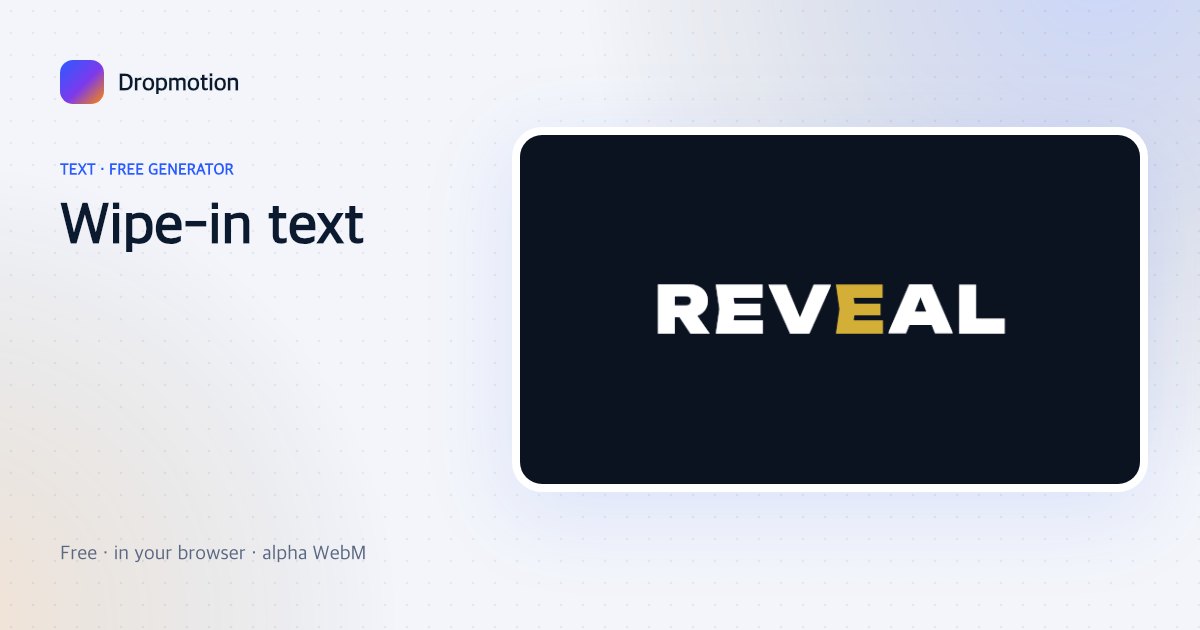
Wipe-in text
Each letter wipes on from the left.
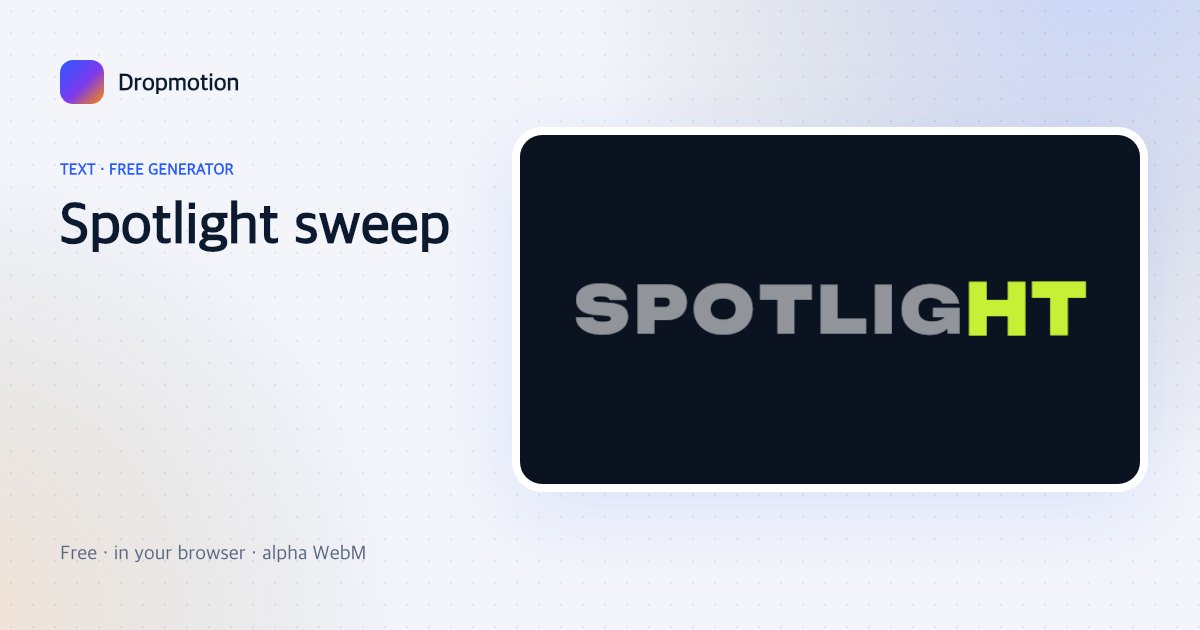
Spotlight sweep
A highlight sweeps across the letters in a loop.
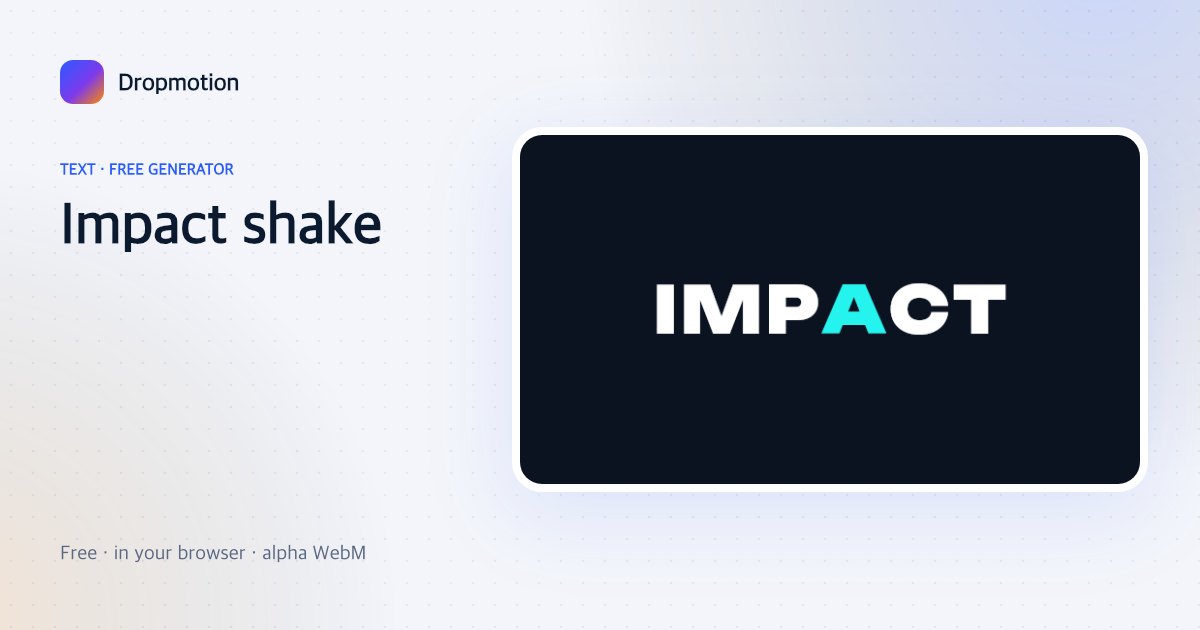
Impact shake
Text slams in with a camera-shake that settles.
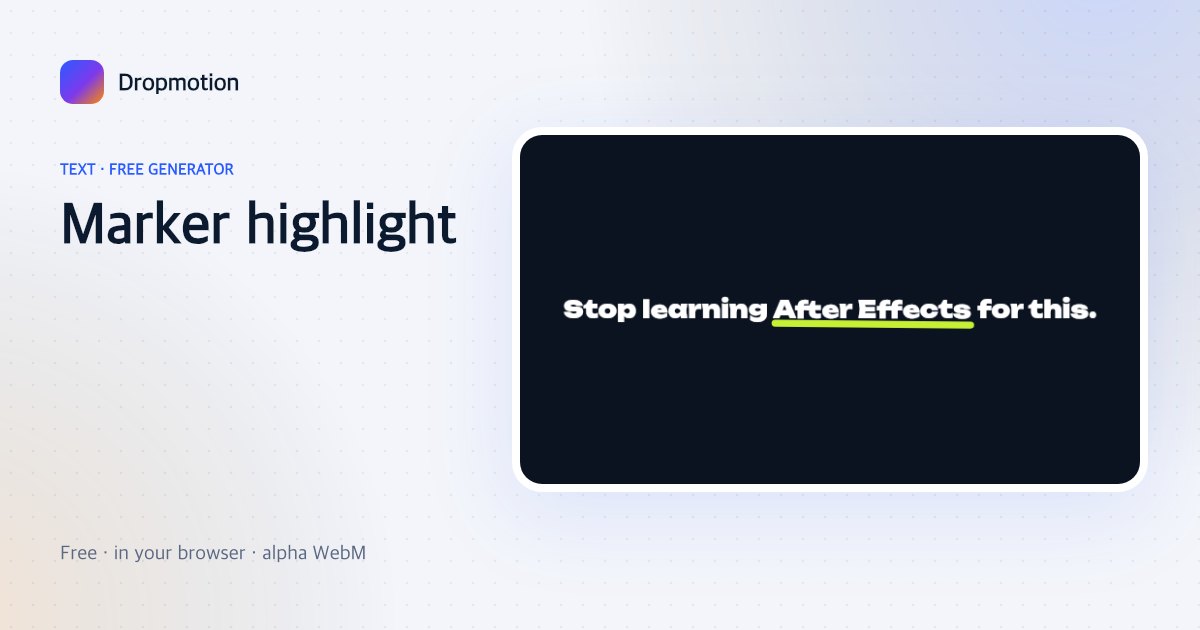
Marker highlight
A chunky marker stroke swipes under (or through) a key phrase in your sentence.
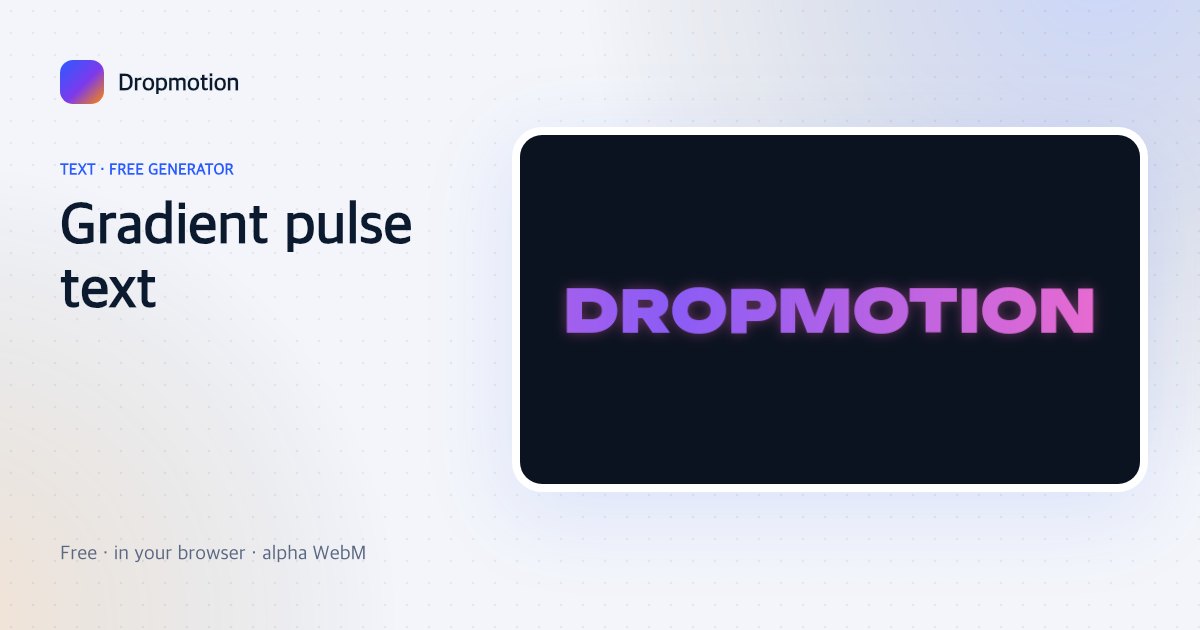
Gradient pulse text
Text filled with a slowly moving gradient and a soft breathing glow — loops seamlessly for intros.
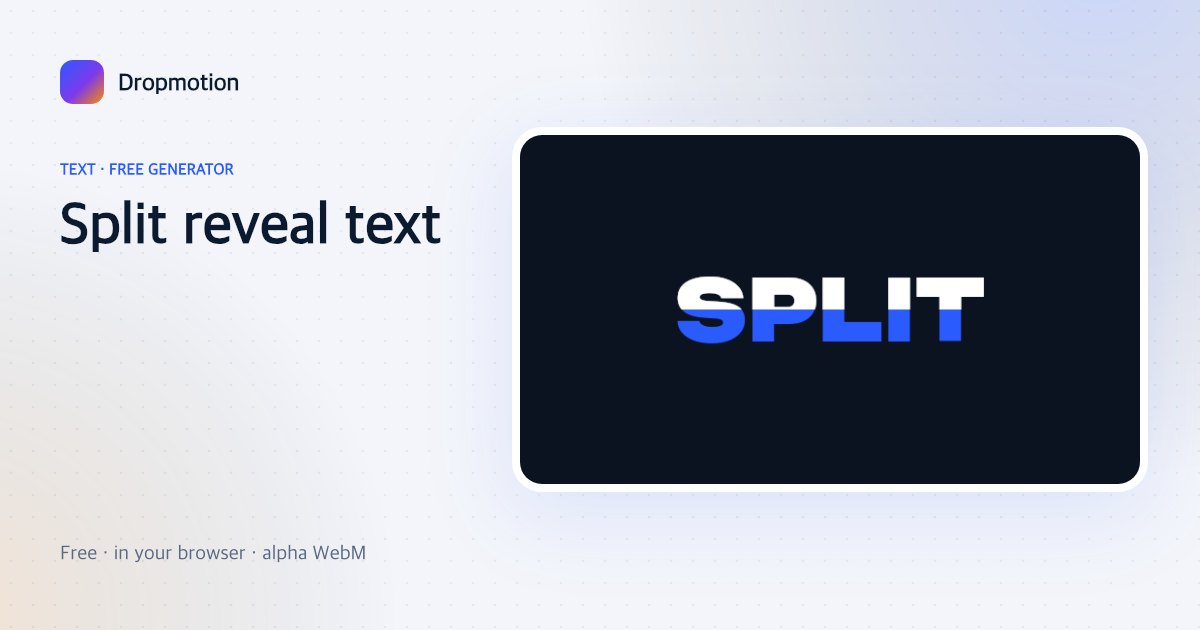
Split reveal text
The text is sliced horizontally; the two halves slide in from opposite sides and lock together.
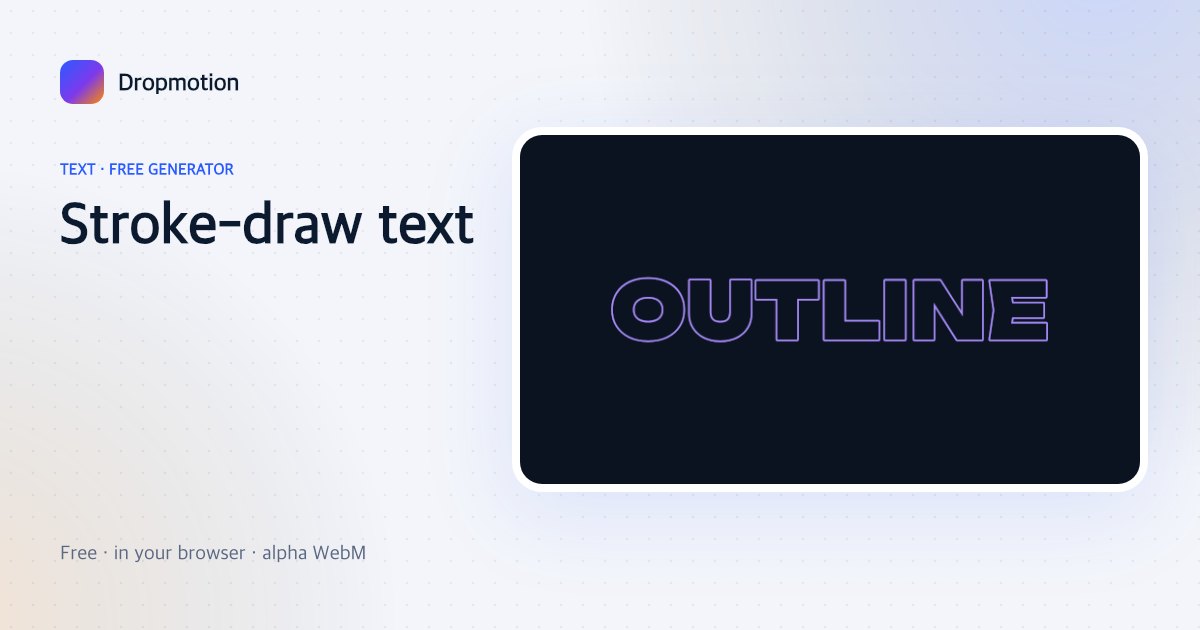
Stroke-draw text
The outline of each letter draws on like a pen, then the fill floods in — logo-style type reveals.
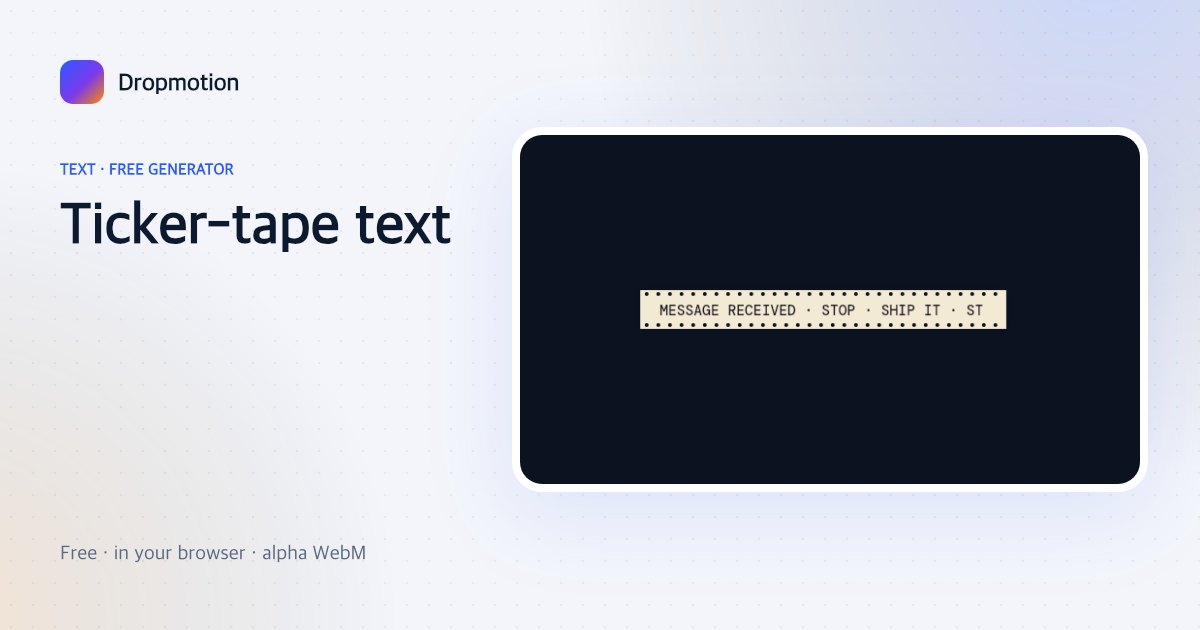
Ticker-tape text
Text types into a paper-tape strip that extends as it goes, with a perforated edge — telegram style.
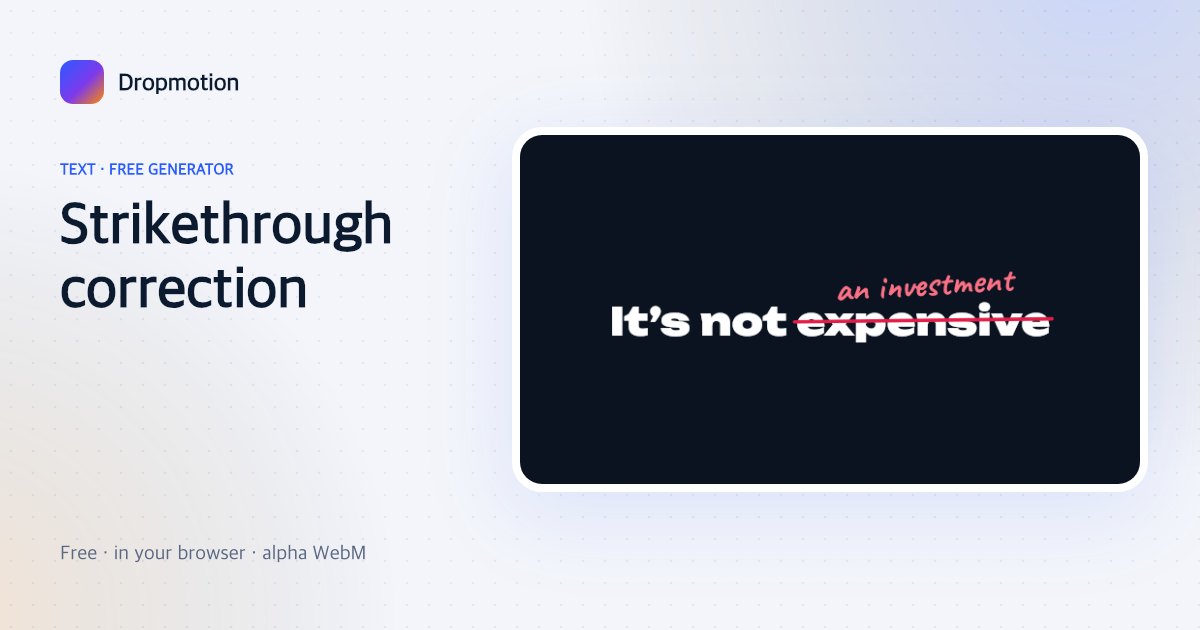
Strikethrough correction
A word gets crossed out and a handwritten correction pops in above it — “not expensive, an investment”, myth vs fact, before/after.
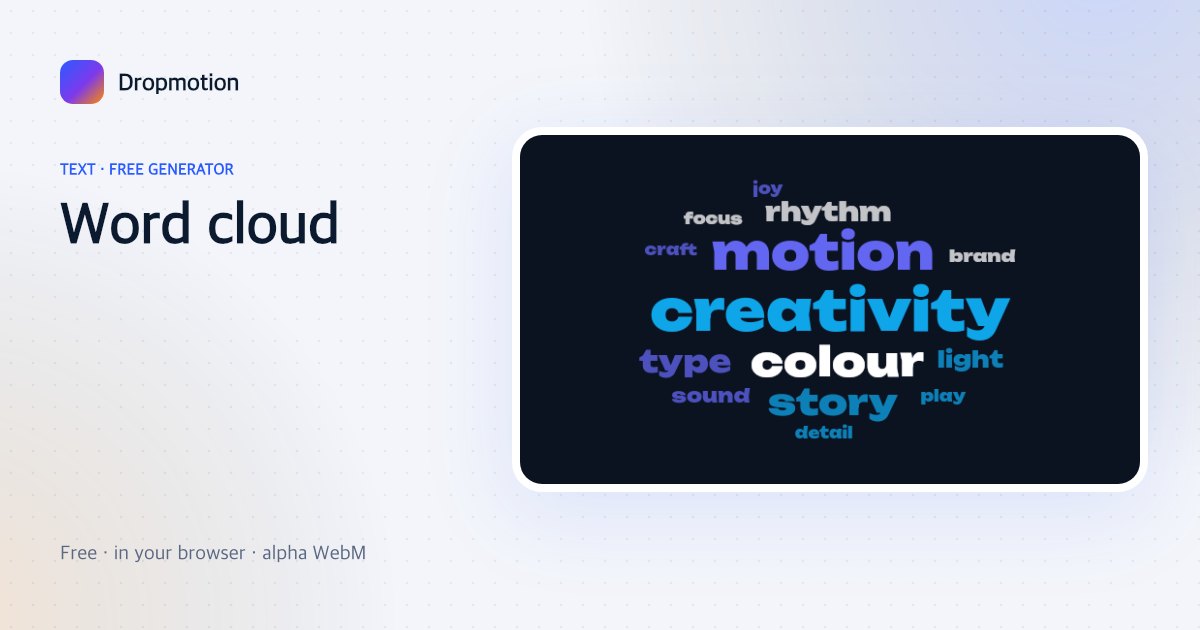
Word cloud
Your words pop into a packed word cloud, the first one biggest — keywords, community answers, “what this year meant”, workshop recaps.
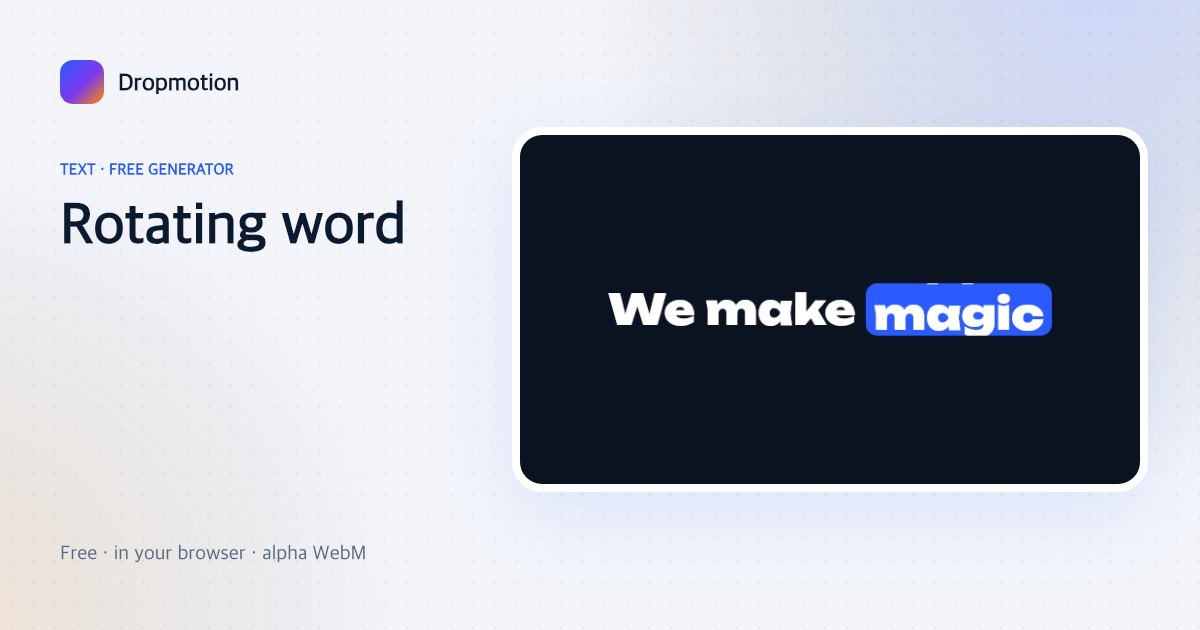
Rotating word
One word in your sentence rolls through a list like a slot machine and lands on the last one — “We make videos / brands / apps”, taglines, hooks.
Text animation questions
How do I make a text animation online for free?
Open any text generator on Dropmotion, type your words, pick colours and a size, and press “Download video”. It runs in your browser with nothing to install; downloads are free, up to 10 a day with no account (a 1080p MP4 with a small dropmotion.io mark under the animation and a “Made with dropmotion.io” banner along the bottom, plus a 2-second end card), and a $3 day pass gives clean HD files for 24 hours. Free PNG stills carry the same mark and count toward the 10 a day. The newest releases are for day pass and Unlimited members until the next release.
Can I make a typewriter or kinetic typography effect without After Effects or Premiere Pro?
Yes. Every text effect here is drawn in your browser from what you type, so you need no After Effects, plugin or template. Download the video and drop it into whichever editor you already use, or straight into a post.
How do I add an animated text effect in CapCut?
Download the effect with a transparent background, or on a green screen. In CapCut, tap Overlay, add the video, then Remove background and Chroma key, and pick the green. The text stays and the green disappears.
Do the text animations have a transparent background?
Free downloads keep a transparent background (WebM in Chrome or Edge; other browsers get green to key out), and so do clean HD downloads with a $3 day pass or Unlimited; PNG stills always keep transparency.
Which text animation works best for Shorts, Reels and TikTok?
Word-highlight captions and kinetic typography read best on a phone. Set the size to Vertical 9:16 before you download so the text is laid out for a tall screen rather than shrunk from a wide one.
Can I animate text in Urdu, Arabic, Hindi or Bengali?
Yes. Every text effect switches to Noto Nastaliq Urdu, Noto Naskh Arabic, Noto Sans Devanagari or Noto Sans Bengali when you type in those scripts, and lays Urdu and Arabic out right to left.