Paper animation & paper effects
Make free paper animations online: paper tear transitions, crumpled paper, unfolding letters, page flips, paper cut landscapes and sticky notes. Each of the 33 generators runs in your browser with no After Effects or template download: type your text, drop a photo, pick colours and export a WebM with a green screen background or a PNG still. Free downloads (10 a day) are 1080p with a small dropmotion.io mark under the animation, clean HD comes with a $3 day pass, and every paper effect also works live as an OBS browser source.
33 generators · free to preview and download, 10 a day with a small mark · clean files from a $3 day pass · MP4, transparent WebM, green screen or PNG · 16:9, 9:16, 1:1 and strip.
Open the Studio →Which paper animation should I use?
Paper transitions and reveals
- Paper tear reveal — a full sheet rips across the middle and pulls apart to reveal your text or image; the paper tear transition.
- Corner peel reveal — a corner peels back diagonally to show the image or text underneath; teasers and surprise reveals.
- Hole-punch reveal — holes punch out one by one until what is underneath shows, then the sheet lifts away; playful reveals.
- Accordion fold reveal — an image or word unfolds in folded vertical strips with alternating shading; gallery reveals and stingers.
Letters, notes and titles
- Unfolding letter — a tri-folded letter opens panel by panel to your handwritten message; thank-yous and announcements.
- Crumple & flatten — a crumpled paper ball bounces in and flattens into a note with your text; “take two” and rejected drafts.
- Sticky note slap — a sticky note slaps on with a curled corner and handwritten text; reminders and tips.
- Paper cutout letters — each letter drops in as a paper cutout with its own shadow and tilt; craft-style titles.
- Envelope opens — the flap lifts and a letter slides out with your heading; invitations and “you’ve got mail”.
Arrows, dates and lower thirds
- Doodle arrows — scribbly hand-drawn arrows draw in towards the centre with a handwritten label; “look here” in tutorials.
- Calendar tear-off — tear-off calendar sheets fly away one by one until your date shows; launch days and deadlines.
- Torn strip banner — a torn paper strip slides in along the bottom with your name and title; a papercraft lower third.
- Paper speech bubbles — paper-cutout speech bubbles pop in left and right like a conversation; Q&A and explainers.
Paper-cut scenes
- Paper-cut landscape — layered paper-cut hills drift in parallax under a paper sun with your title, by day, dusk or night; explainer intros.
- Paper boat — a folded paper boat bobs across layered paper waves with your caption; journeys and “smooth sailing”.
How to make a paper animation online for free
- Pick an effect from the list below, such as the paper tear reveal, unfolding letter, crumple or paper-cut landscape. It opens in the Studio right in your browser, with nothing to install.
- Type your words, add a photo where the effect takes one, and choose a paper colour, a colour scheme and a size: Landscape 16:9 for YouTube, Vertical 9:16 for Shorts, Reels and TikTok, Square 1:1 or a Wide strip 1920×540. Pick a transparent, green screen or coloured background.
- Press “Download video”. Free downloads, up to 10 a day with no account, are 1080p MP4s with a small dropmotion.io mark under the animation and a “Made with dropmotion.io” banner along the bottom; a $3 day pass or Unlimited gives clean HD files. Put it on a layer above your clip in CapCut, Premiere Pro or DaVinci Resolve; a green background keys out with chroma key.
All 33 paper generators
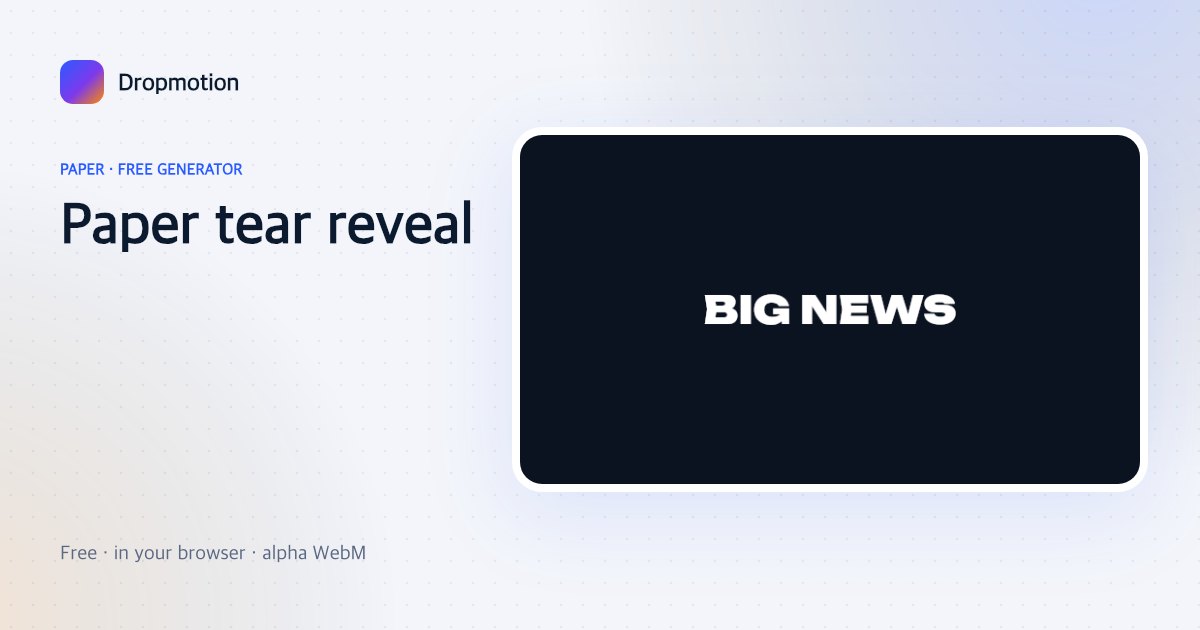
Paper tear reveal
A sheet of paper rips across the middle and the two halves pull apart to reveal your text or image.
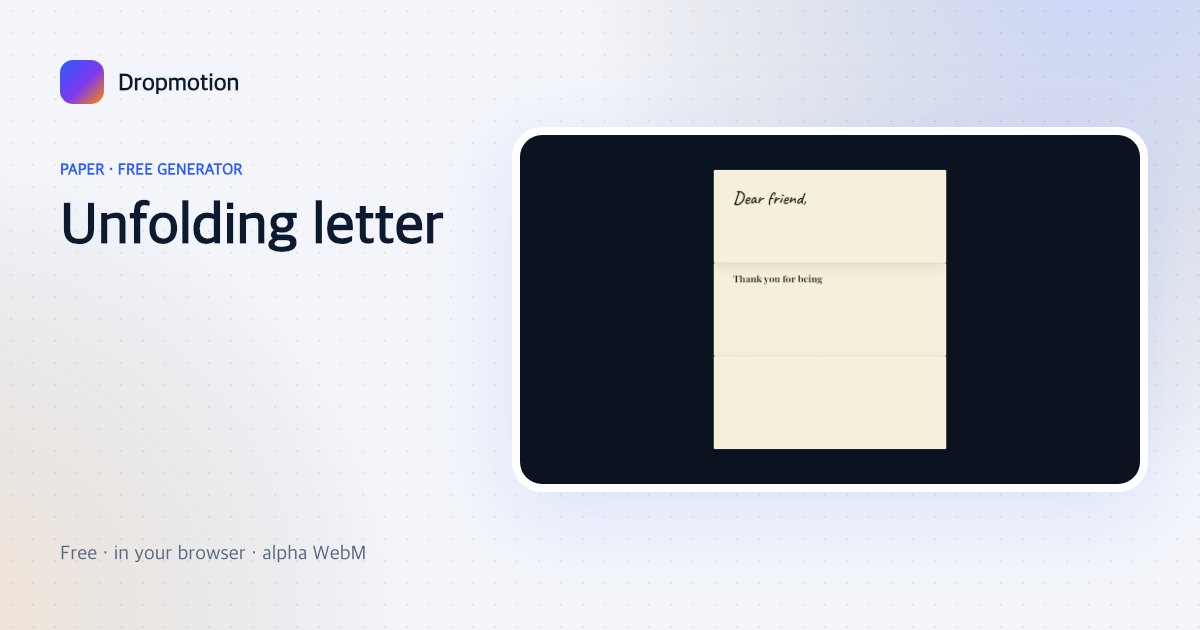
Unfolding letter
A tri-folded letter opens panel by panel with creases and shading, revealing your message in handwriting.
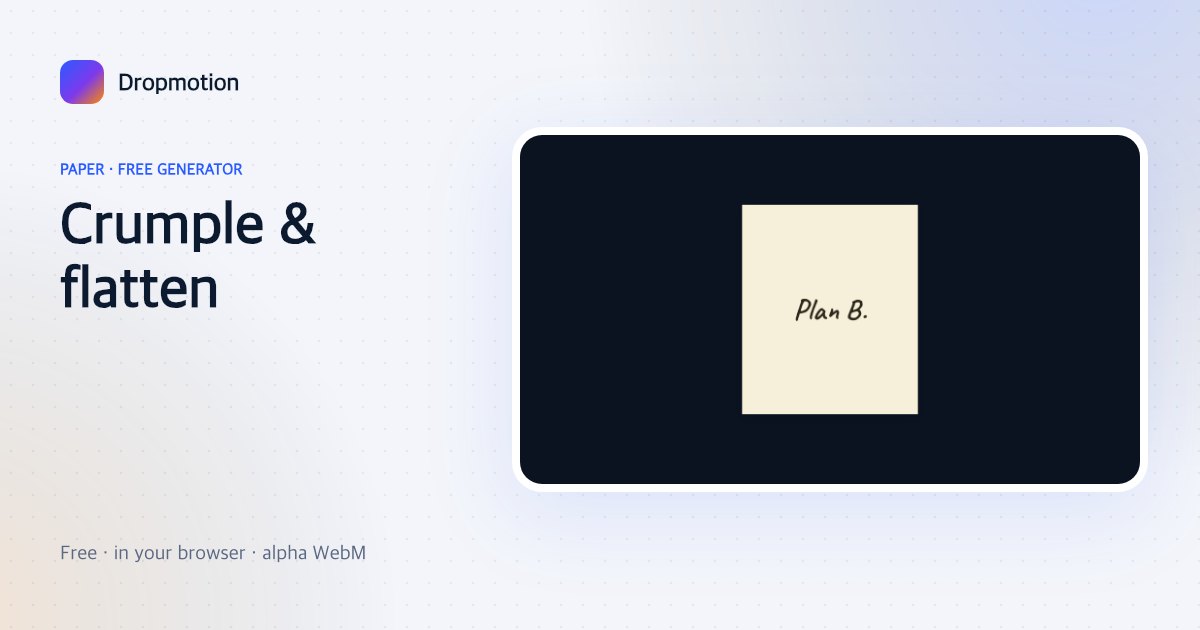
Crumple & flatten
A crumpled paper ball bounces in, then un-crumples into a flat note with your text — rejected drafts, “take two”.
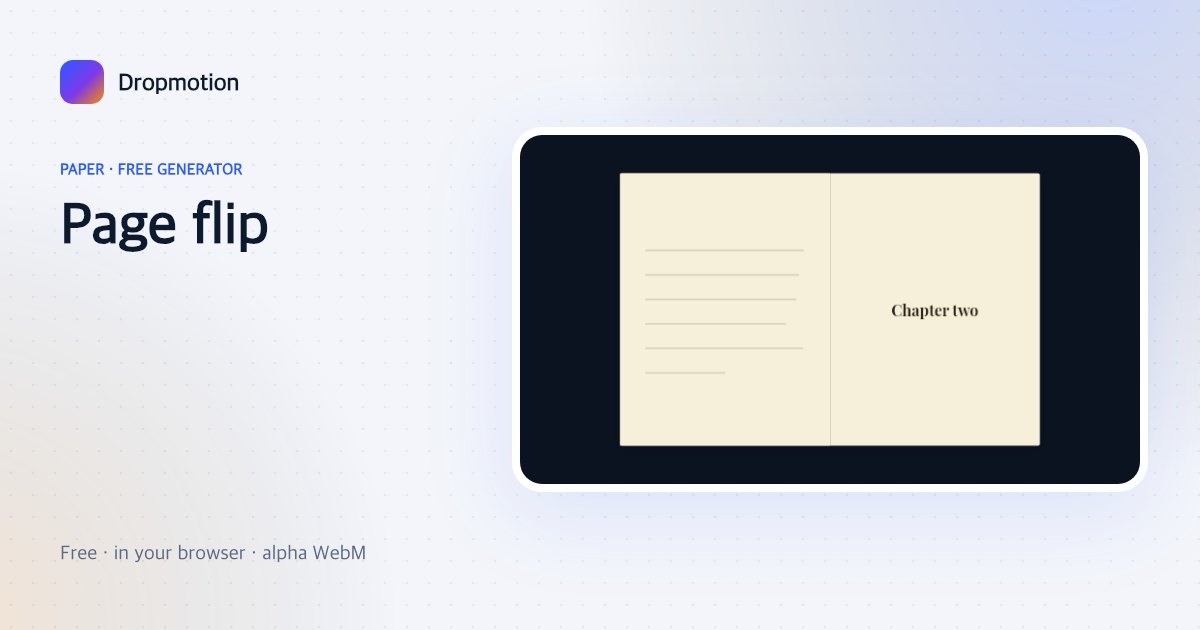
Page flip
A page turns over with a curling shadow, revealing the next page of text — storybooks, chapters, “next”.
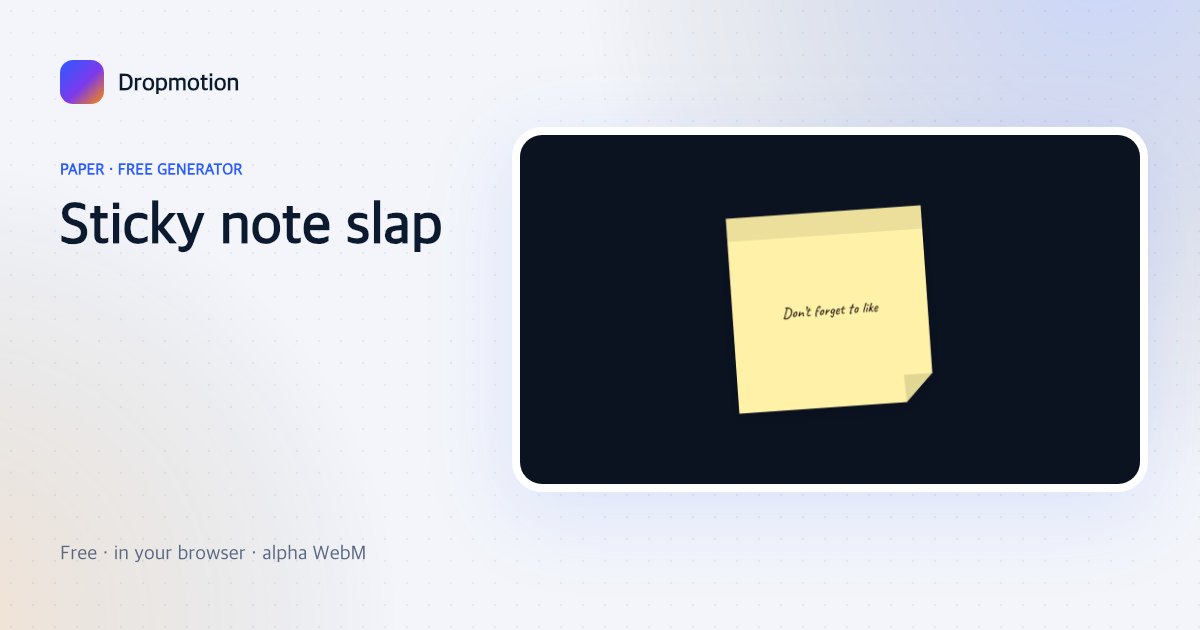
Sticky note slap
A sticky note slaps onto the screen with a curled corner and handwritten text — reminders, tips, “don’t forget”.
Paper plane
A folded paper plane loops across the screen along a dotted path and drops your message as a banner.
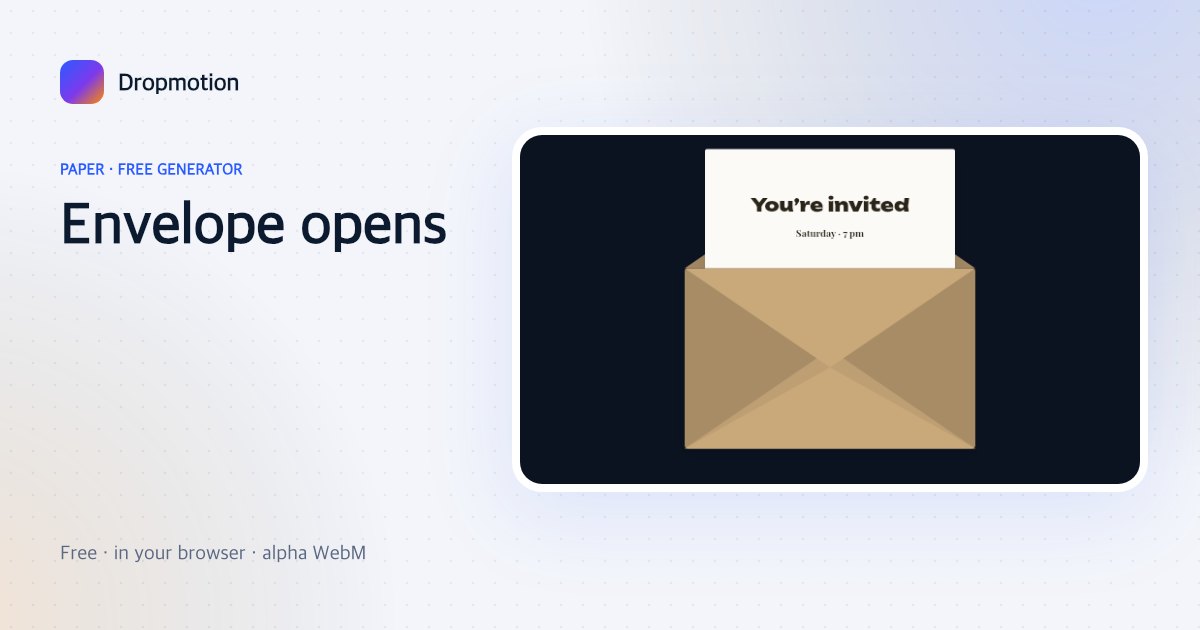
Envelope opens
An envelope flap lifts and a letter slides up out of it with your heading — invitations, newsletters, “you’ve got mail”.
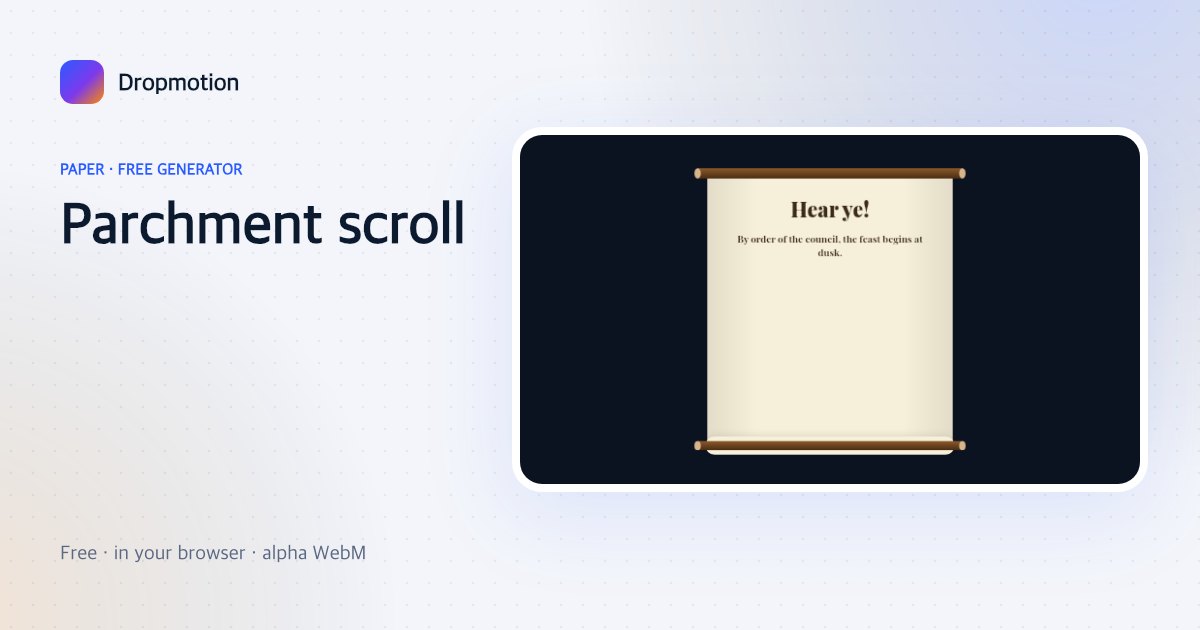
Parchment scroll
A parchment scroll unrolls downward from a wooden rod revealing your proclamation in serif type.
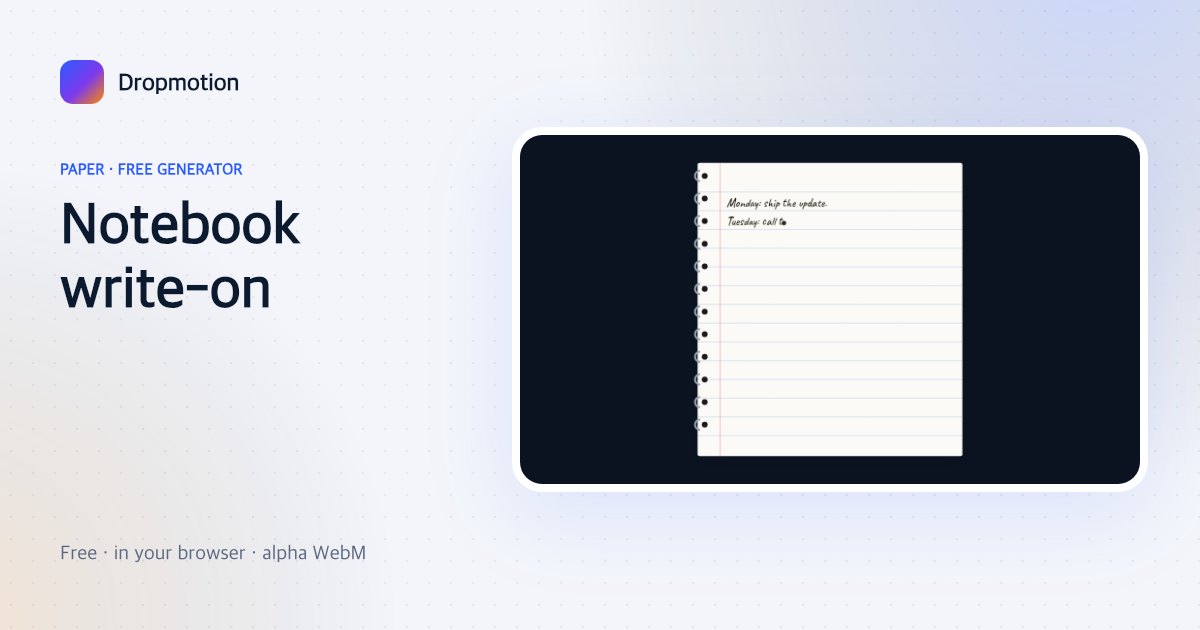
Notebook write-on
A spiral notebook page with ruled lines; your text is handwritten line by line with a moving pen dot.
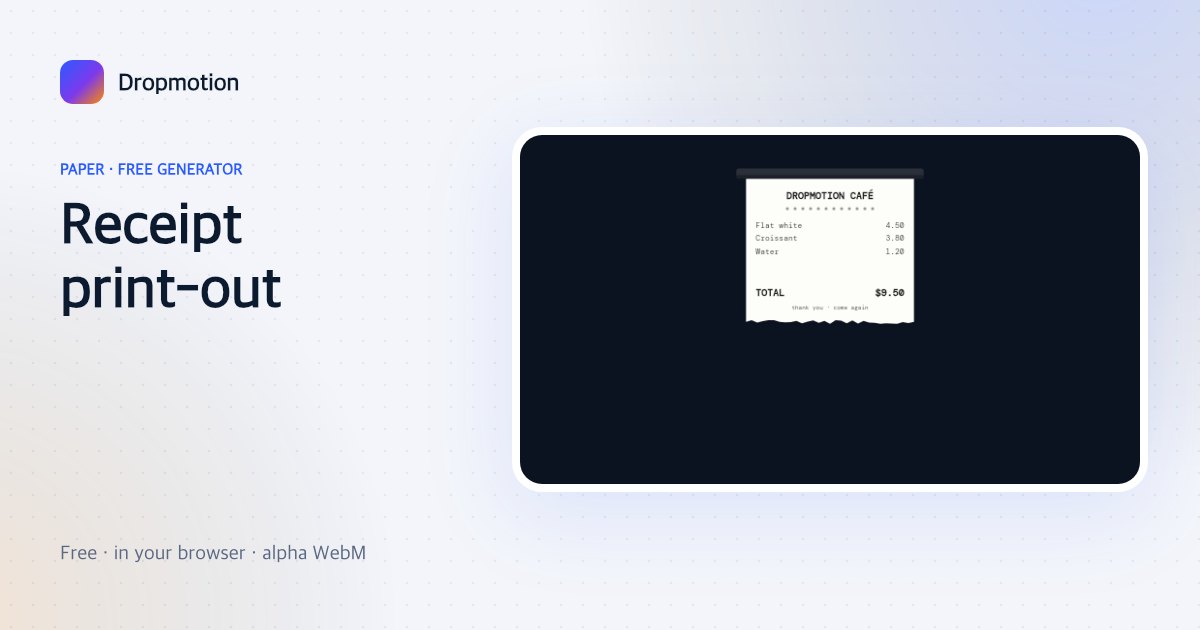
Receipt print-out
A thermal receipt prints line by line out of a slot and tears off at the end — order confirmations, menus, recaps.
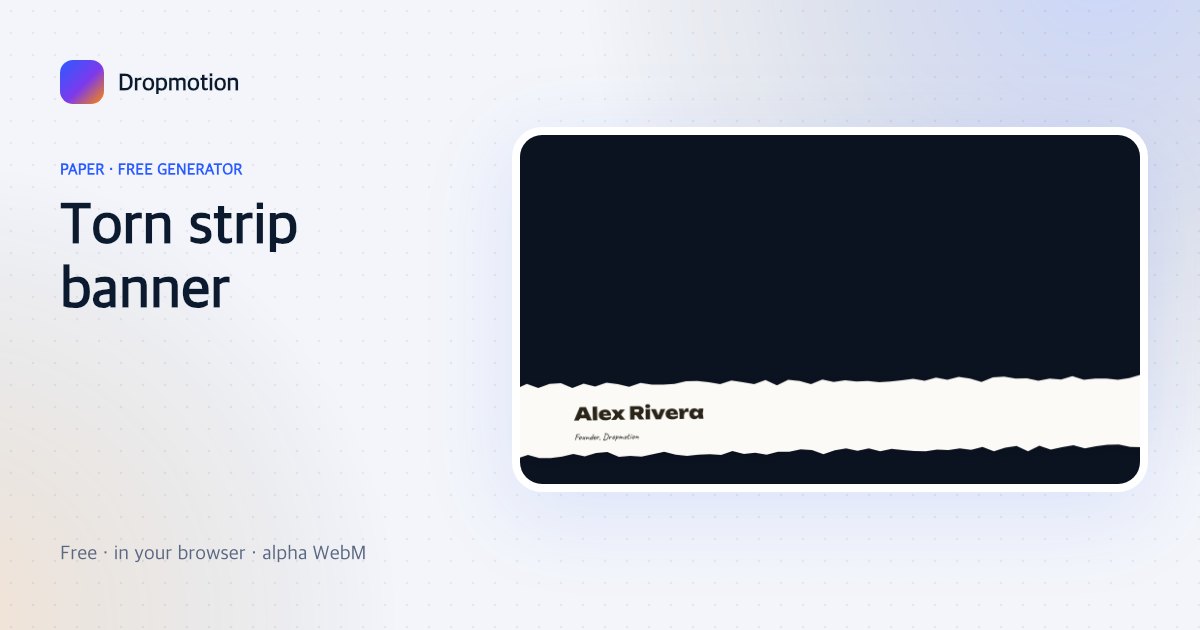
Torn strip banner
A strip of torn paper slides in along the bottom with your name and title — a papercraft lower third.
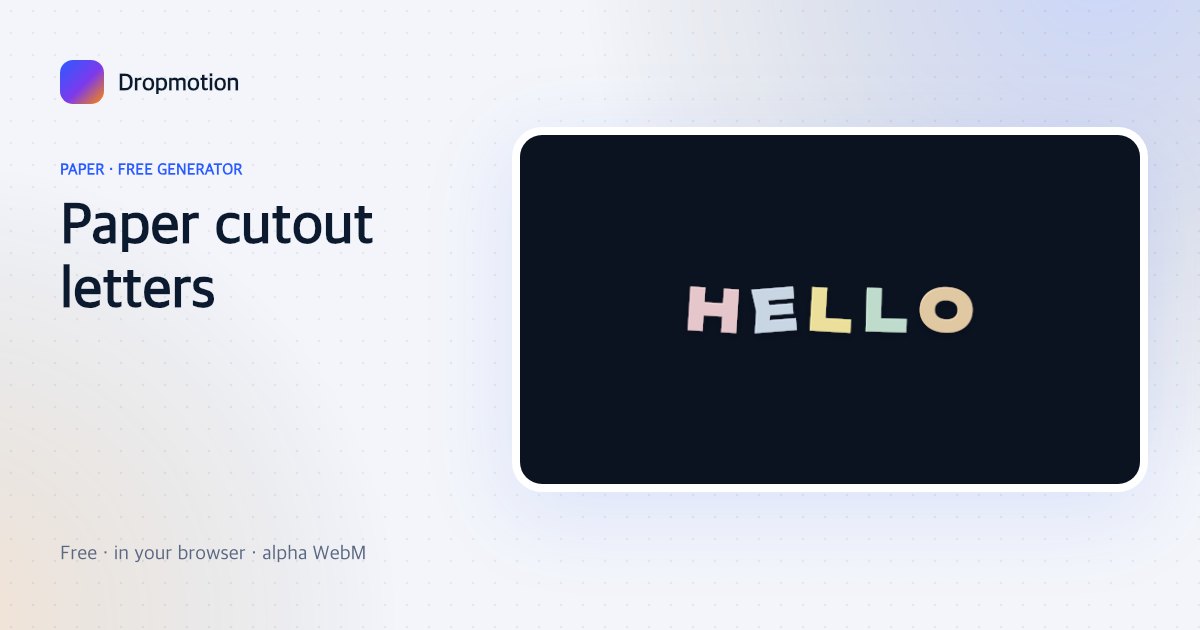
Paper cutout letters
Each letter is a paper cutout that drops in with its own shadow and slight tilt — craft-style titles.
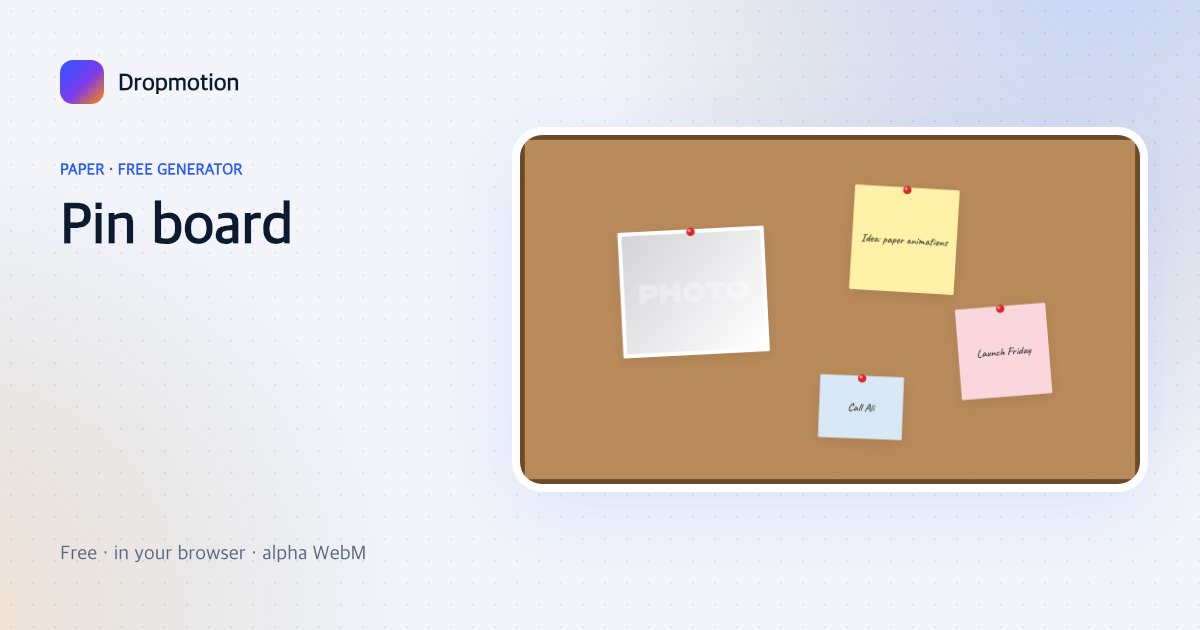
Pin board
Notes and a photo get pinned onto a cork board one by one with red push-pins — plans, mood boards, evidence walls.
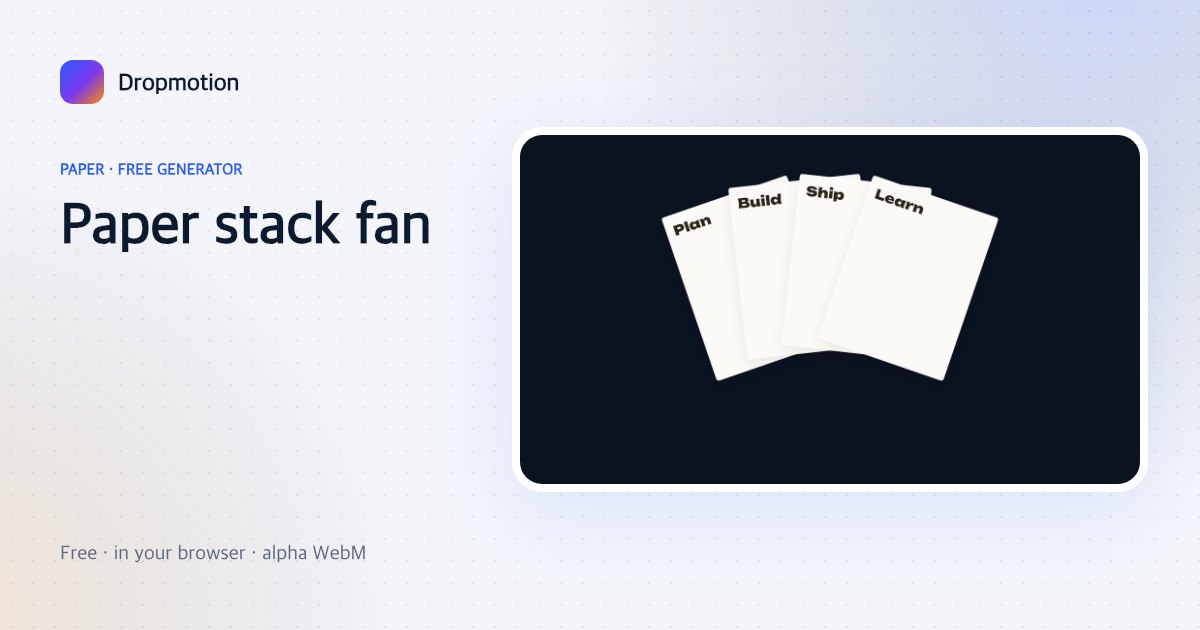
Paper stack fan
A stack of sheets fans out like a hand of cards, each with a word or image — options, steps, a portfolio.
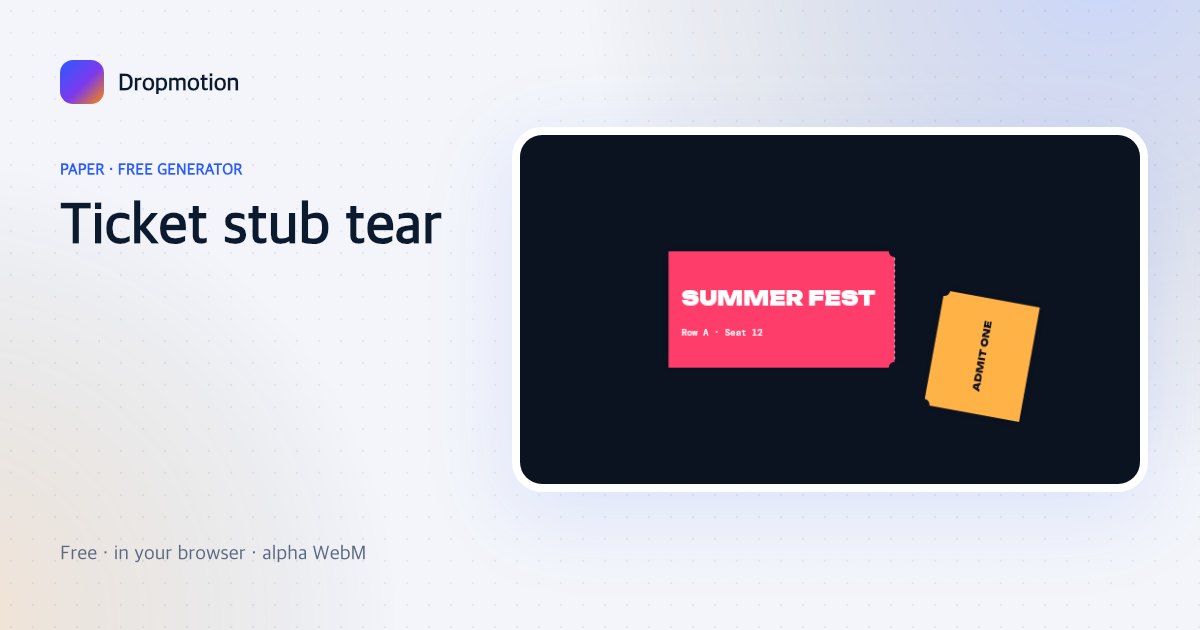
Ticket stub tear
An event ticket slides in and the stub tears off along the perforation — events, giveaways, “you’re in”.
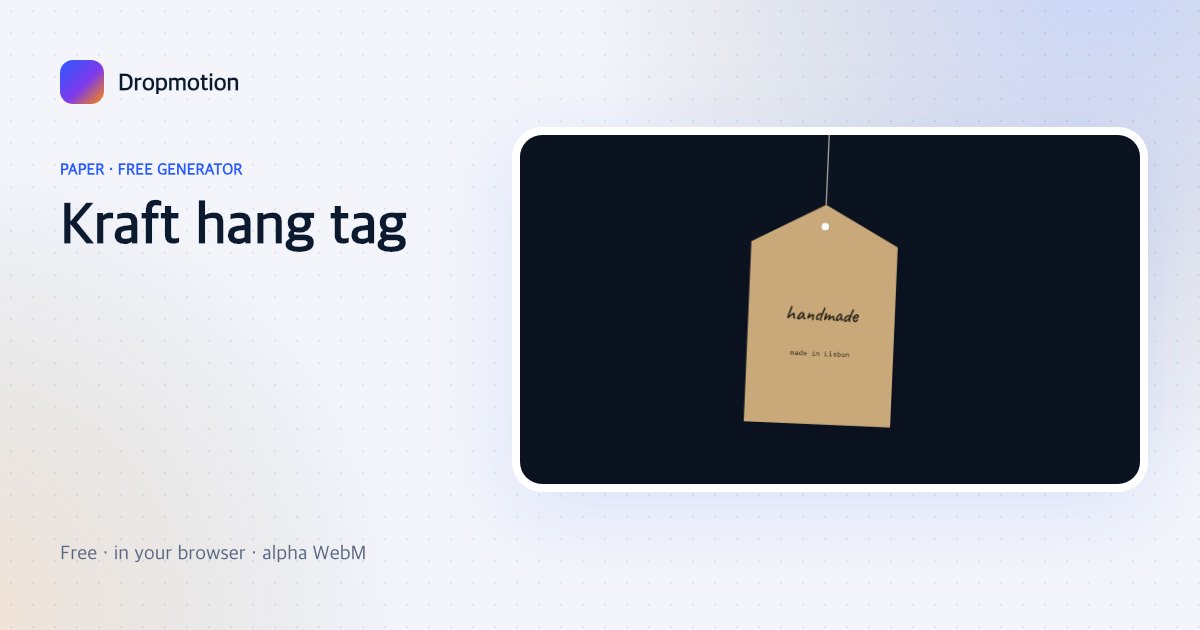
Kraft hang tag
A kraft paper tag on a string swings in with your label and a small line — handmade, boutique, “made with love”.
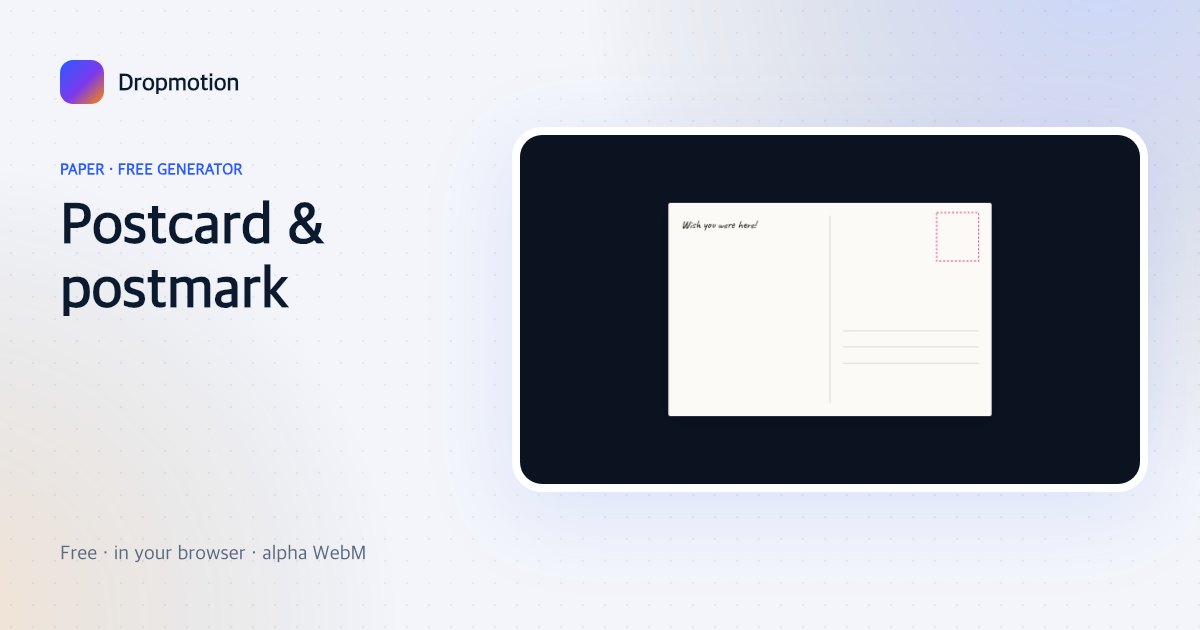
Postcard & postmark
A postcard flips from photo side to message side and a round postmark stamps onto the corner — travel, greetings.
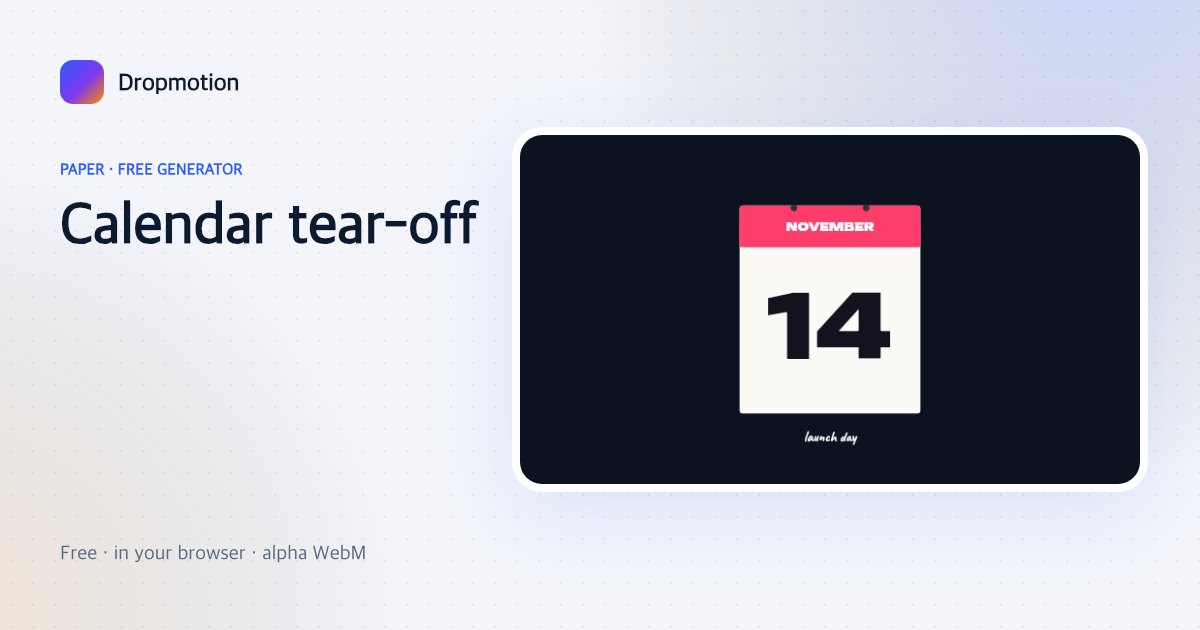
Calendar tear-off
Tear-off calendar sheets rip away one by one and fly off until the big date is revealed — launches, deadlines.
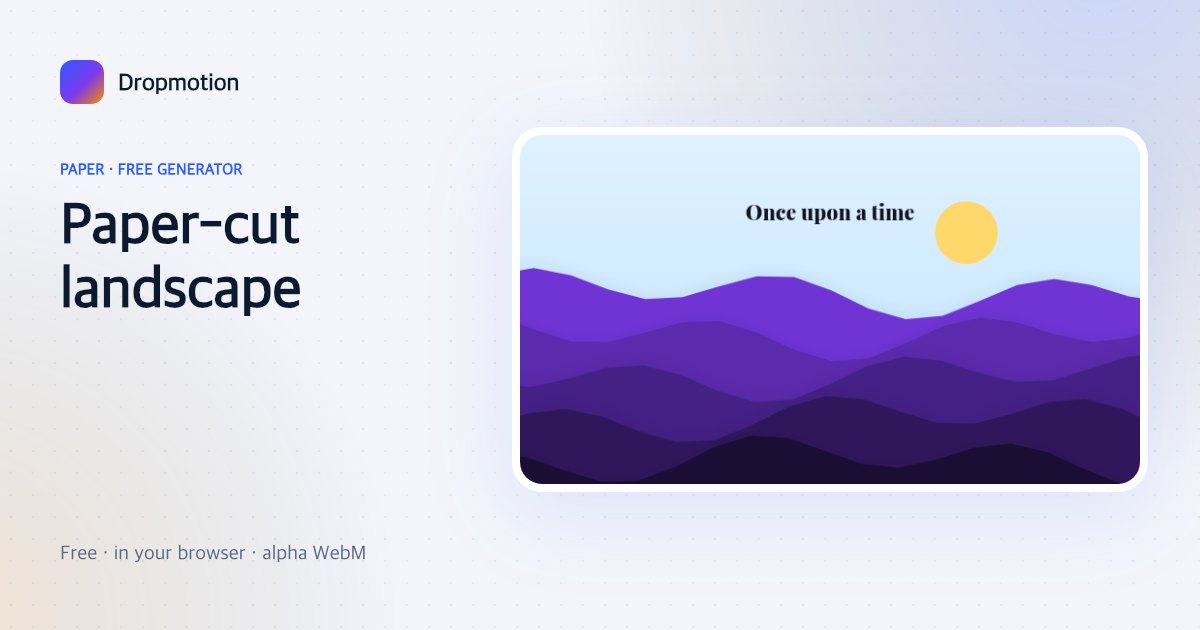
Paper-cut landscape
Layered paper-cut hills drift in parallax with a paper sun and your title — the popular papercut explainer look.
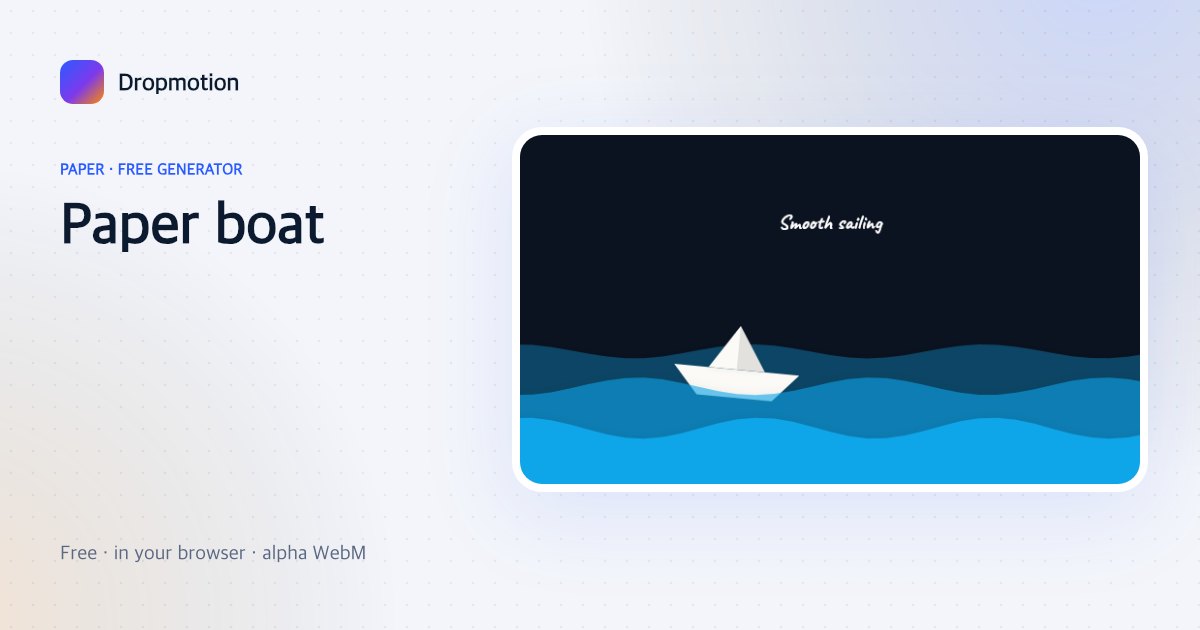
Paper boat
A folded paper boat bobs across layered paper waves with your caption — journeys, “smooth sailing”, kids content.
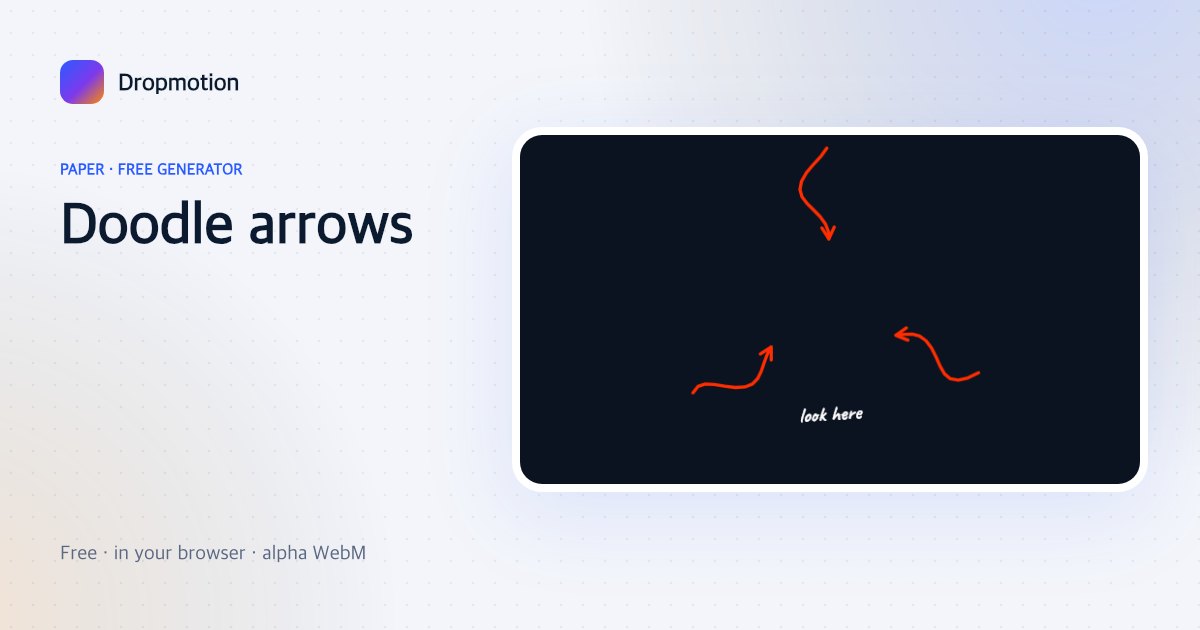
Doodle arrows
Scribbly hand-drawn arrows draw themselves pointing at the centre with a handwritten label — “look here”, tutorials.
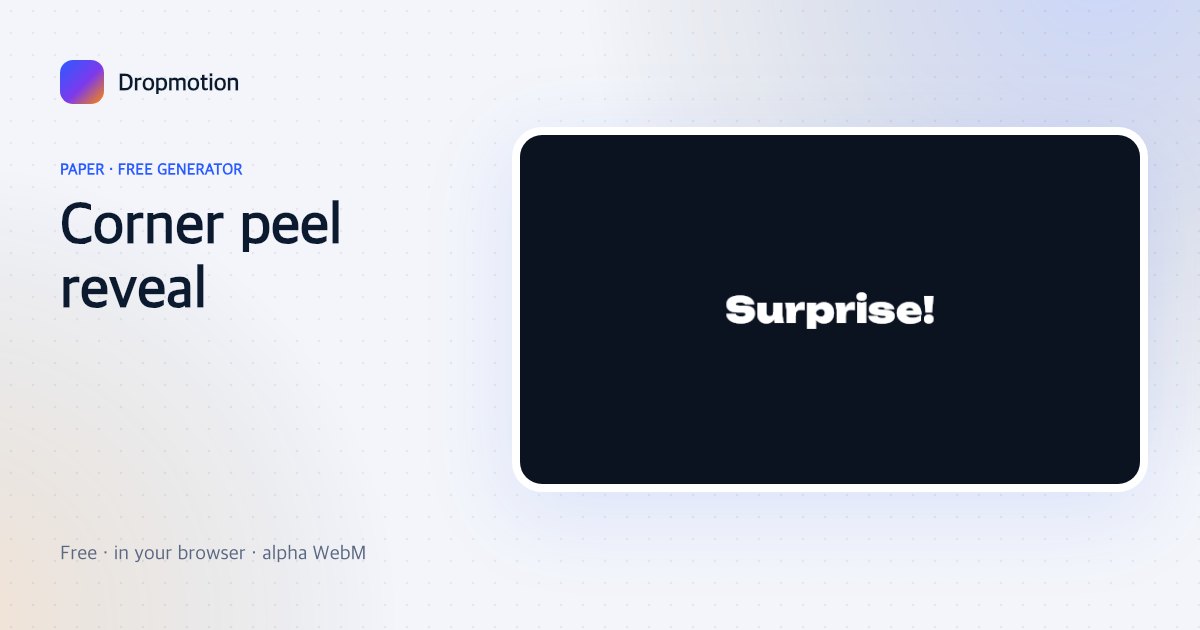
Corner peel reveal
The bottom-right corner of a paper sheet peels back diagonally, revealing the image or text underneath.
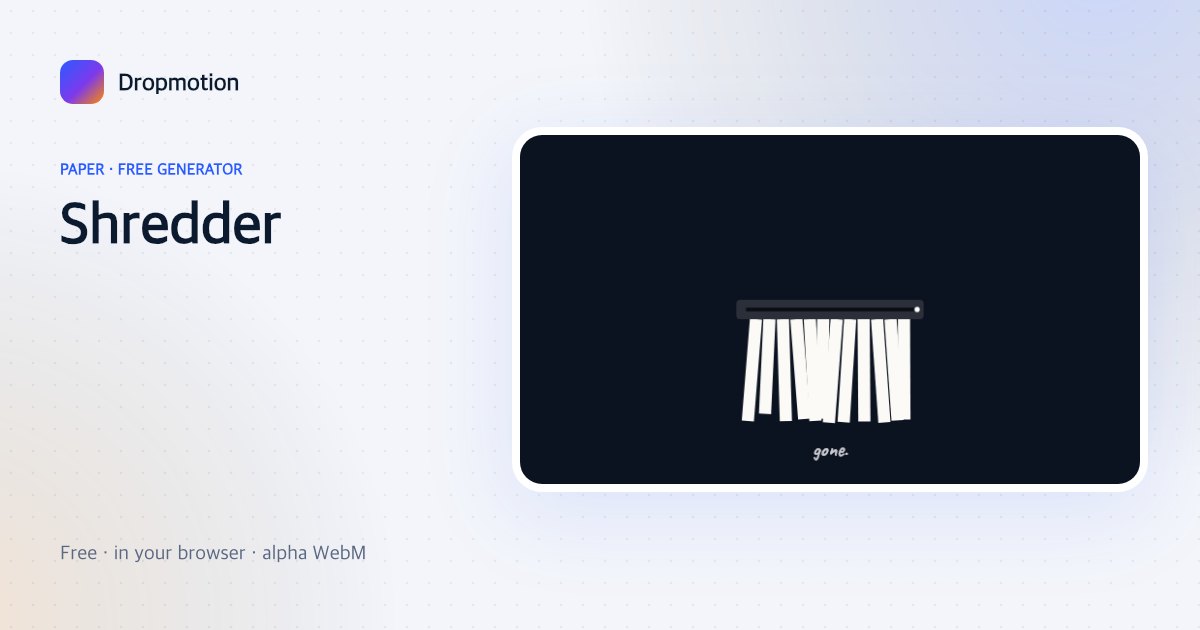
Shredder
A sheet with your text feeds into a shredder and comes out as falling strips — “forget it”, before/after, humour.
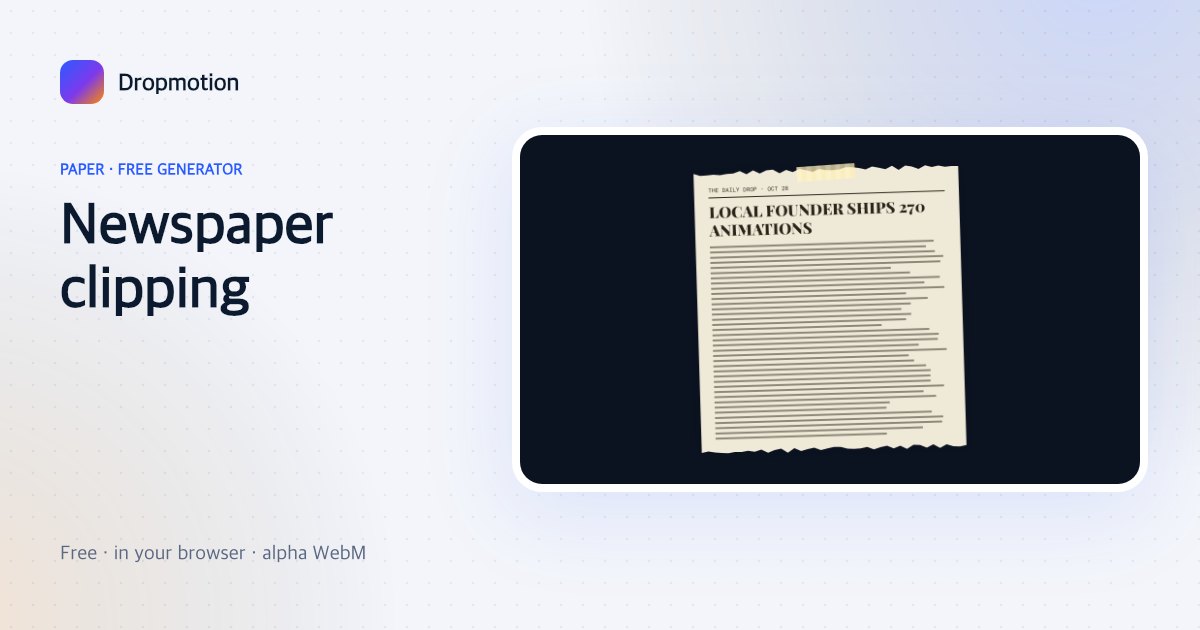
Newspaper clipping
A torn newspaper clipping with headline and column text slaps down under a strip of tape — evidence, throwbacks.
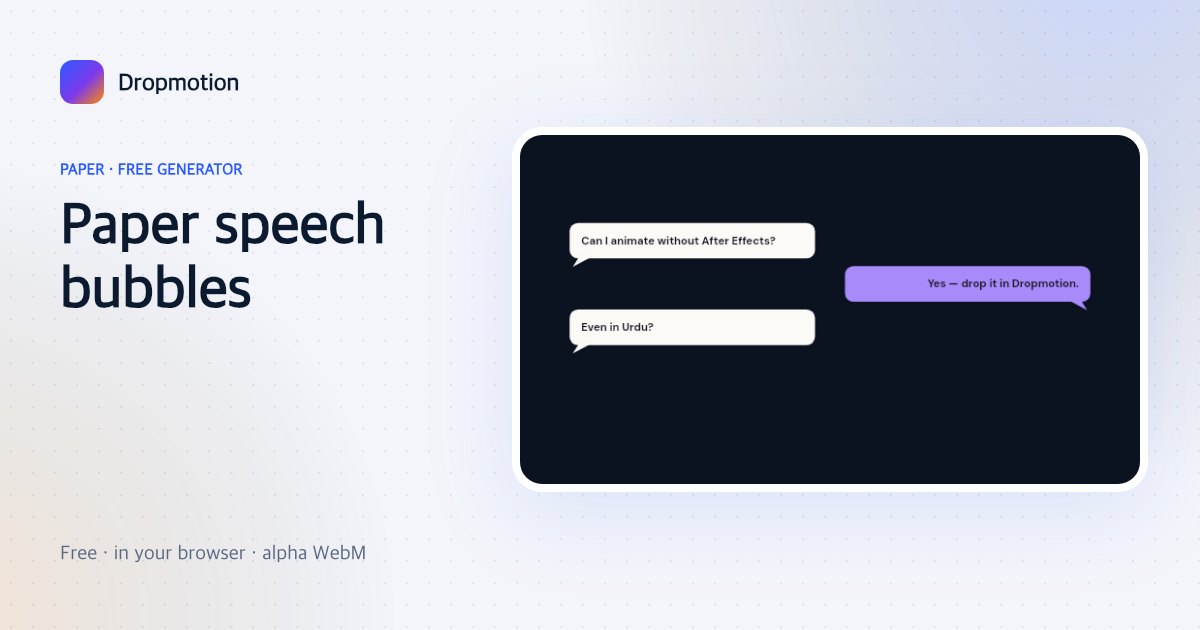
Paper speech bubbles
Paper-cutout speech bubbles pop in left and right like a conversation — Q&A, dialogues, explainers.
Accordion fold reveal
An image or text unfolds like an accordion in vertical strips with alternating shading — gallery reveals, stingers.
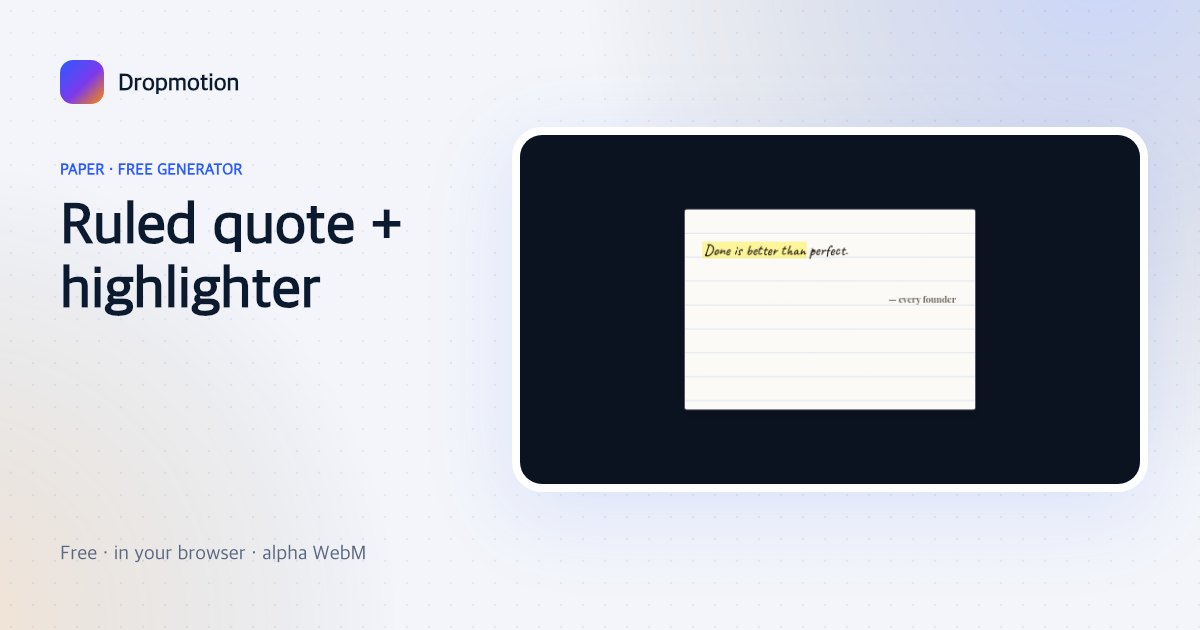
Ruled quote + highlighter
A quote in handwriting on ruled paper, then a highlighter swipes across the key line — study notes, quotes.
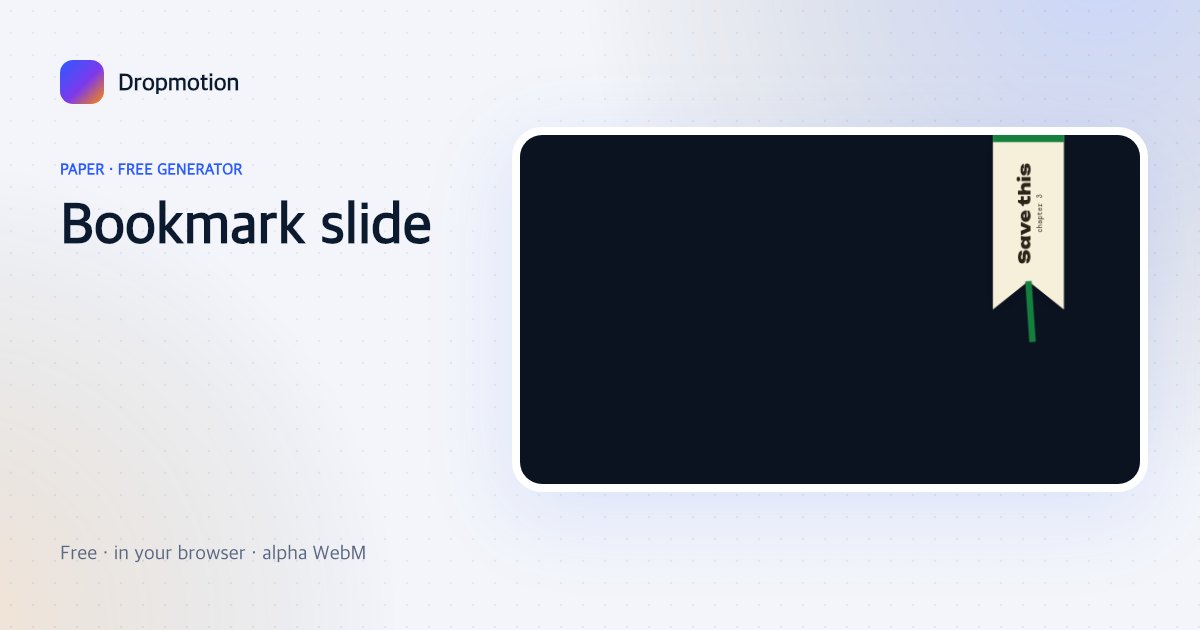
Bookmark slide
A paper bookmark slides down out of the top edge with a ribbon tail and your label — chapters, “save this”.
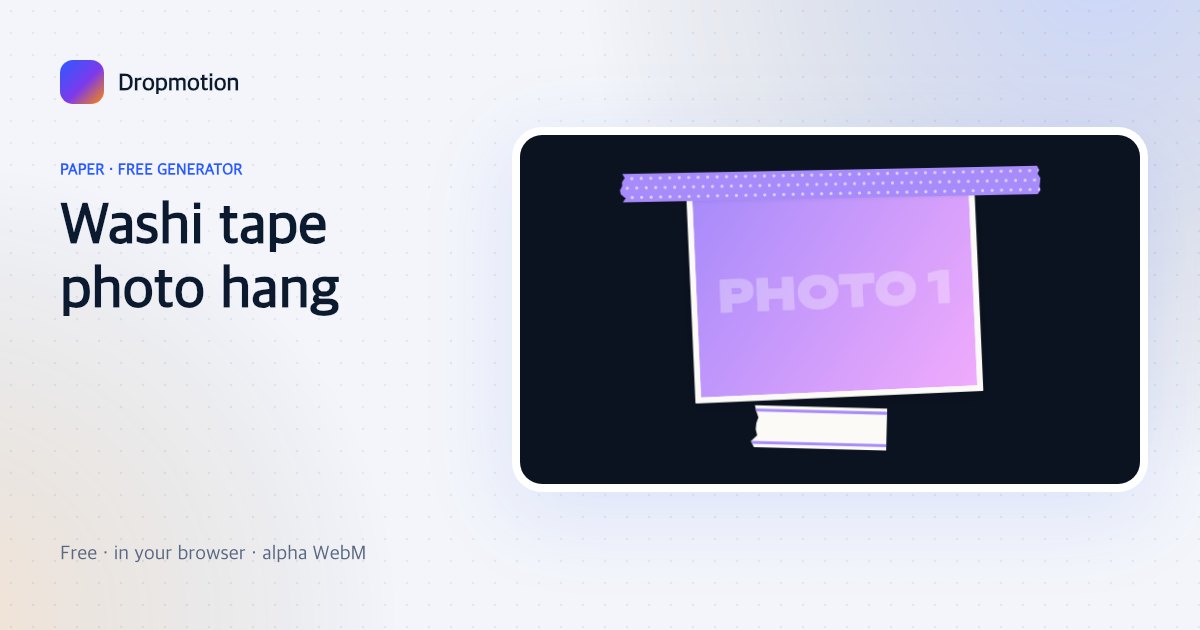
Washi tape photo hang
A washi tape roll unrolls a patterned strip across the frame and tears off, your photo swings down hanging from the tape, and the caption is written on a second torn strip.
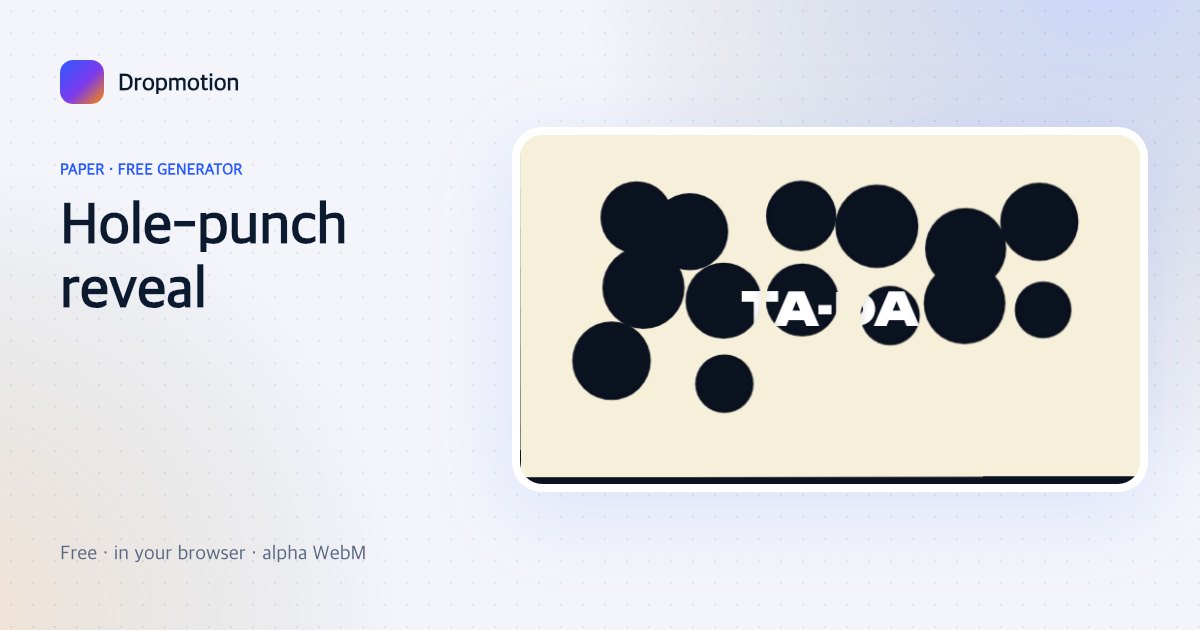
Hole-punch reveal
Round holes get punched out of a paper sheet one by one until the image or text underneath shows through, then the sheet lifts.
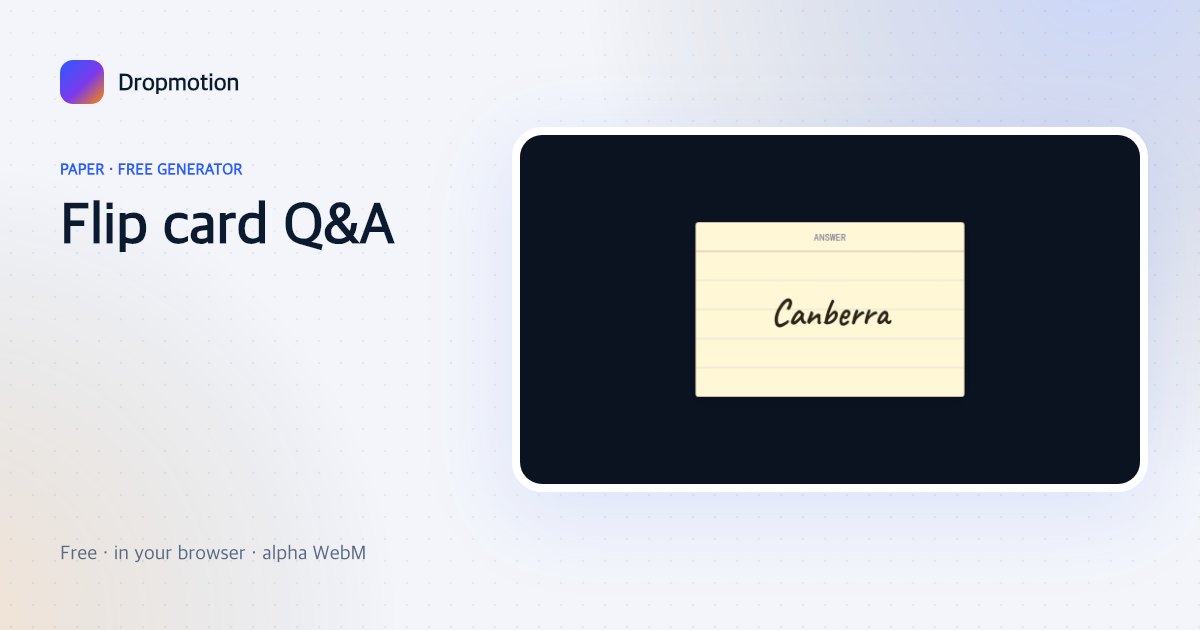
Flip card Q&A
A paper index card shows a question, then flips over to reveal the answer — study reels, trivia, quizzes and FAQs.
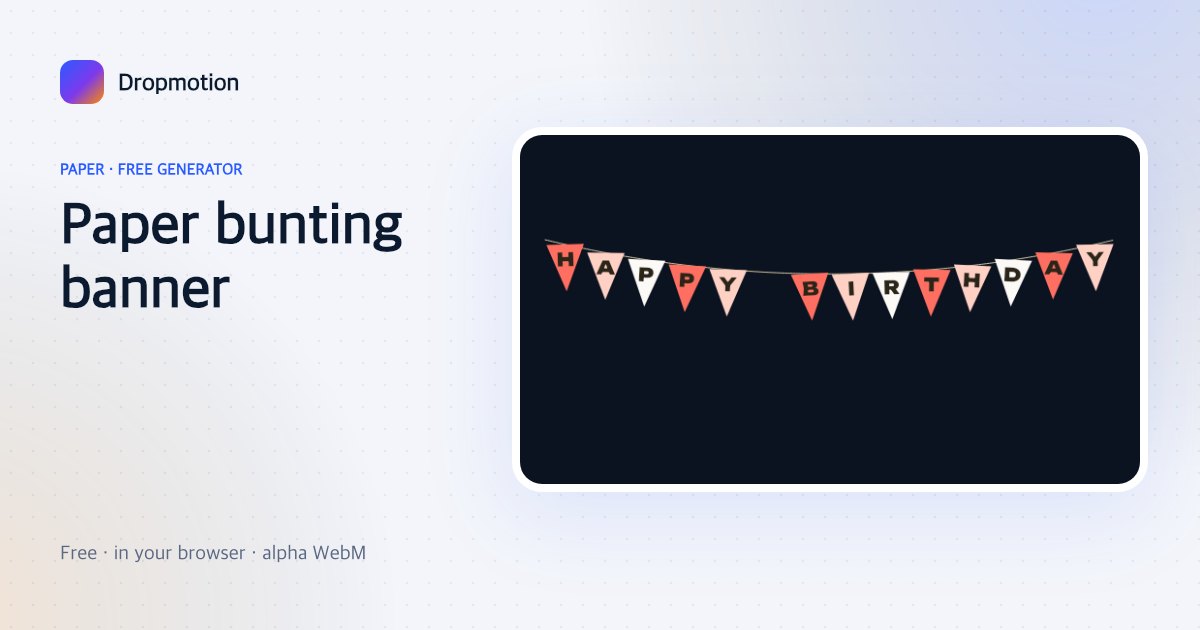
Paper bunting banner
Paper pennant flags drop onto a string one by one, each with a letter of your message, and sway — birthdays, openings, parties, “WELCOME”.
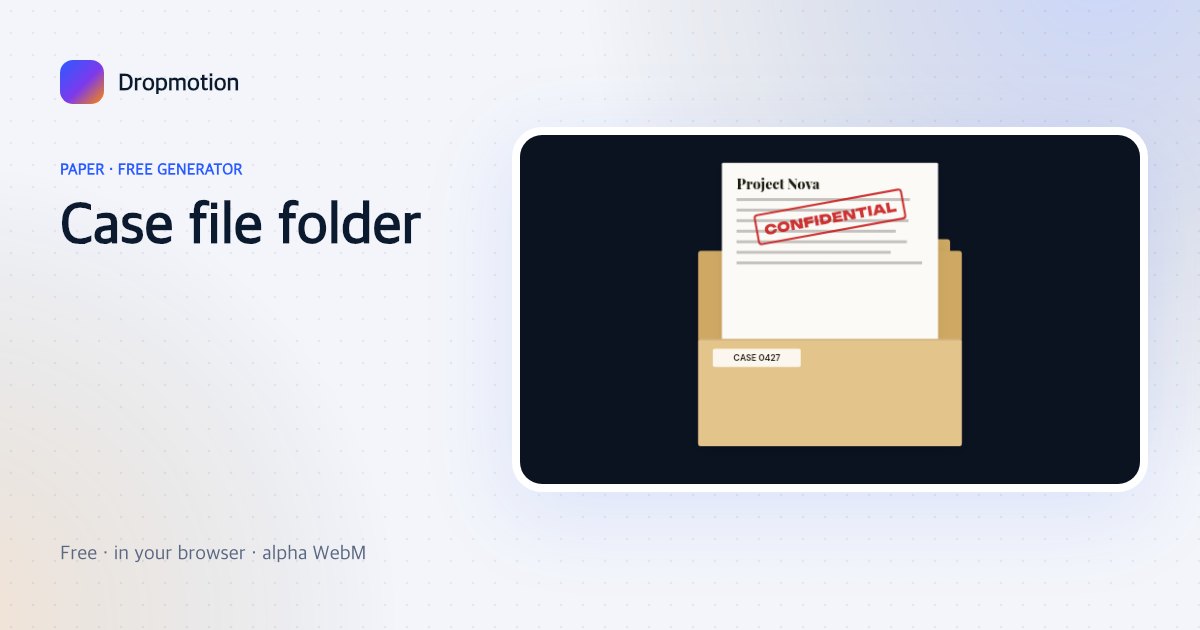
Case file folder
A manila folder with your label flips open, a typed document slides out and a red stamp slams onto it — reveals, “case closed”, true-crime and project files.
Paper animation questions
How do I make a paper animation online for free?
Open any Paper generator on Dropmotion, type your words or drop in a photo, pick colours and a size, and press “Download video”. It runs in your browser with nothing to install; downloads are free, up to 10 a day with no account (a 1080p MP4 with a small dropmotion.io mark under the animation and a “Made with dropmotion.io” banner along the bottom, plus a 2-second end card), and a $3 day pass gives clean HD files for 24 hours. Free PNG stills carry the same mark and count toward the 10 a day. The newest releases are for day pass and Unlimited members until the next release.
How do I make a paper tear transition without After Effects?
Open Paper tear reveal, type the text or add the image that sits under the paper, and download. The sheet rips and pulls apart in your browser, so you need no After Effects, plugin or template pack.
How do I use a paper transition green screen in CapCut?
Download the effect with a transparent background, or on a green screen. In CapCut, tap Overlay, add the video, then Remove background and Chroma key, and pick the green. The paper stays and your clip shows through where the green was.
Do the paper animations have a transparent background?
Free downloads keep a transparent background (WebM in Chrome or Edge; other browsers get green to key out), and so do clean HD downloads with a $3 day pass or Unlimited; PNG stills always keep transparency.
Which paper animation works best for Shorts, Reels and TikTok?
Sticky notes, doodle arrows and the crumple-and-flatten note read well on a phone. Set the size to Vertical 9:16 before you download so the paper is laid out for a tall screen rather than shrunk from a wide one.
Can I change the paper colour?
Yes. Most paper effects have a Paper setting with white, cream, kraft, pink, blue, yellow or grey, and the colour scheme sets the accents such as tape, arrows and envelopes. Text you type in Urdu, Arabic, Hindi or Bengali is drawn with proper fonts.