Product animation maker
Make a product animation from a background-removed PNG right in your browser — no After Effects, no 3D rig, no template download. 33 generators cover product launch videos, spins, price tags, star reviews, before and after sliders and food ads with steam, sizzle and menu cards. Download free with a small dropmotion.io mark (10 a day), or export clean HD with a $3 day pass for CapCut, Premiere Pro or DaVinci Resolve.
33 generators · free to preview and download, 10 a day with a small mark · clean files from a $3 day pass · MP4, transparent WebM, green screen or PNG · 16:9, 9:16, 1:1 and strip.
Open the Studio →Which product animation should I use?
Hero shots and product launches
- 360° turntable — your product spins on a turntable with a moving highlight and a grounded shadow; the hero shot without a rig.
- Levitating product — the product hovers with a breathing shadow and soft particles; the premium cosmetics and tech look.
- Water splash — the product drops into water with ripple rings and flying droplets; drinks, skincare and anything “refreshing”.
- Unboxing — a box lid flips open, light pours out and the product rises from inside; launch and unboxing teasers.
- Launch countdown — the product waits in silhouette under a LAUNCHING IN countdown and lights up at zero; coming soon teasers and drops.
Prices, offers and reviews
- Product + price tag — a price tag swings in on a string with an optional old price and a note; listings and offer posts.
- Sale sticker burst — a starburst sticker such as -30% or NEW pops onto the product and wiggles; flash sales.
- Star rating — five stars fill, the rating counts up and a review line fades in; social proof for ads.
- Marketplace listing — a marketplace-style card with title, price, rating and an Add to cart button slides up; shop ads.
Show what it does
- Before / after slider — a divider sweeps from your before image to the after; skincare, cleaning and detailing results.
- Feature callouts — numbered dots and leader lines point to the features you name; specs and “what’s inside”.
- Product dimensions — measurement lines draw around your product with width and height labels; size guides for listings.
Food ads and menus
- Hot & fresh steam — steam curls up from your dish with a warm glow; hot and fresh food ads.
- Sizzle & sparks — the dish shivers on a hot plate with popping oil sparks; grills and fried food.
- Sauce drip — chocolate, caramel, cheese or honey drips down over your dish; desserts and burgers.
- Menu card — your dish beside a menu card with name, description, price and an Order now button; restaurant and delivery ads.
How to make a product animation online for free
- Pick an effect from the list below, such as a 360 spin, a water splash, a price tag or a star rating. It opens in the Studio right in your browser, with nothing to install.
- Drop in your product PNG with the background already removed, type the name, price or labels, and choose a colour scheme and a size: Landscape 16:9 for YouTube, Vertical 9:16 for Reels, TikTok and Shorts, or Square 1:1 for feeds and listings.
- Press “Download video”. Free downloads, up to 10 a day with no account, are 1080p MP4s with a small dropmotion.io mark under the animation and a “Made with dropmotion.io” banner along the bottom; a $3 day pass or Unlimited gives clean HD files. Post it as it is, or put it in your ad edit in CapCut, Premiere Pro or DaVinci Resolve.
All 33 product generators
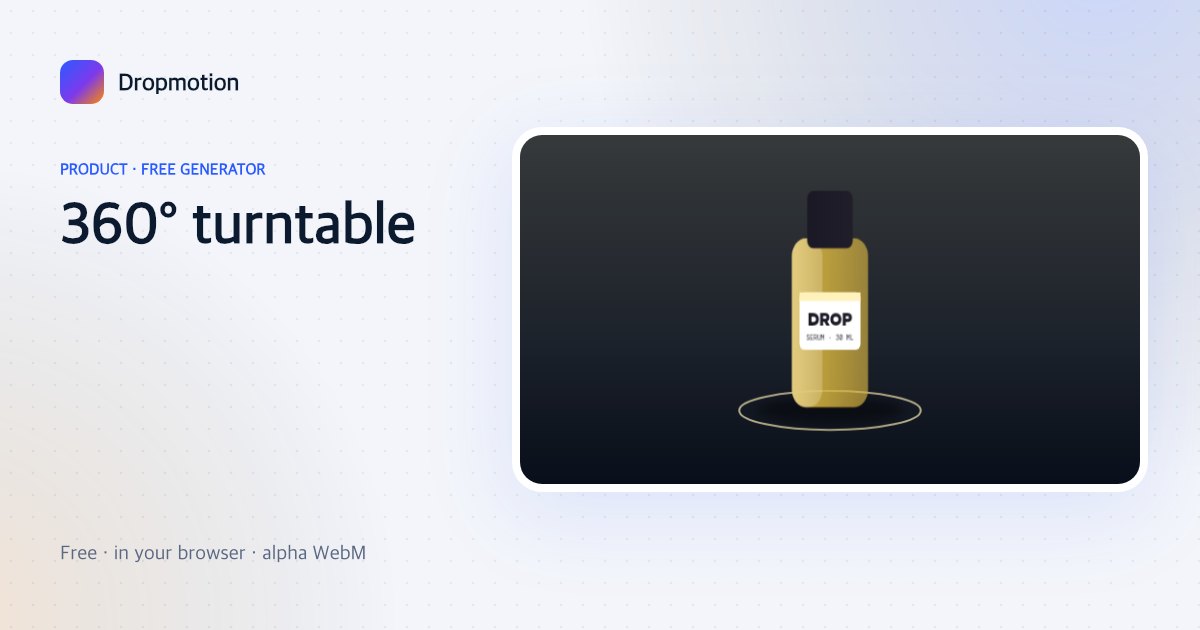
360° turntable
Your product spins on a turntable with a moving highlight and grounded shadow — the hero shot without a rig.
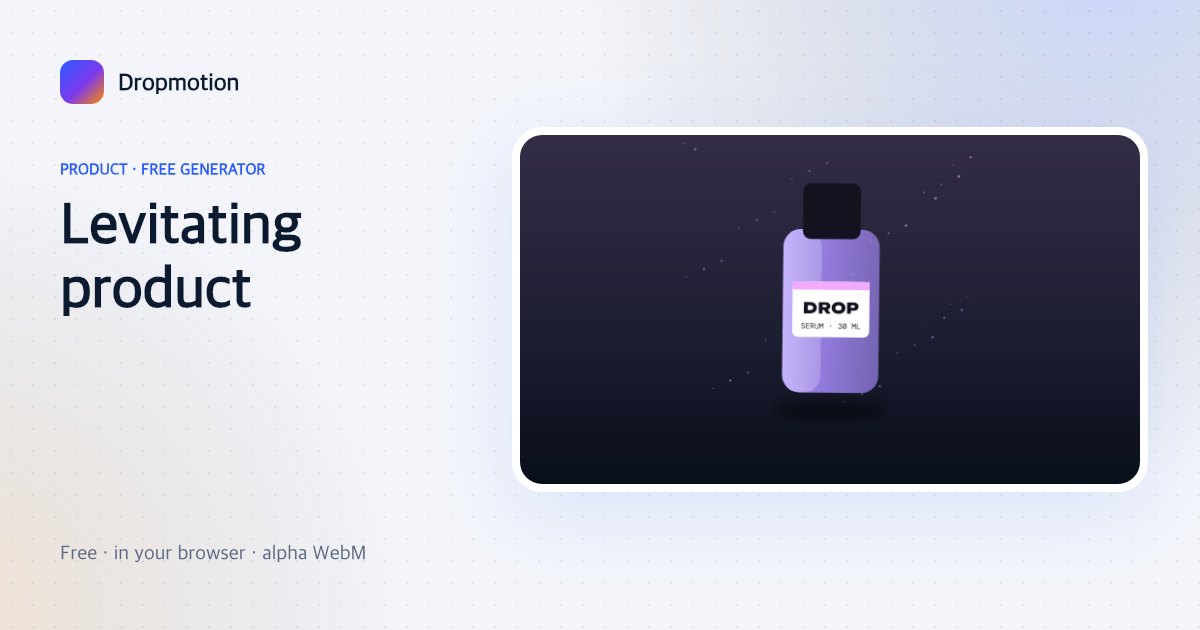
Levitating product
The product levitates with a breathing shadow and soft particles — the premium cosmetics / tech look.
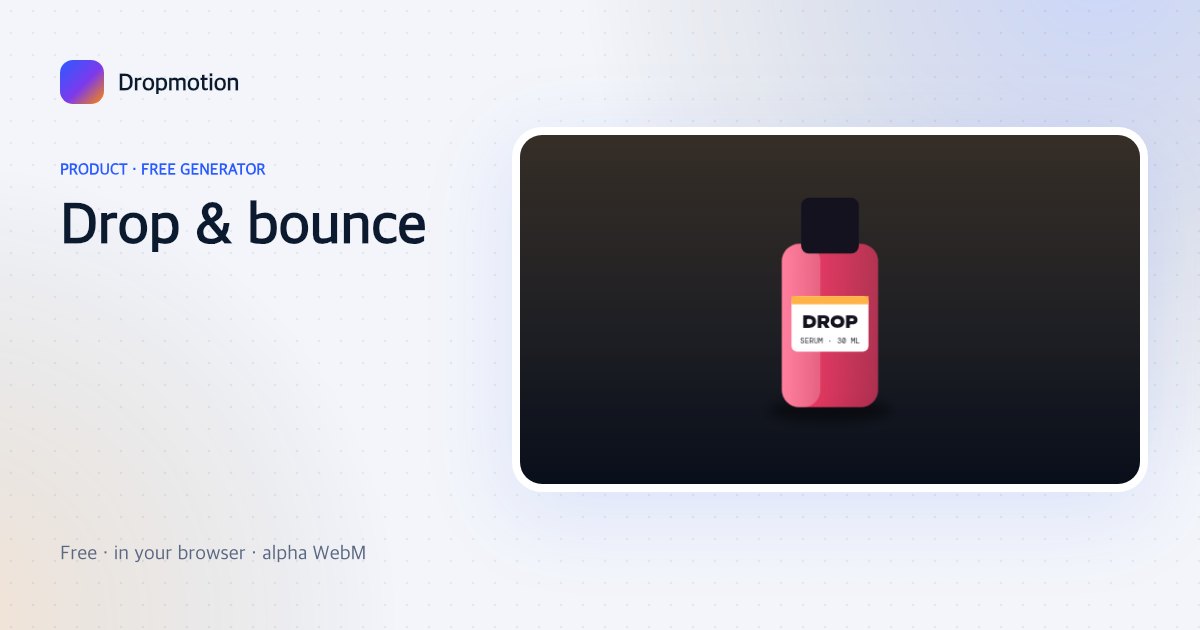
Drop & bounce
The product drops in from above, squashes on landing with a dust puff and settles — a punchy opener.
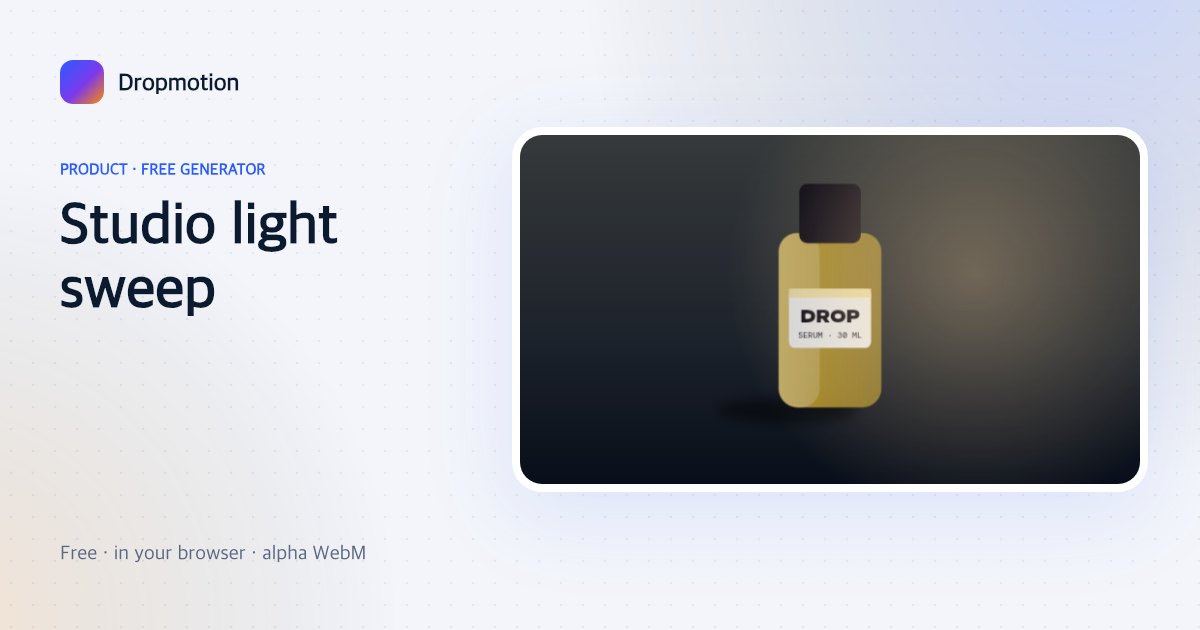
Studio light sweep
A soft studio light pans across the product with a moving reflection and rim glow — cinematic product shot.
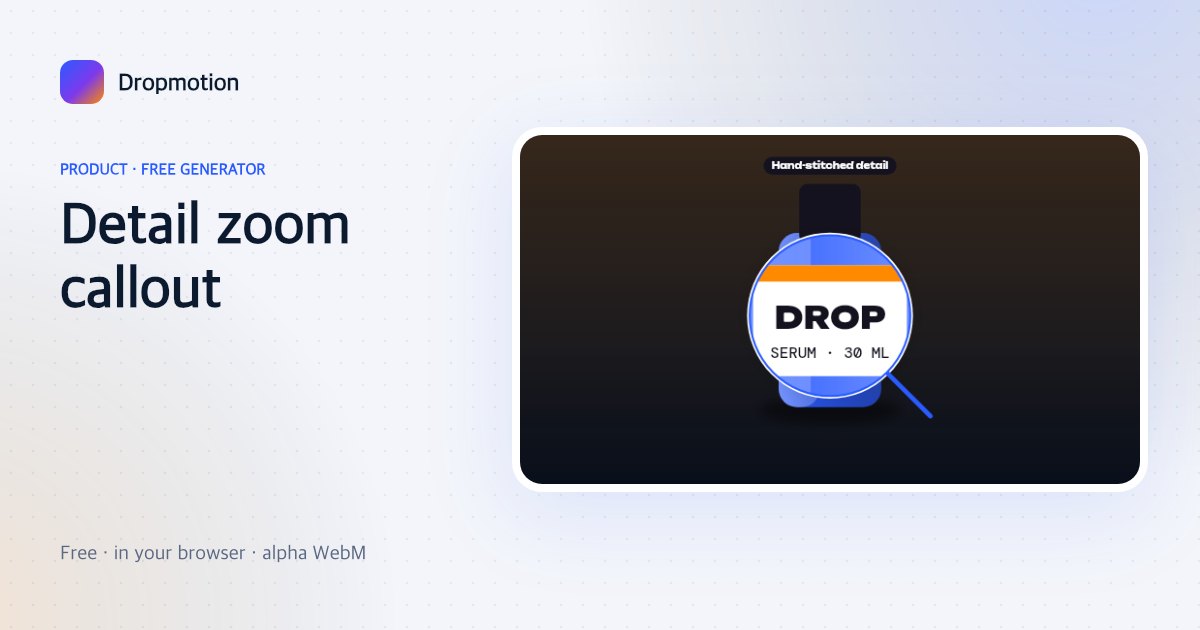
Detail zoom callout
A magnifier circle glides over the product and zooms into a detail with a label — fabric weave, texture, logo.
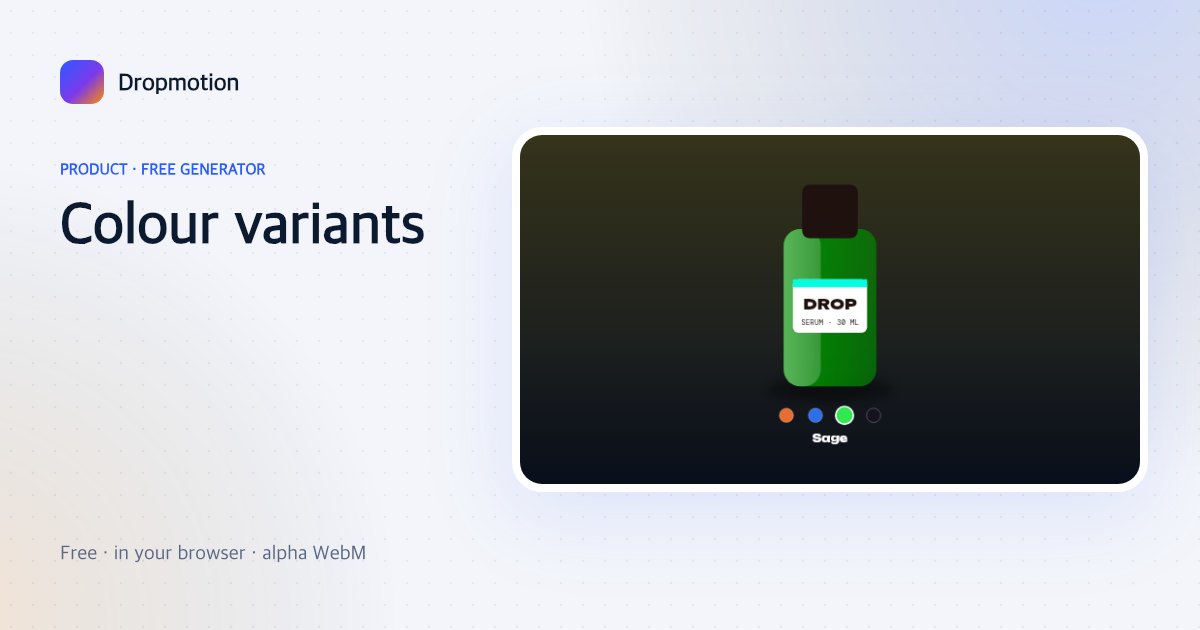
Colour variants
The product cycles through colour variants with a swatch row below — one PNG, every colour you sell.
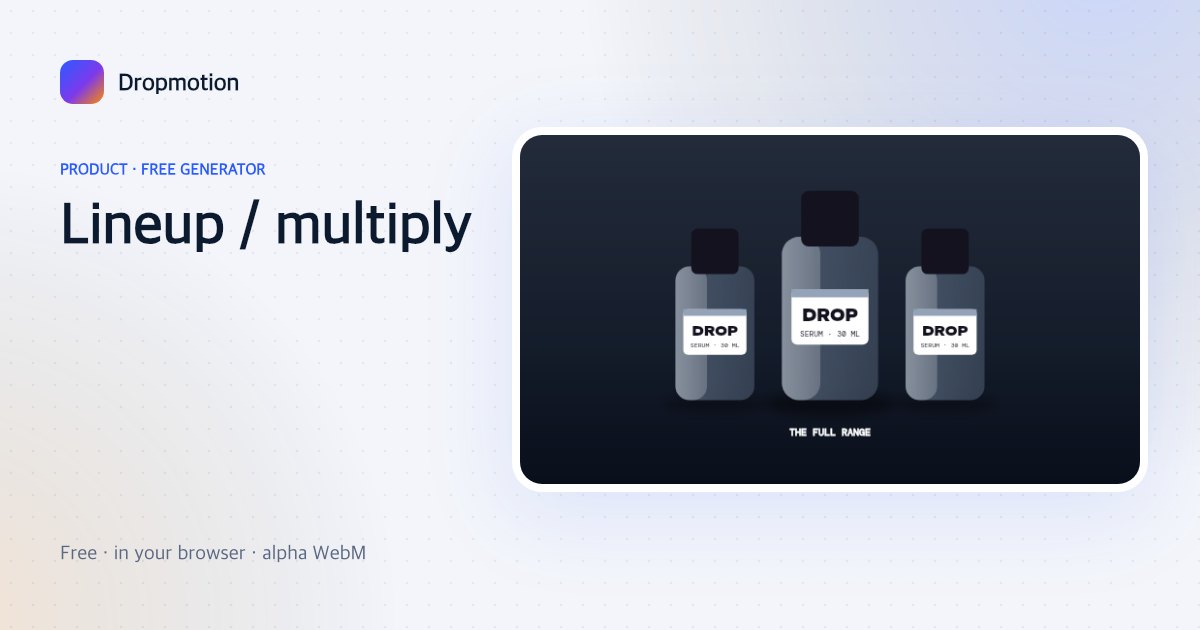
Lineup / multiply
One product becomes three: copies slide out to the sides at different scales — “the whole range”, bundles.
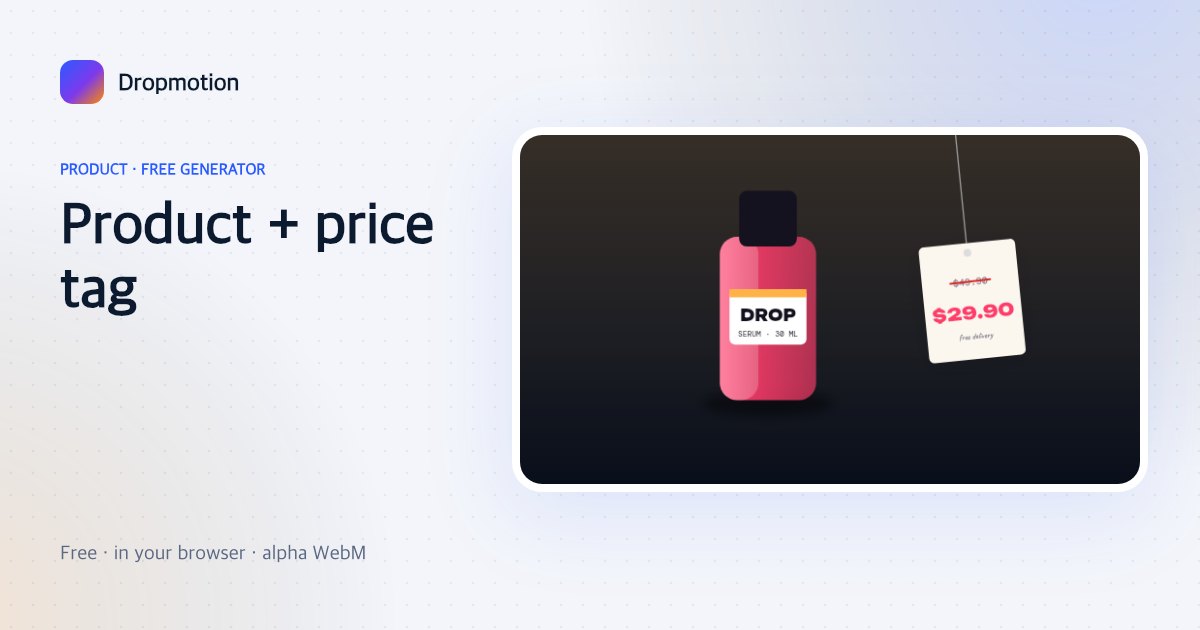
Product + price tag
The product rises, a price tag swings in on a string and lands beside it — listings and offer posts.
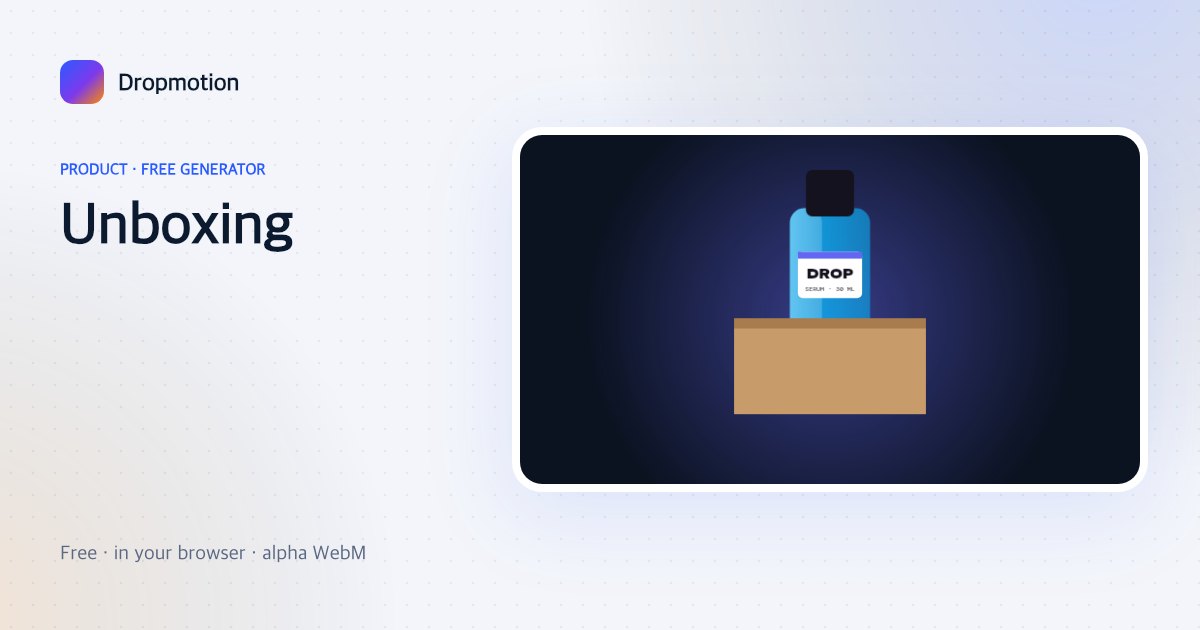
Unboxing
A box lid flips open, light pours out and the product rises from inside — launches and unboxing teasers.
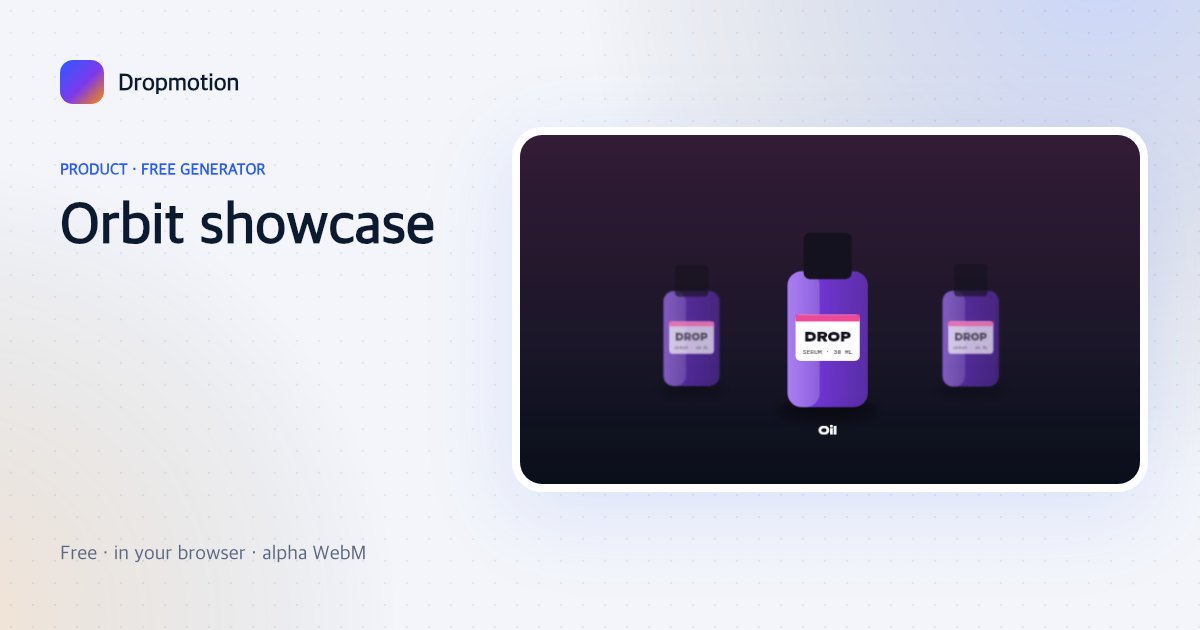
Orbit showcase
Up to three product PNGs orbit a centre point, the front one largest and sharpest — collections and bundles.
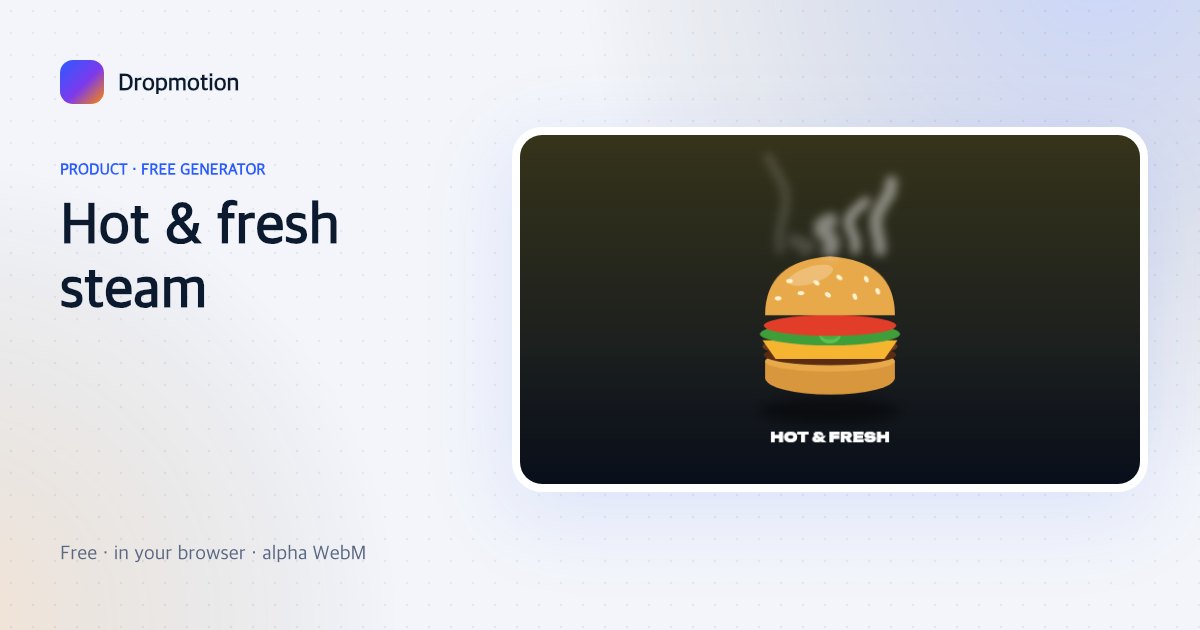
Hot & fresh steam
Steam wisps curl up from your dish with a warm glow — “hot & fresh” for restaurants, ramen, burgers, coffee.
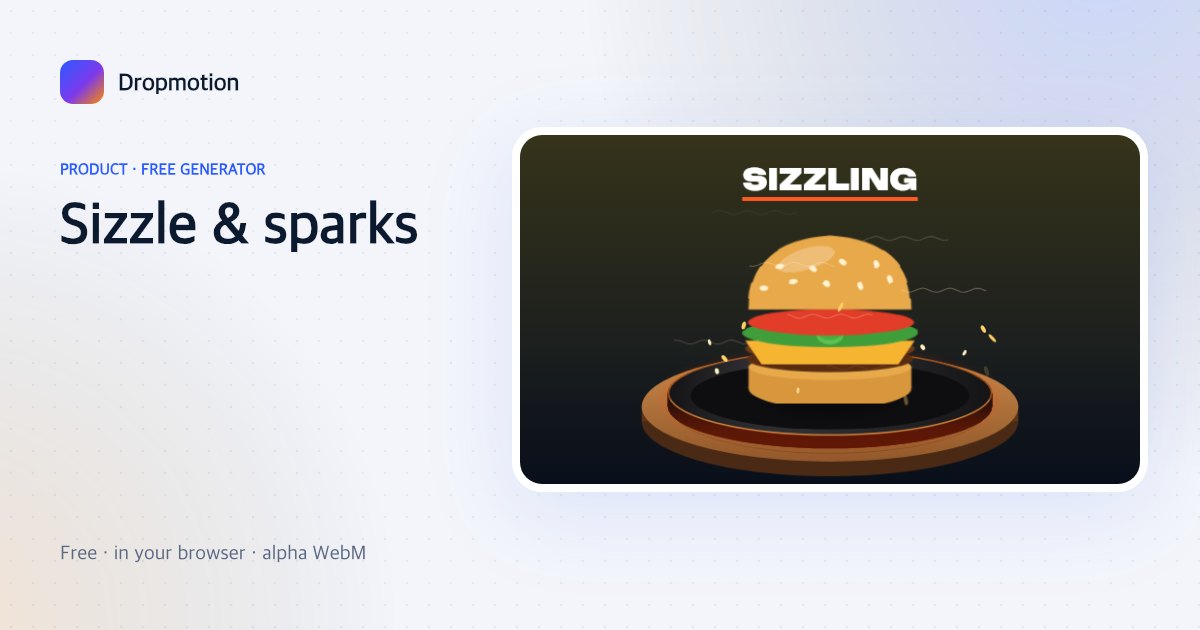
Sizzle & sparks
Your dish slams down on a red-hot cast-iron sizzler plate: grease spits in arcs, sparks pop at the rim and heat haze ripples above — grills, steaks, karahi, fajitas.
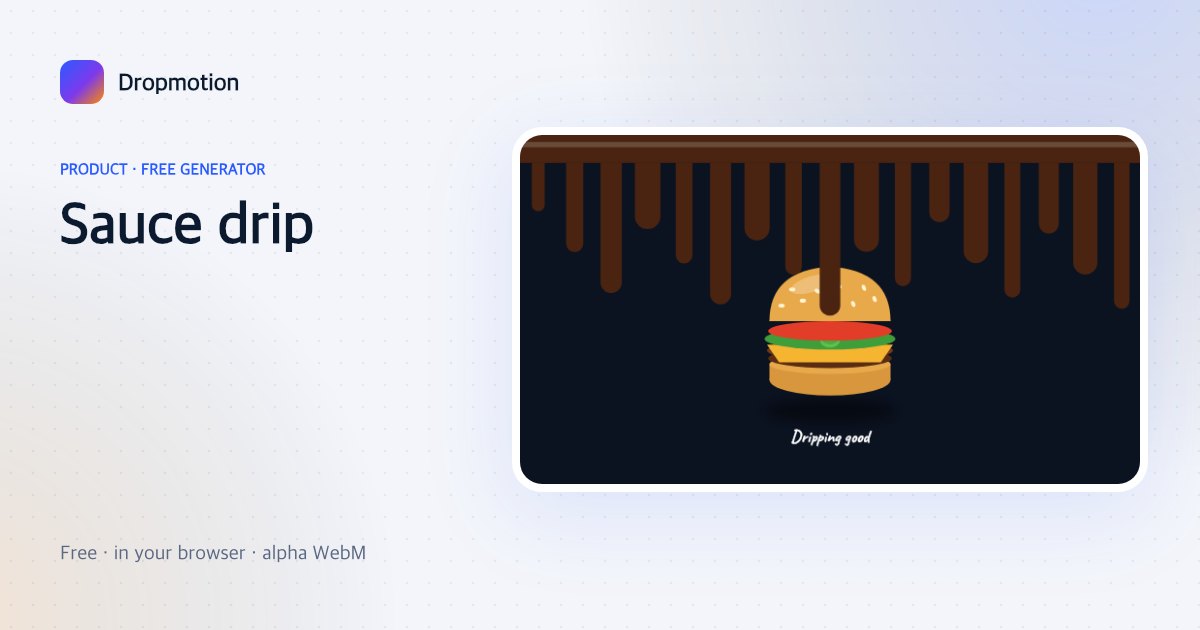
Sauce drip
Thick drips run down from the top of the frame over your dish — chocolate, caramel, cheese, honey.
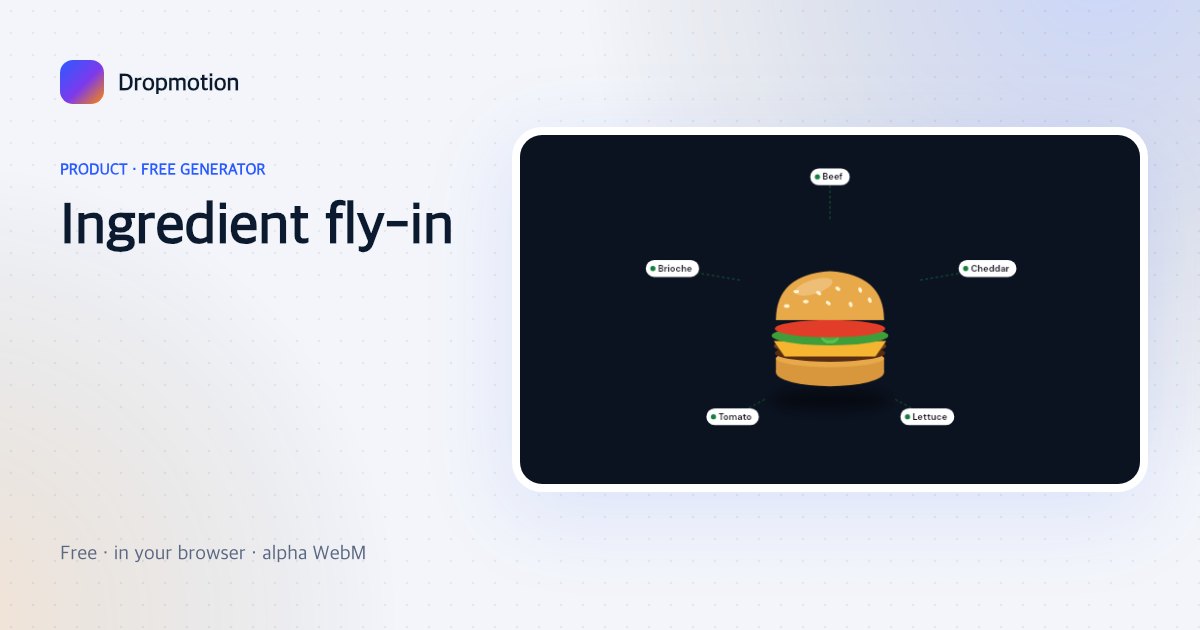
Ingredient fly-in
Ingredient tags fly in from the edges and dock around the dish with connector lines — menus, recipe reels.
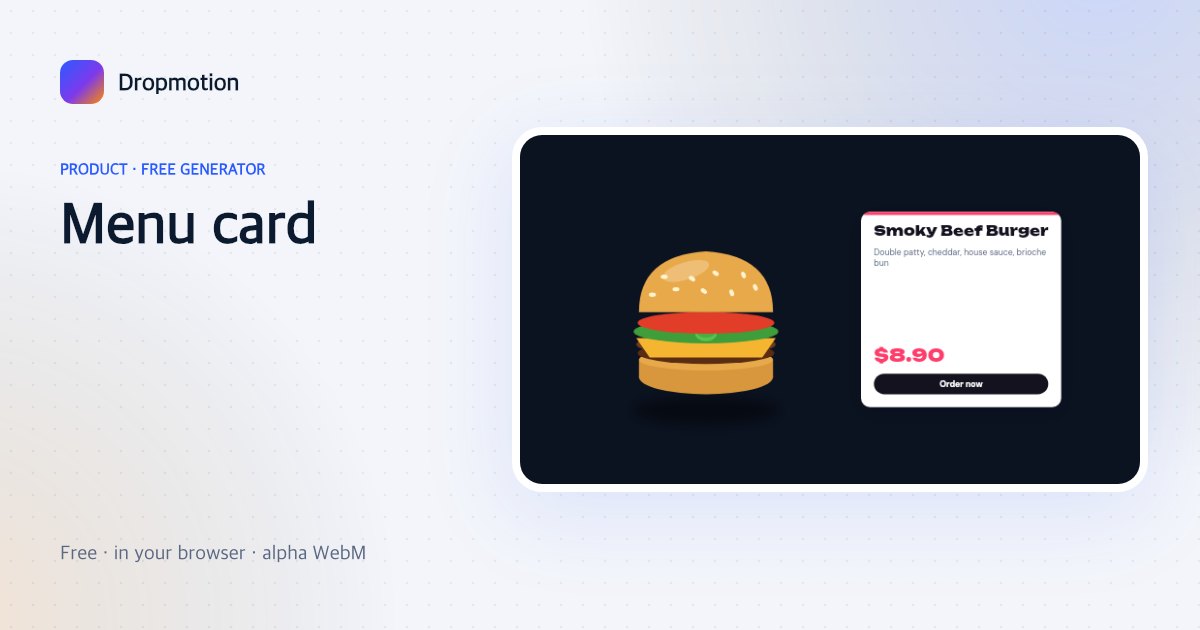
Menu card
The dish sits beside a clean menu card — name, description, price and an “Order now” button that slides in.
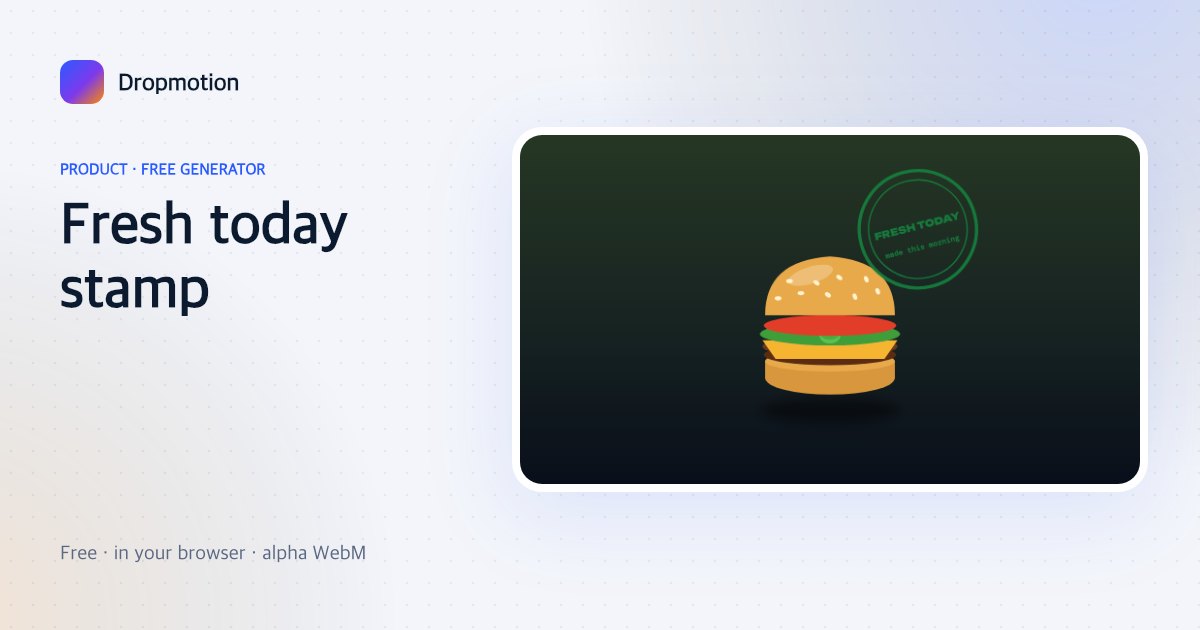
Fresh today stamp
A round rubber stamp slams onto the dish — “FRESH TODAY”, “HOMEMADE”, “HALAL” — with a little ink shake.
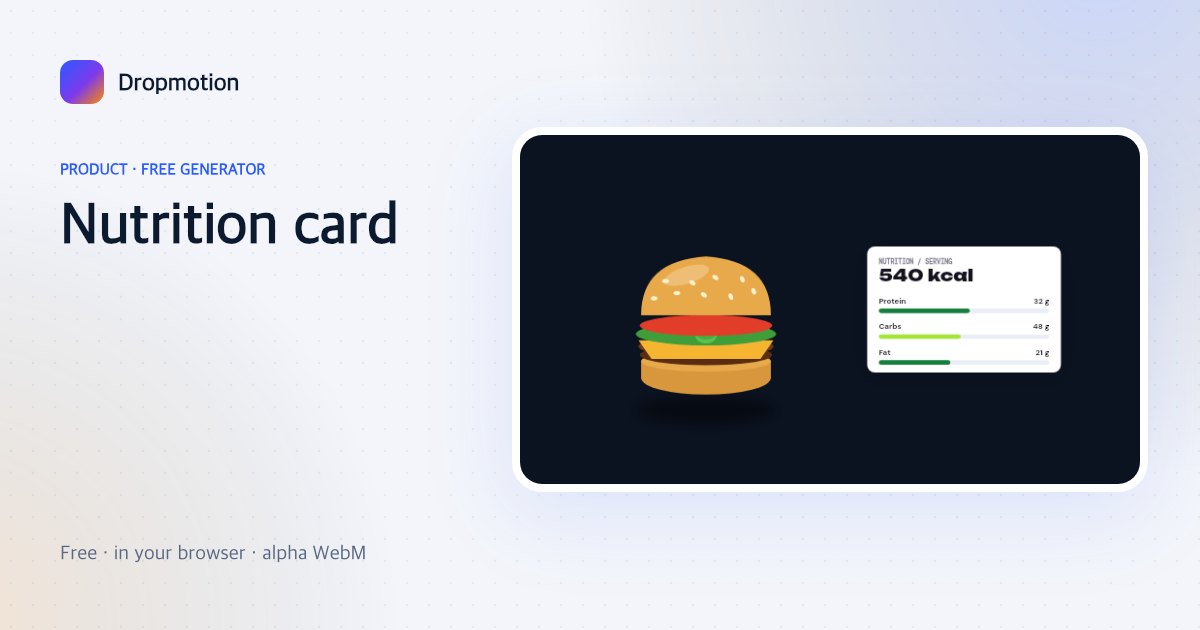
Nutrition card
A nutrition card slides beside the dish and the calorie, protein, carb and fat bars fill up — meal preps, diet menus.
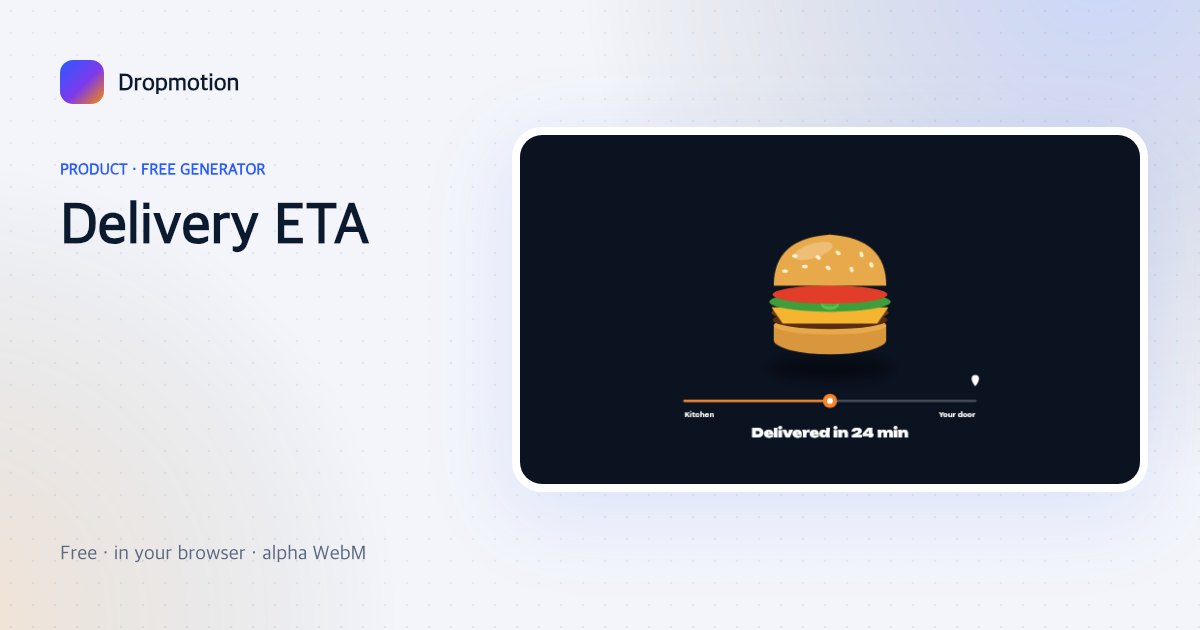
Delivery ETA
The dish rises with a delivery bar: a scooter dot travels from kitchen to door while the ETA counts down.
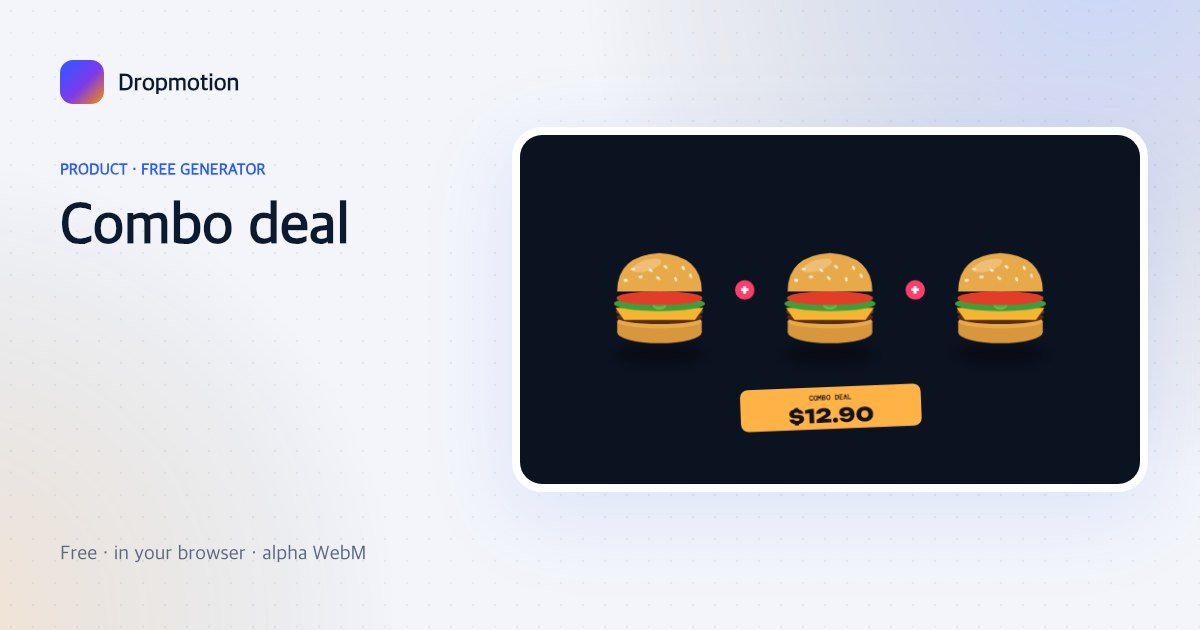
Combo deal
Two or three PNGs slide together with plus signs, then a combo price tag drops in — meal deals, bundles.
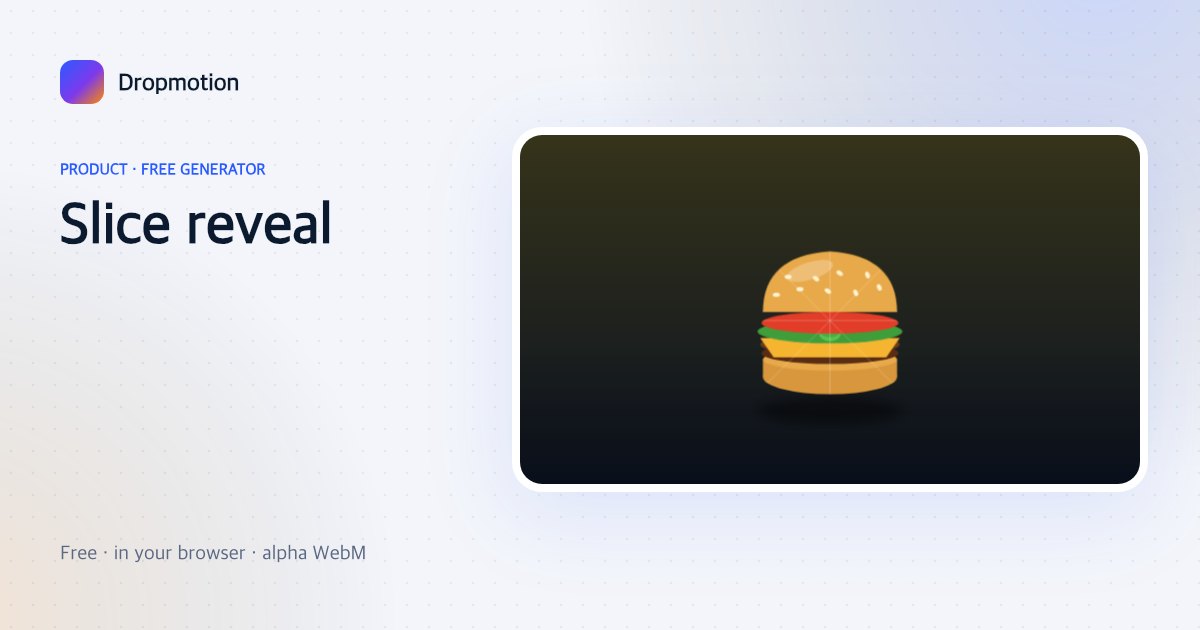
Slice reveal
The dish is revealed slice by slice like a pizza being cut, with a knife line sweeping round — pizza, cake, pies.
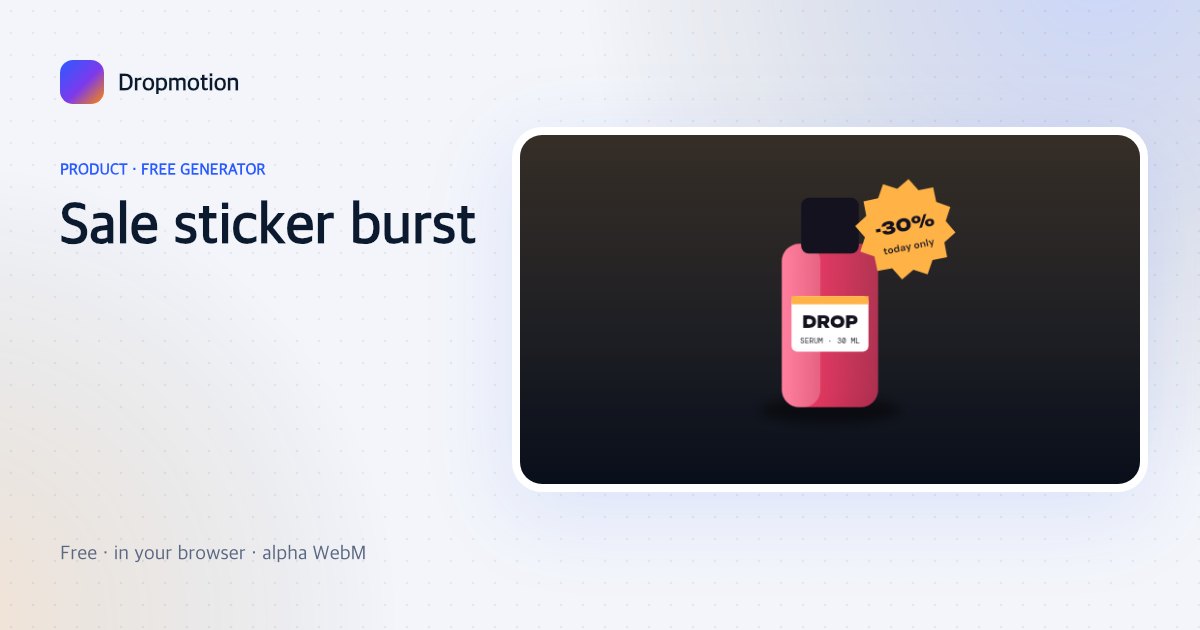
Sale sticker burst
A starburst sticker pops onto the product corner and wiggles — flash sales, “NEW”, “BEST SELLER”.
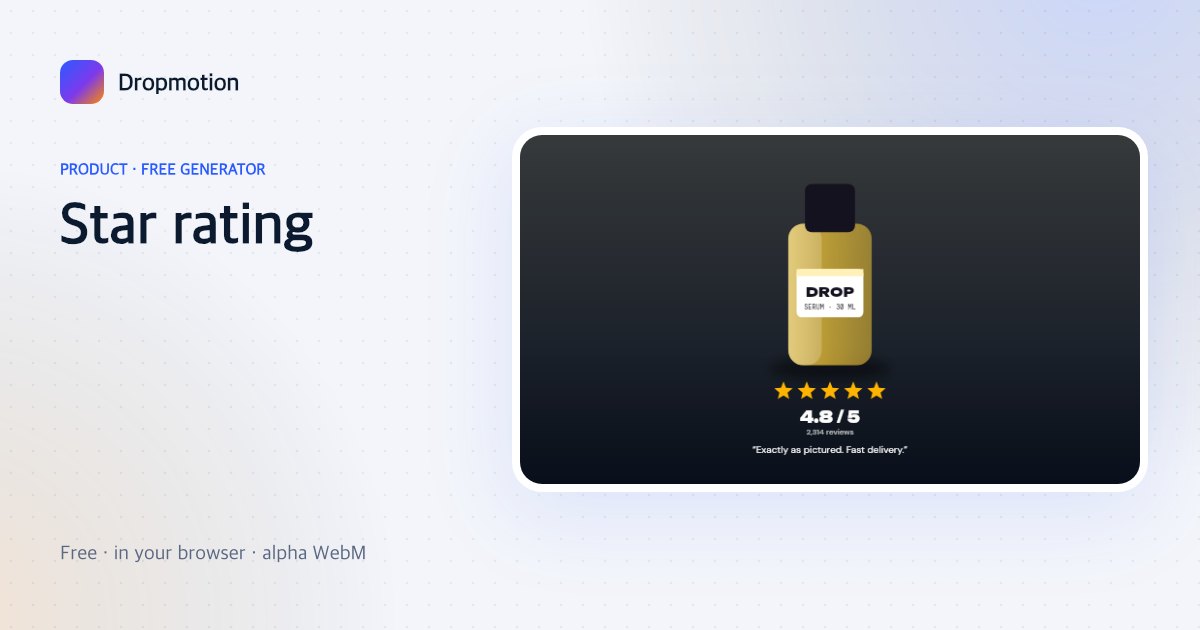
Star rating
Five stars fill one by one under the product, the rating counts up and a review line fades in — social proof.
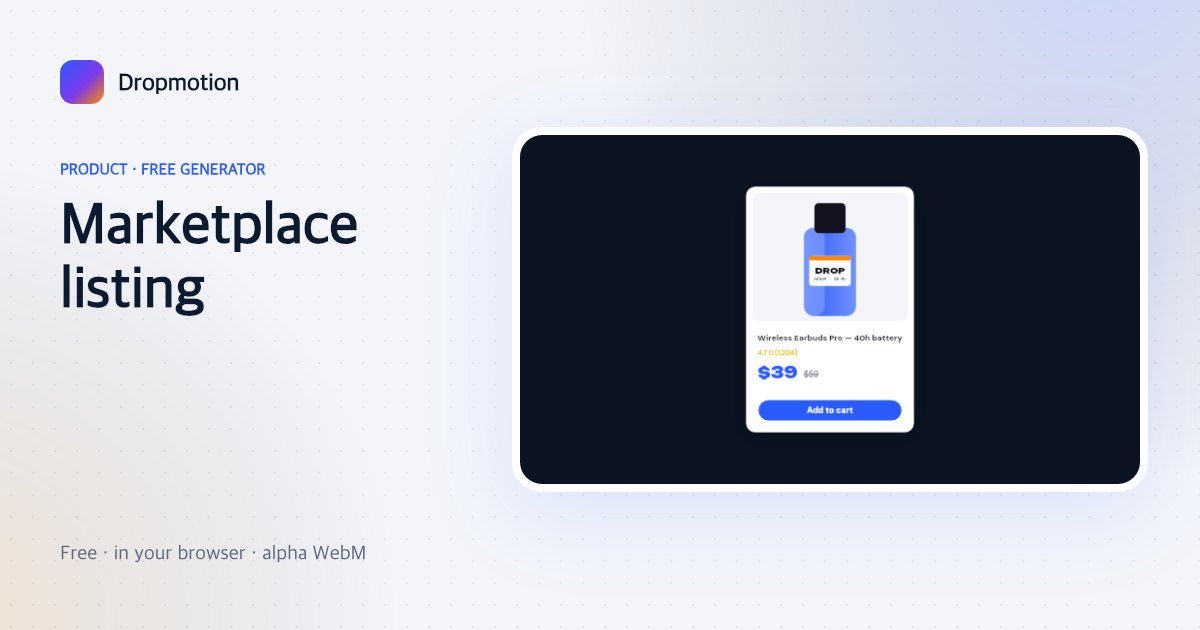
Marketplace listing
A marketplace-style product card (image, title, price, old price, rating, Add to cart) slides up — Amazon, Etsy, Shopify ads.
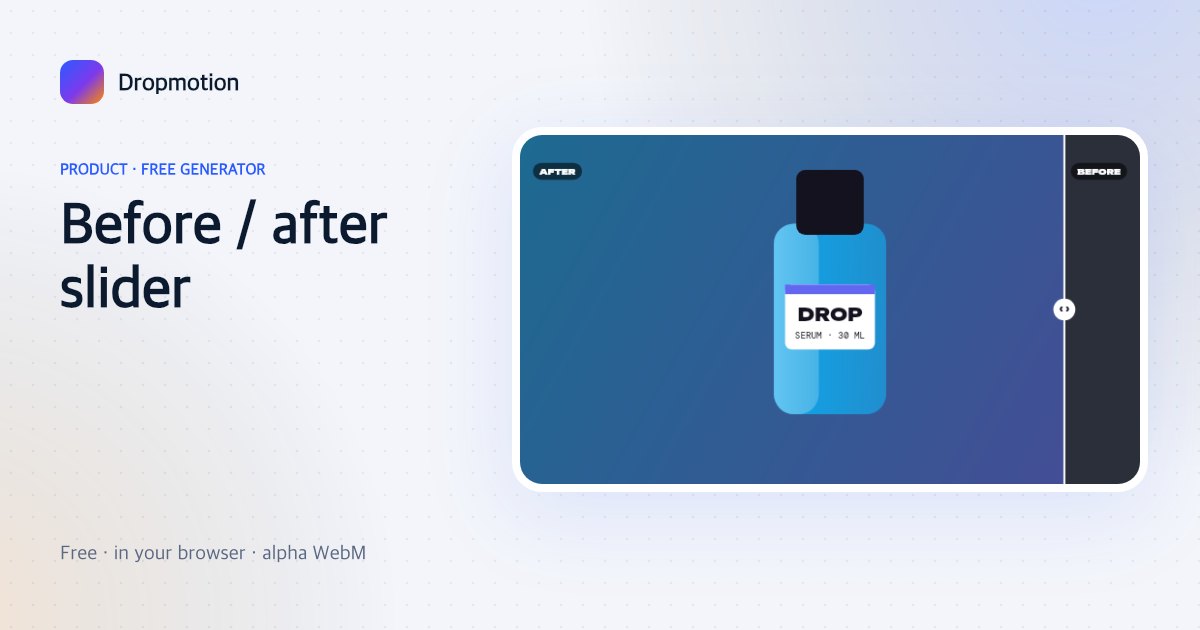
Before / after slider
A divider sweeps across to reveal the “after” image over the “before” — skincare, cleaning, restoration, detailing.
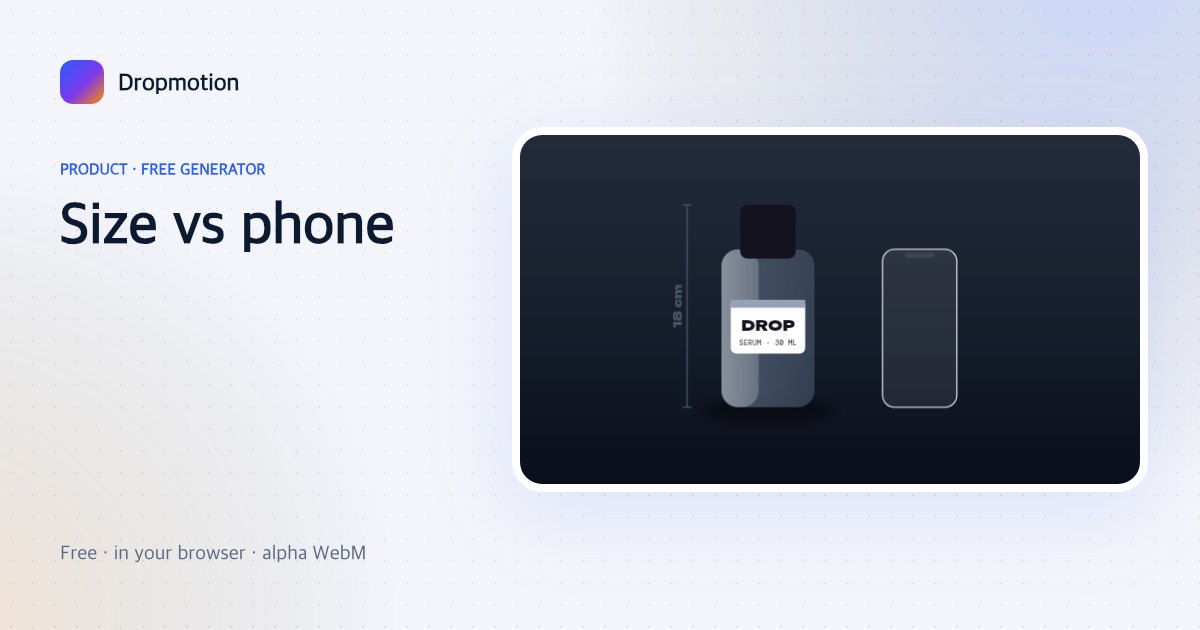
Size vs phone
The product stands next to a phone outline with a dimension line and measurement — answers “how big is it?”.
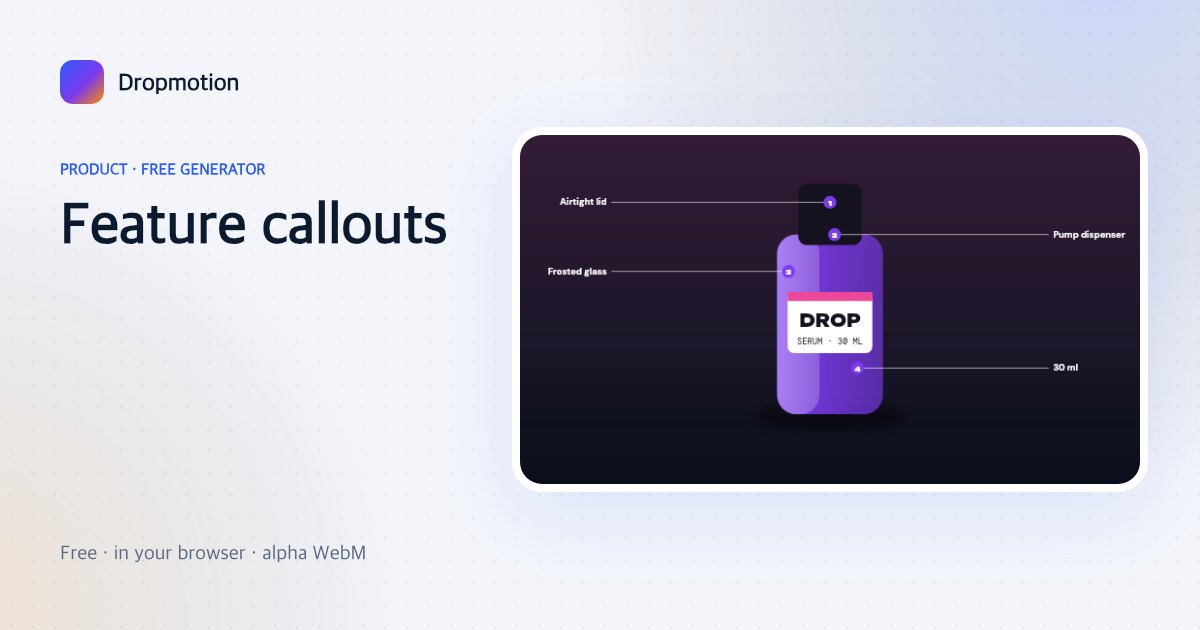
Feature callouts
Numbered dots pop onto the product and leader lines draw out to feature labels — specs, parts, “what’s inside”.
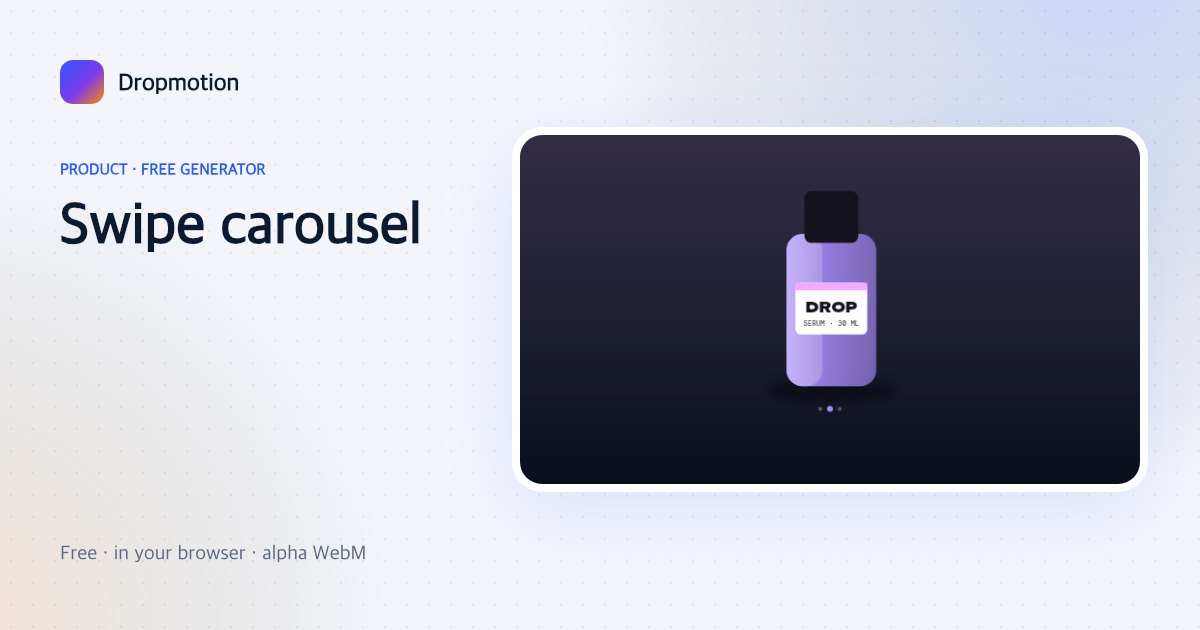
Swipe carousel
Products swipe through like a shop carousel with page dots and names — collections, “shop the range”.
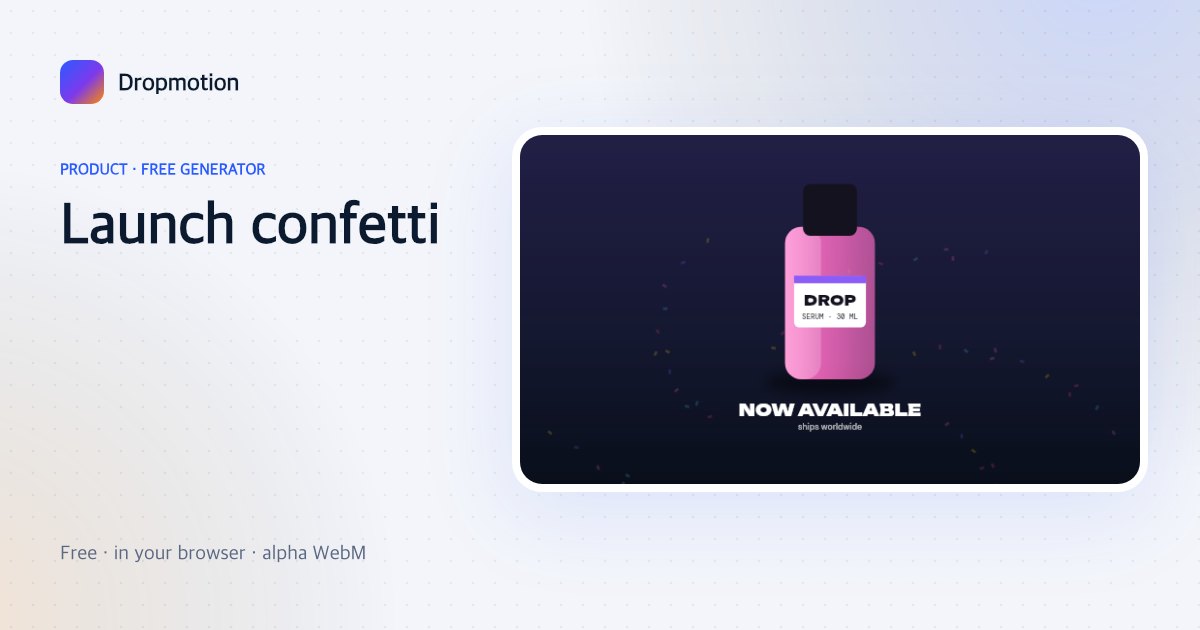
Launch confetti
The product springs up and confetti bursts around it with a “NOW AVAILABLE” headline — launches, restocks.
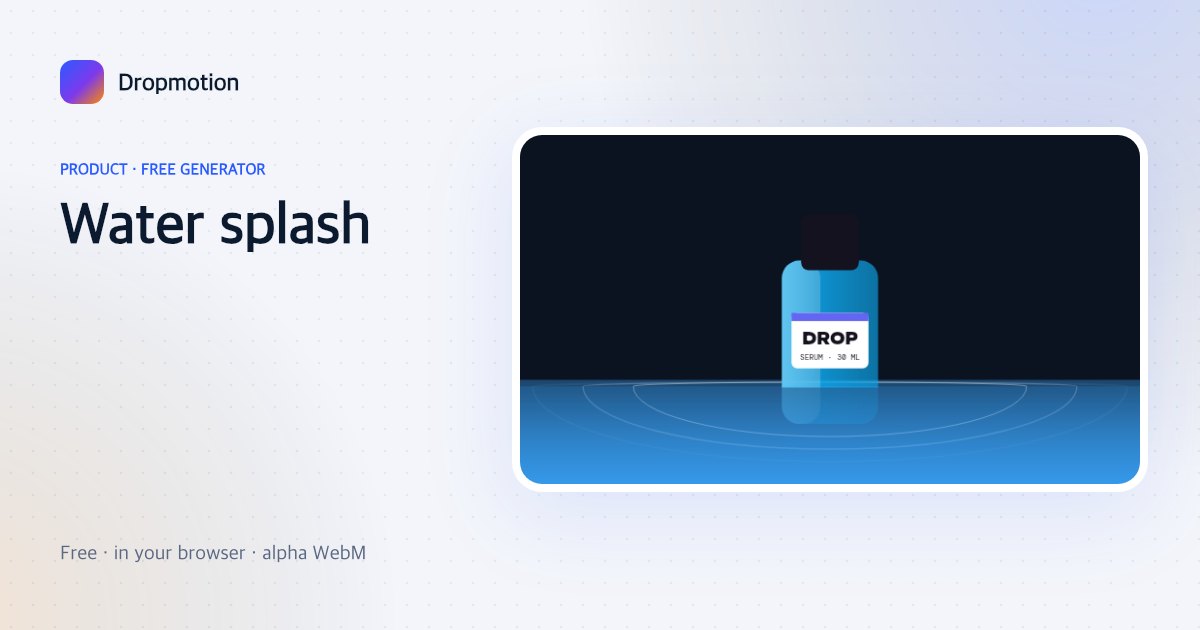
Water splash
The product drops into water: ripple rings expand and droplets fly up — drinks, skincare, “refreshing”.
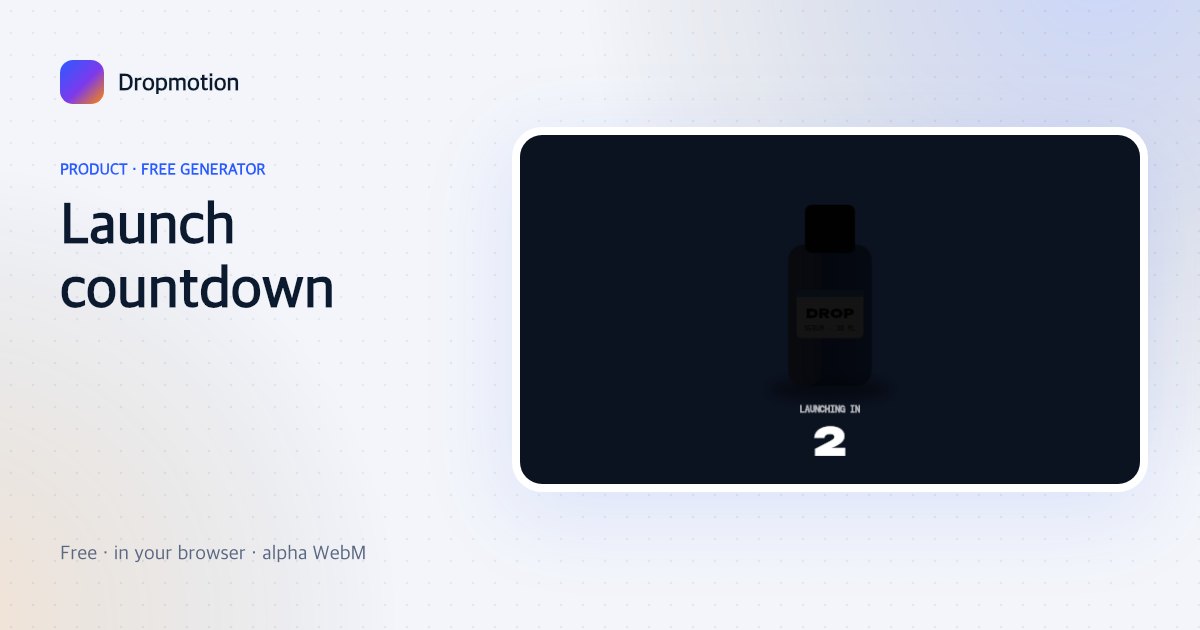
Launch countdown
The product sits in silhouette under a “LAUNCHING IN” countdown, then lights up at zero — teasers and drops.
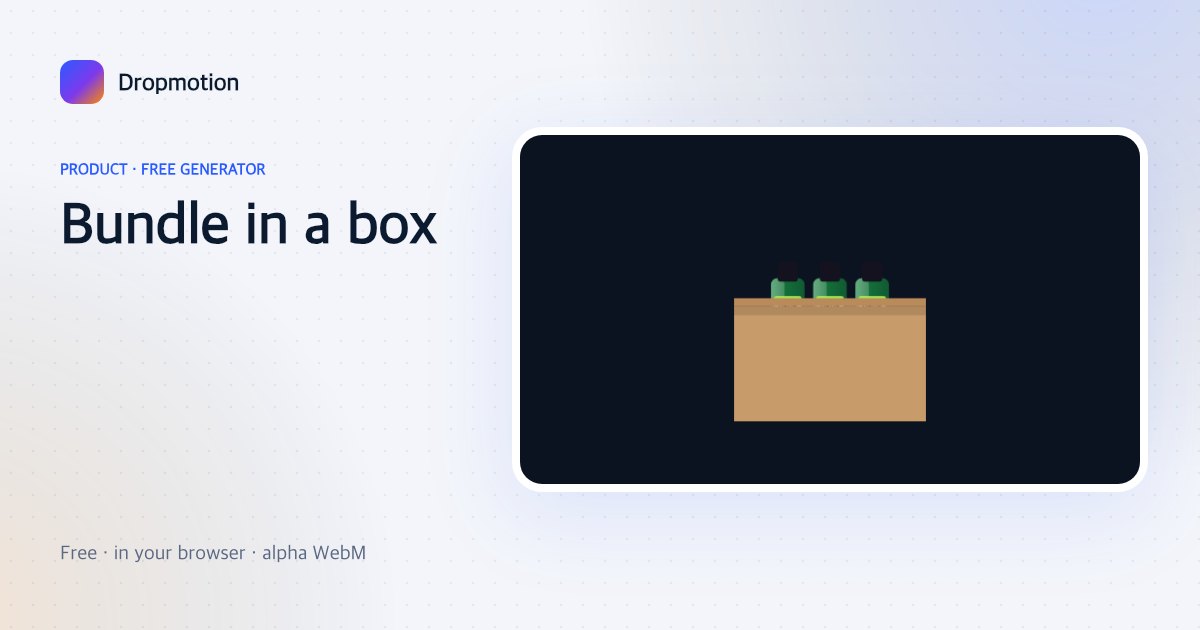
Bundle in a box
Up to three product PNGs hop one by one into an open shipping box, the lid closes and a label lands — bundles, gift sets, subscription boxes.
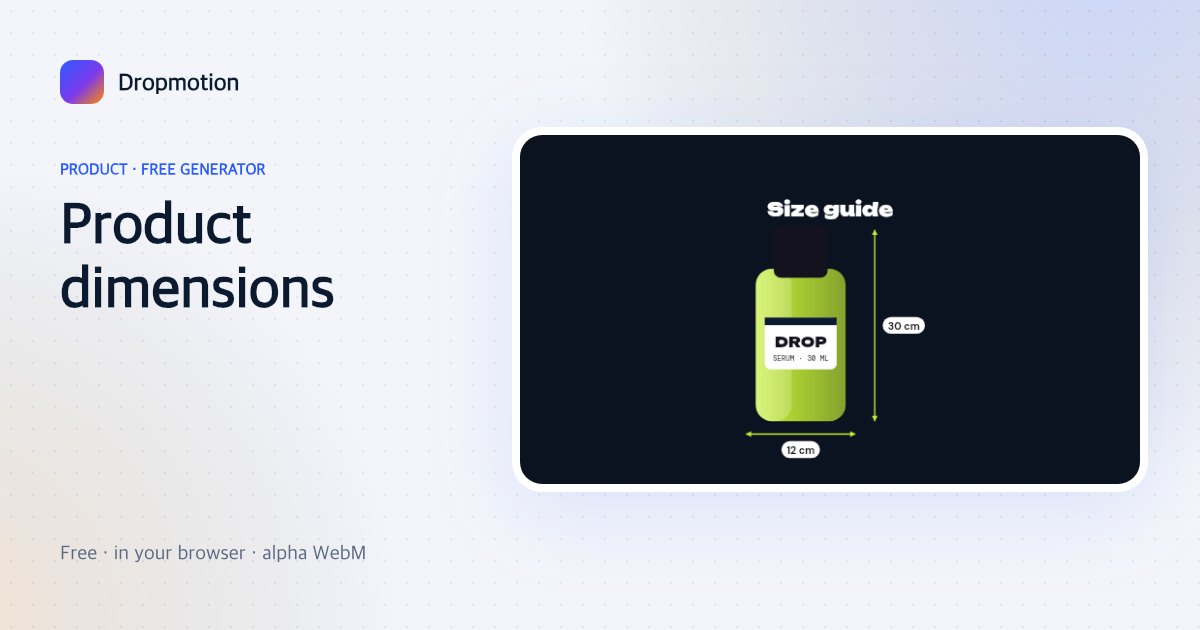
Product dimensions
Measurement lines with arrows draw around your product PNG and the width and height labels pop in — size guides for listings, Amazon, Etsy and Daraz.
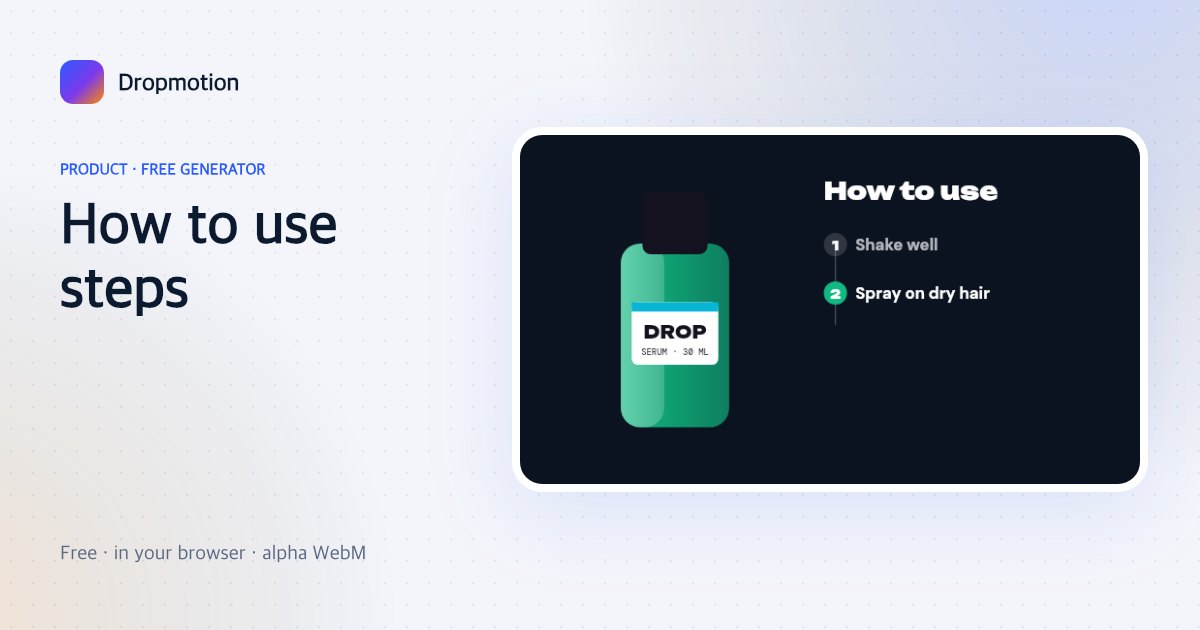
How to use steps
Your product PNG with numbered steps that light up one after another — how to use, how to apply, setup in three steps for listings and Reels.
Product animation questions
How do I make a product animation for free?
Open any Product generator on Dropmotion, drop in your product PNG, type your name or price, pick colours and a size, and press “Download video”. It runs in your browser with nothing to install; downloads are free, up to 10 a day with no account (a 1080p MP4 with a small dropmotion.io mark under the animation and a “Made with dropmotion.io” banner along the bottom, plus a 2-second end card), and a $3 day pass gives clean HD files for 24 hours. Free PNG stills carry the same mark and count toward the 10 a day. The newest releases are for day pass and Unlimited members until the next release.
Can I make a product launch video without After Effects or a 3D model?
Yes. Every product effect is drawn in your browser around one flat PNG, so you need no After Effects, 3D model or template. Spins, splashes, unboxings and launch countdowns are all made from that one image.
What kind of product photo works best?
A PNG cut-out with the background already removed, shot straight on. Dropmotion does not remove backgrounds yet, so cut the photo out with a background remover first; a photo that still has its background shows as a rectangle. Before / after slider takes two ordinary photos. Your images stay on your device, because the video is rendered in your browser.
Can I export a product animation with a transparent background?
Free downloads keep a transparent background (WebM in Chrome or Edge; other browsers get green to key out), and so do clean HD downloads with a $3 day pass or Unlimited; PNG stills always keep transparency.
Which product animation works best for Reels, TikTok and Shorts?
Short, punchy ones: the water splash, the sale sticker, the star rating and the launch countdown. Set the size to Vertical 9:16 for Reels, TikTok and Shorts, or Square 1:1 for feed posts and shop listings, before you download.
How do I use a product animation in CapCut?
Download the effect on a green screen. In CapCut, tap Overlay, add the video, then Remove background and Chroma key, and pick the green, so your product animation sits over your own footage. Effects with a studio backdrop fill the frame and can go straight on the main track.